¶ Publication Tab
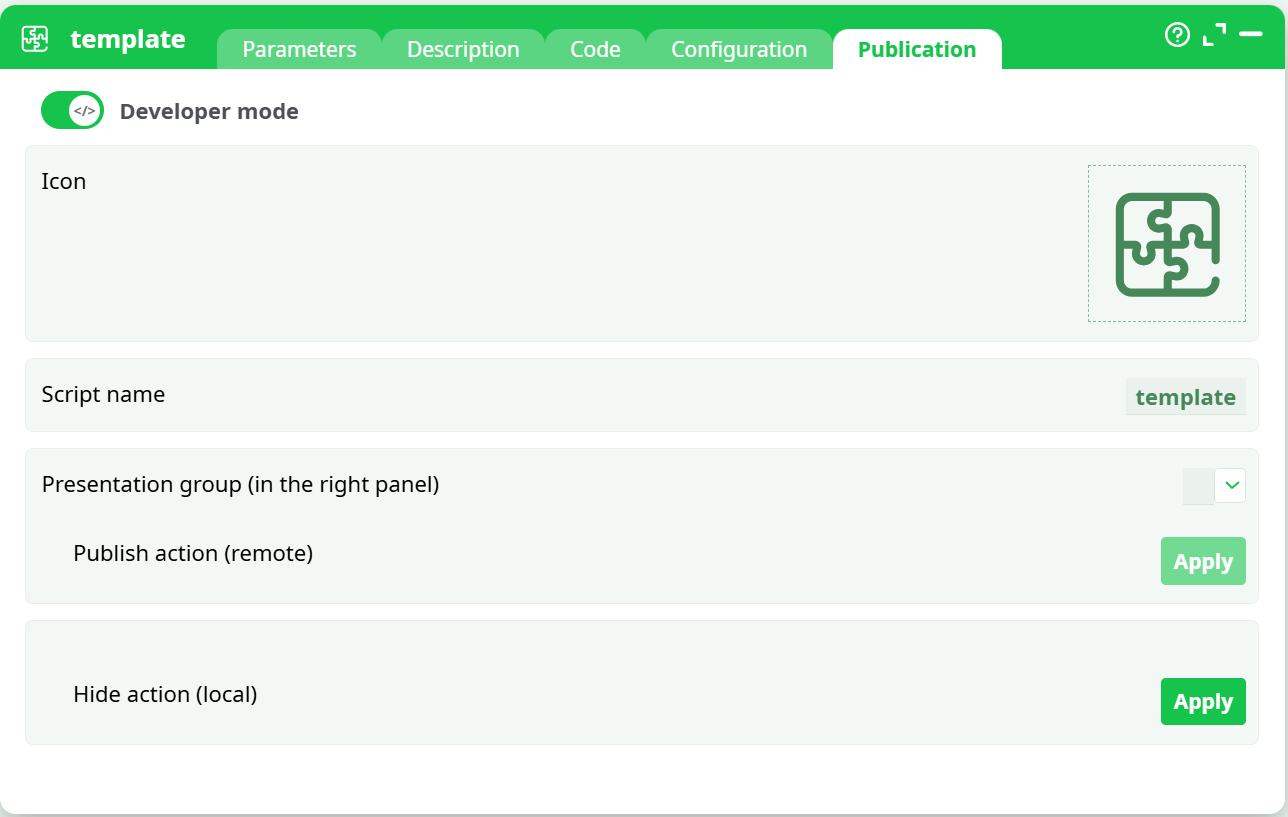
The Publication tab is available only for template-type actions (template, pythonTemplate, rTemplate).
It enables you to customize and publish your action within the right-side library panel.
¶ Options Include:
- Icon — personalize the box icon .
- Script name — rename the script; this becomes its visible title in the library.
- Presentation group — choose the category (e.g., COMMONINPUT, TEXTMINING, CLOUDSERVICES) where the action will appear.
- Update / Hide / Delete actions — manage visibility or updates of the action.
After applying changes, the action becomes visible under the chosen category in the right-hand panel.