¶ Dashboard tab details
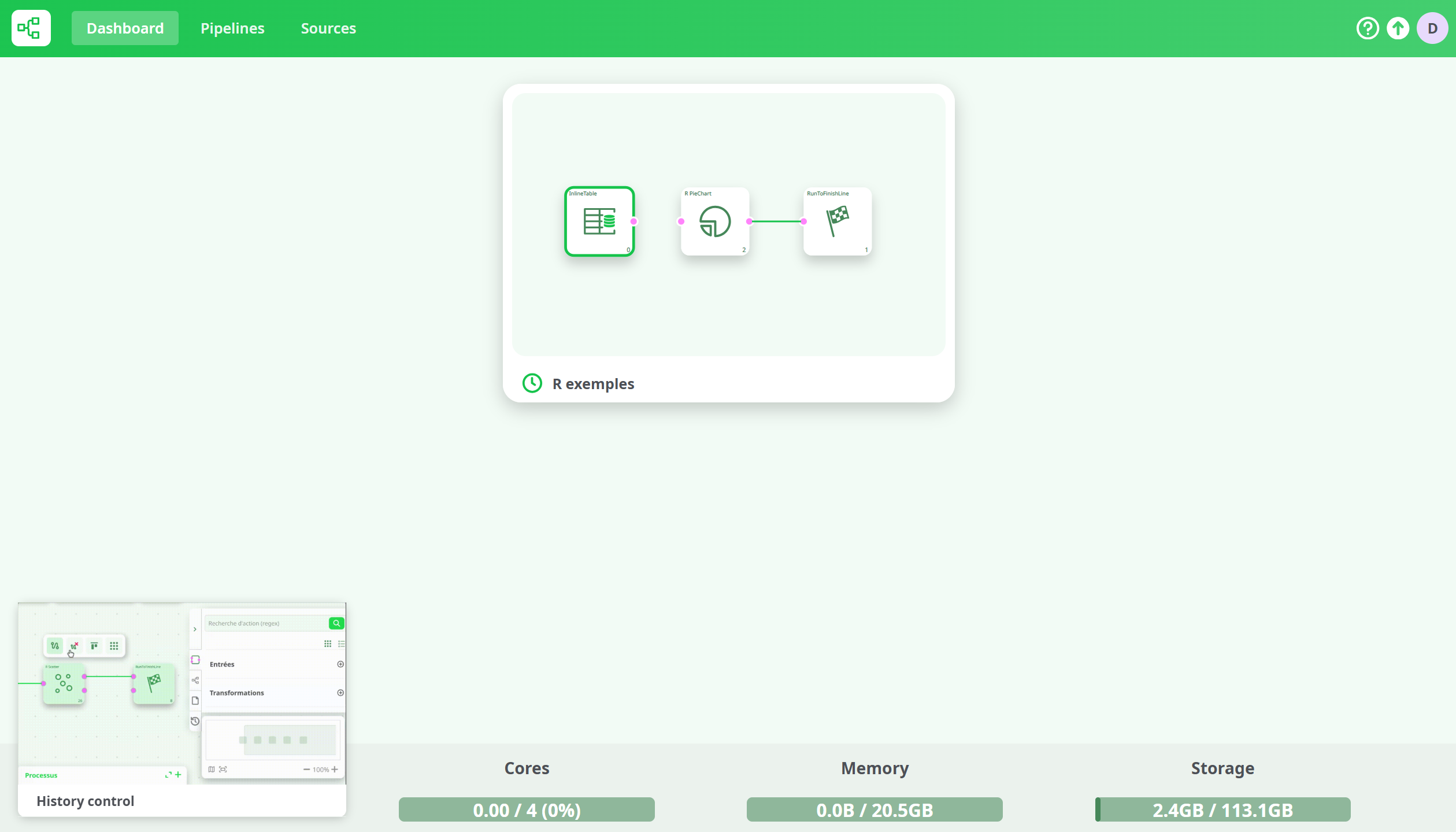
The Dashboard tab is the main workspace displayed after a successful login.
It provides an overview of recent pipelines, system resource statistics, and quick access to all main ETL functionalities.
The available tabs and displayed information depend on the user’s role and assigned permissions.
¶ Manager View
Managers have access to all four primary tabs:
Dashboard, Pipelines, Sources, and Users.
The Manager dashboard also displays system resource monitoring and live usage metrics, such as:
- Number of available instances
- Active processes and CPU cores
- Memory and storage usage
- Snapshots of running or recent pipelines

This view provides complete control over pipelines, user management, and real-time platform supervision.
¶ User View
Users can access a combination of tabs depending on their permissions.
The default visible tab is always Dashboard, while others appear based on what has been granted by the administrator.
Accessible tabs for users:
- Dashboard — always visible after login
- Pipelines — available when the user has the write pipelines permission
- Sources — available when the user has the write files permission
- Resource Monitor (bottom section showing Cores, Memory, Storage) — visible when the user has the manage jobs permission
Note:
The dashboard layout and available sections dynamically adjust depending on the user's permissions.
A user without certain permissions will simply not see the corresponding tabs or monitoring section.
¶ Tips Panel
In the lower-left corner of the Dashboard, a Tips panel provides short interactive video tutorials.
These videos offer quick guidance on key features. Tips are available to all user profiles.