¶ Description
Download data from a Neo4J server.
¶ Parameters
¶ Parameters tab
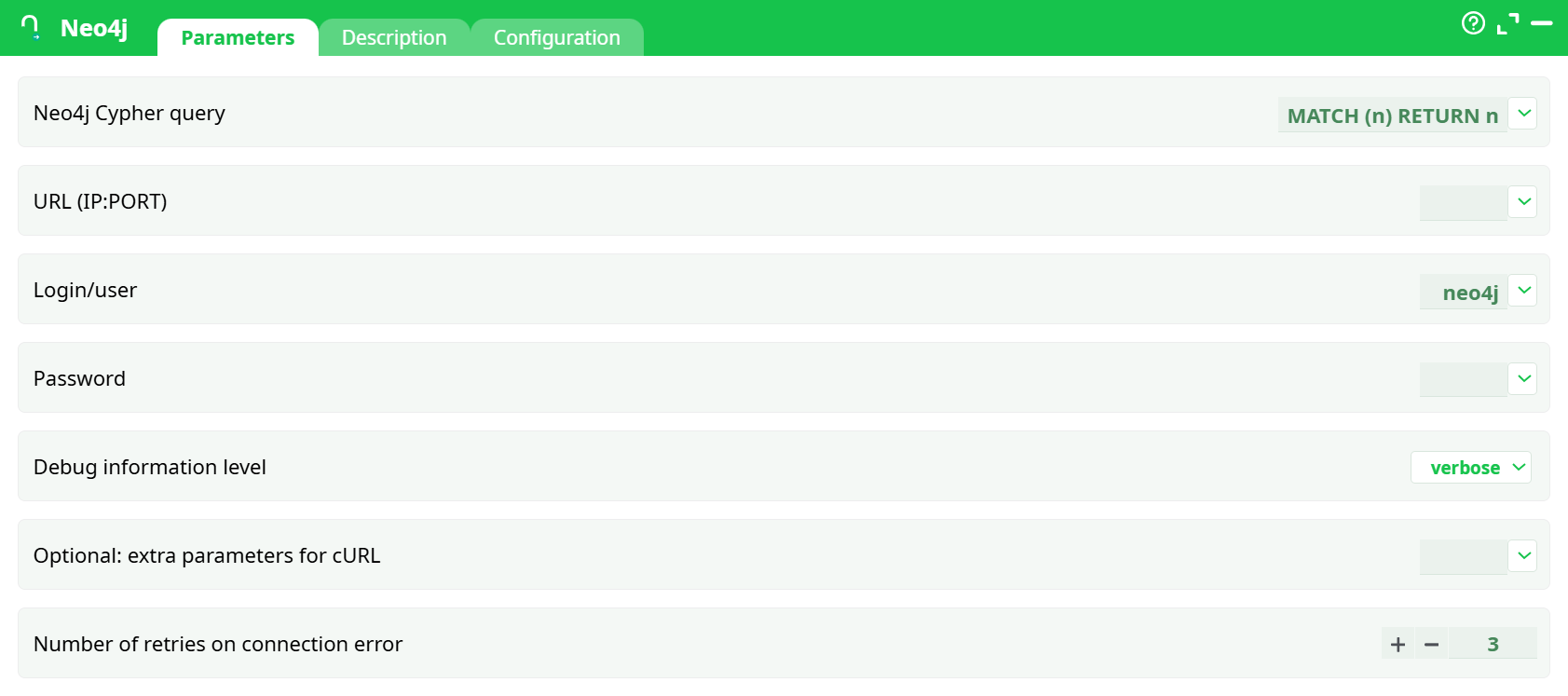
Parameters:
- Neo4J Cypher Query
- URL (IP:PORT)
- Login/user
- Password
- Debug information level
- Optional: extra parameters for cURL
- Number of retries on connection error
¶ Description tab
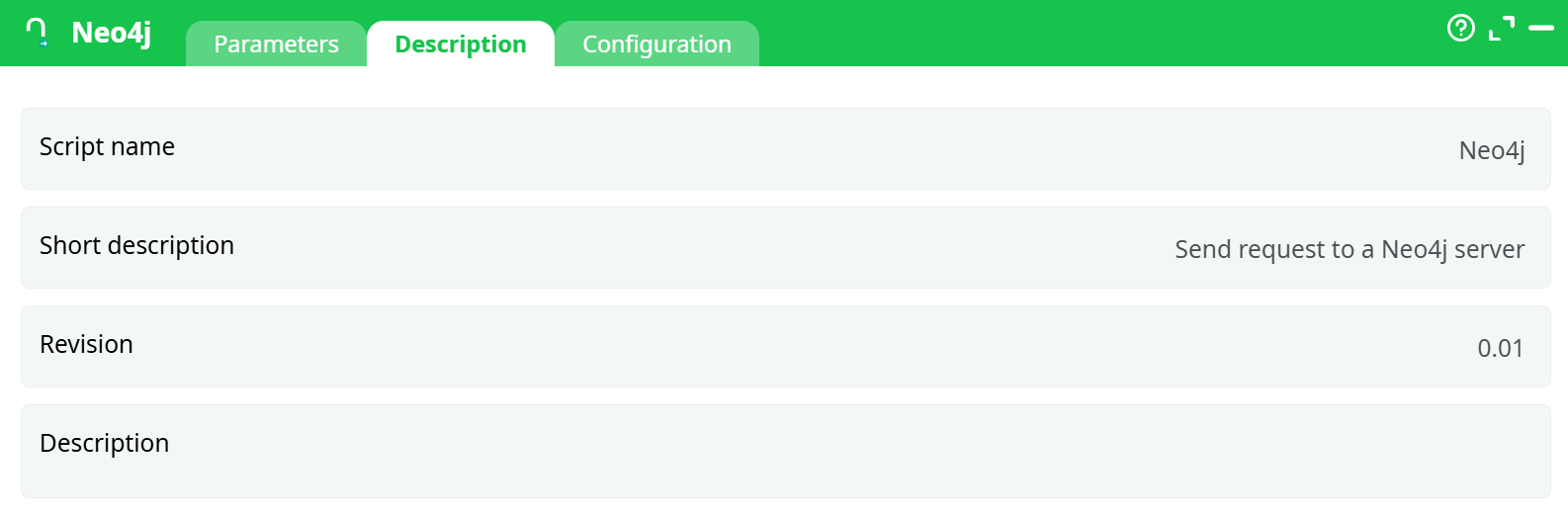
Parameters:
- Script name
- Short description
- Revision
- Decription
¶ Configuration tab
See dedicated page for more information.
¶ About
Runs a Cypher query against a remote Neo4j server and returns the result rows as a table you can use in downstream steps.
It works over HTTP/HTTPS and also supports running through an HTTP proxy (per your pipeline’s global proxy settings).
Security note
By default Neo4j’s REST endpoint is available over HTTP (port 7474). Credentials sent over HTTP are visible to anyone who can sniff traffic. Prefer HTTPS (often 7473) on your server. This action supports both protocols.
¶ Inputs & settings
| Field (Id) | What it is | Required | Example |
|---|---|---|---|
| Neo4j Cypher query | The Cypher query to execute. Use MATCH/RETURN, CALL … YIELD, parameters via literal values, etc. |
✅ | MATCH (n) RETURN n LIMIT 100 |
| URL (IP:PORT) | Neo4j REST base URL (IP:PORT) (http(s)://host:port). Do not include /db/… path; the action handles the request path. |
✅ | https://neo4j.mycorp.com:7473 |
| user | Neo4j login / username. | ✅ | neo4j |
| Password | Neo4j password / token (stored as a secret). | ✅ | ••••••• |
| Debug information level | Verbosity of logs. Choose nothing, basic, or verbose. |
Optional | verbose (as in the screenshot) |
| Optional: extra parameters for cURL | Extra cURL options (advanced). Useful for custom headers, proxy overrides, timeouts, etc. | Optional | --max-time 120 |
| Number of retries on connection error | Number of connection retries on network errors. | Optional | 3 (default) |
Output
A table with one row per result record. Column names mirror the keys returned by Neo4j.
- If you
RETURN n, you’ll get a single column namednwhose values are JSON-like maps of node properties. - If you
RETURN n.name, n.age, you’ll get two columns:name,age. - If the query yields no records, the action returns an empty table.
¶ Typical setups
¶ 1) List the first 100 nodes
- Neo4j Cypher query:
MATCH (n) RETURN n LIMIT 100 - URL (IP:PORT)l:
https://neo4j.mycorp.com:7473 - user/Password: your credentials
- Debug information level:
basic
Downstream, use a “JSON expand/flatten” (if available) to unpack the node map from column n into separate columns.
¶ 2) Return specific properties (best for tabular use)
-
Neo4j Cypher query:
MATCH (p:Person)
WHERE p.country = 'FR'
RETURN p.id   AS person_id,
       p.name AS name,
       p.age  AS age
LIMIT 1000
This produces directly consumable columns: person_id, name, age.
¶ 3) Call a procedure
-
Neo4j Cypher query:
CALL db.labels() YIELD label RETURN label
Same rules: you’ll get a label column.
¶ Connection notes
-
HTTP vs HTTPS:
- Default ports:
7474(HTTP),7473(HTTPS). - Prefer HTTPS in production.
- Default ports:
-
Proxy:
If your environment requires outbound proxy, configure it globally for the pipeline; this action respects those settings. -
Authentication:
Uses basic auth with login/password. (If your Neo4j requires tokens, place the token as password or add custom headers via Optional: extra parameters for cURL.) -
Large results:
Filter andLIMITwhere possible. Return explicit properties rather than full nodes/relationships to keep payloads small.
¶ Error handling & troubleshooting
| Symptom | Likely cause | Fix |
|---|---|---|
Connection refused / timeouts |
Wrong host/port, firewall, proxy not set | Verify URL (IP:PORT), open port 7473/7474, set proxy, increase --max-time in Optional: extra parameters for cURL |
401 Unauthorized |
Bad credentials | Recheck user/Password, account lockout, password rotation |
| TLS/SSL errors | HTTPS with self-signed/old cert | Update certs, or (last resort) add advanced cURL flags in Optional: extra parameters for cURL |
| Empty table | Query returned no rows | Test the Cypher in Neo4j Browser; adjust filters or LIMIT |
| Columns show JSON blobs | You returned nodes/relationships | Return specific properties (see “Return specific properties”) |
Useful debug settings
- Set Debug information level to
verboseto print request/response metadata (not secrets). - Add Optional: extra parameters for cURL like:
--max-time 120 --retry 3 --retry-connrefused.
¶ Security best practices
- Use HTTPS and strong credentials.
- Restrict the Neo4j user to the least privileges needed (read-only for analytics).
- Avoid returning sensitive data; filter at the query level.
- Store passwords in your platform’s secrets manager; never hard-code.
¶ Versioning / compatibility
- Works with Neo4j’s HTTP transactional endpoint (Neo4j 3.x+ and Aura with HTTP enabled).
- Ensure the server exposes the REST API; if only Bolt is enabled, ask your admin to enable HTTPS REST or use a Bolt-capable connector.