¶ Description
Create a random forest model.
¶ Parameters
¶ Parameters tab
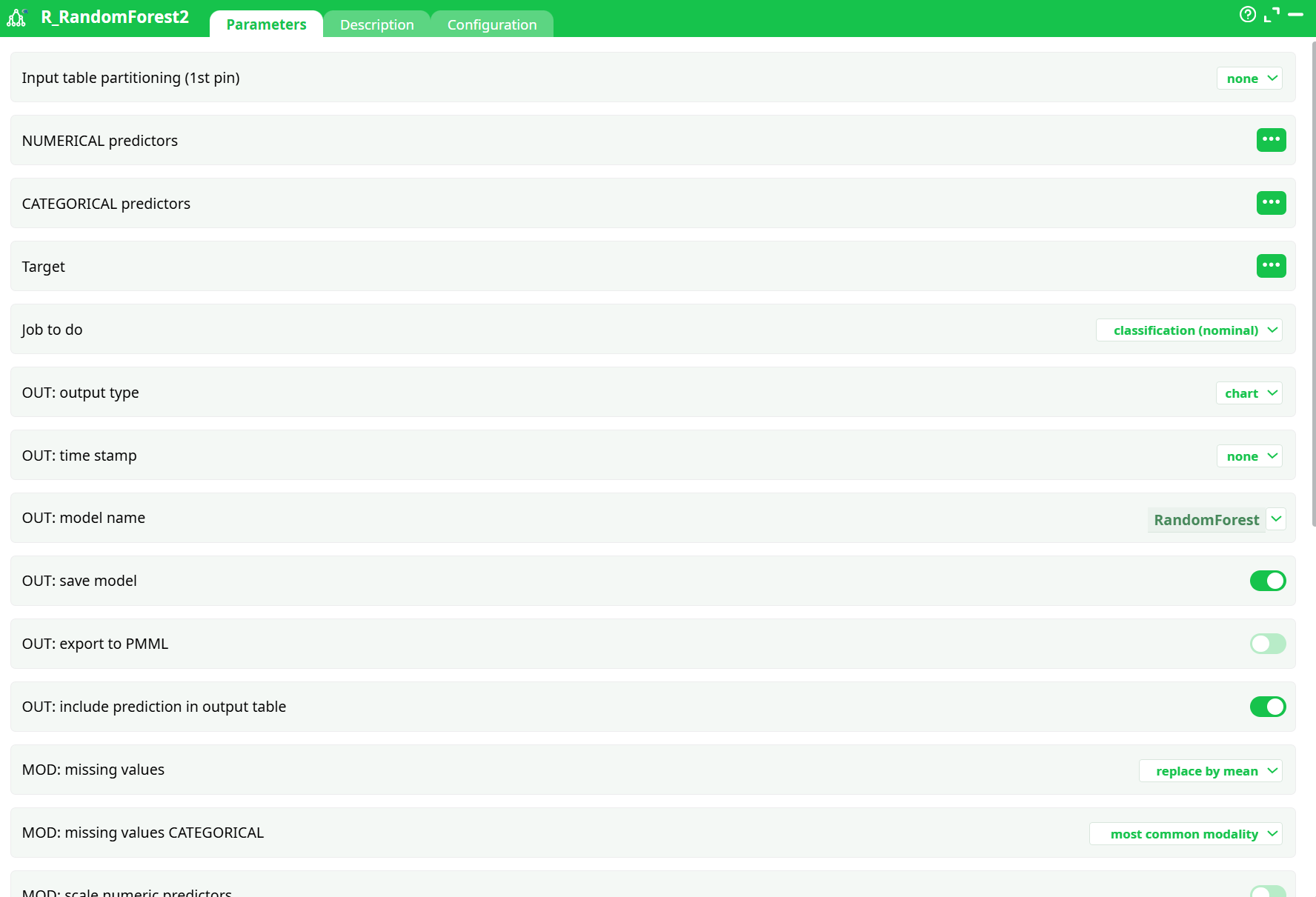
Parameters:
- Input table partitioning (1st pin)
- NUMERICAL predictors
- CATEGORICAL predictors
- Target
- Job to do
- OUT: output type
- OUT: time stamp
- OUT: model name
- OUT: save model
- OUT: export to PMML
- OUT: include prediction in output table
- MOD: missing values
- MOD: missing values CATEGORICAL
- MOD: scale numeric predictors
- Seed
- Max terminal node size
- Number of cross validation
- Number of trees
- Maximum competing splits
- Learning sample proportion
- Bar color
- Confusion text color
- Confusion low color
- Confusion high color
- A short description
- A short description
¶ Description tab
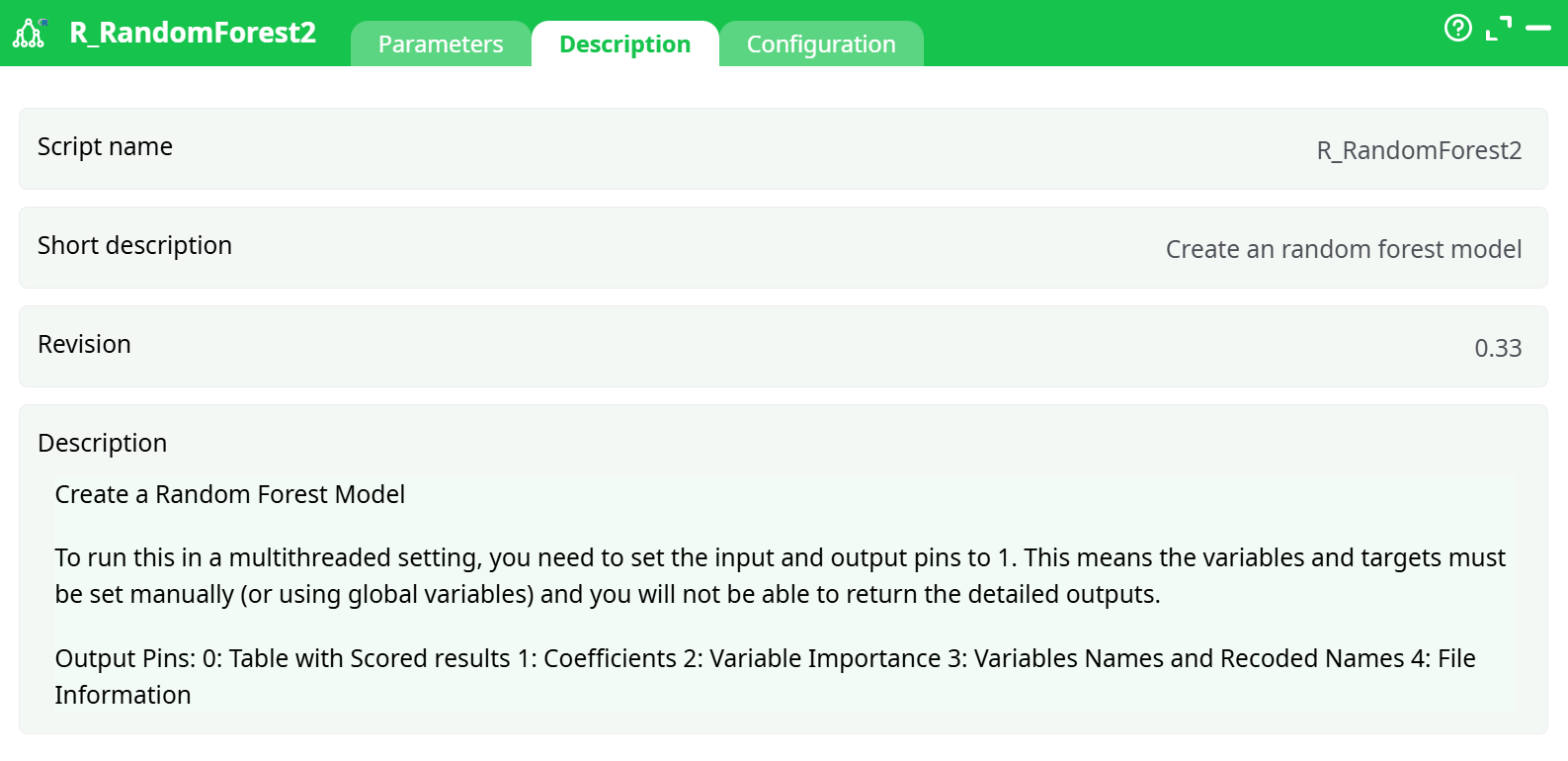
Parameters:
- Script name
- Short description
- Revision
- Decription
¶ Configuration tab
See dedicated page for more information.
¶ About
The R_RandomForest2 action button creates a Random Forest classification model based on a given dataset. It automatically evaluates predictor importance, computes performance metrics, and generates validation visuals such as confusion matrices and ROC curves. This action supports saving the model, making predictions, and outputting all key visual artifacts.
¶ Input
-
Required Input File: Structured CSV containing categorical and numerical predictors with a binary or multiclass target.
-
Columns Used in Example (
Demographic_Purchase_Data_Expanded.csv):- Numerical Predictors:
age,income - Categorical Predictors:
gender,job_type - Target:
purchase
- Numerical Predictors:
-
Minimum Requirement:
At least 50 rows for reliable model training and cross-validation.
For test runs with smaller datasets (e.g., 10 rows), reduce training complexity (see Troubleshooting).
¶ Output
The action generates the following outputs:
- Model File (
.rModel) — Saved ifOUT: save model = ON - Confusion Matrix Image
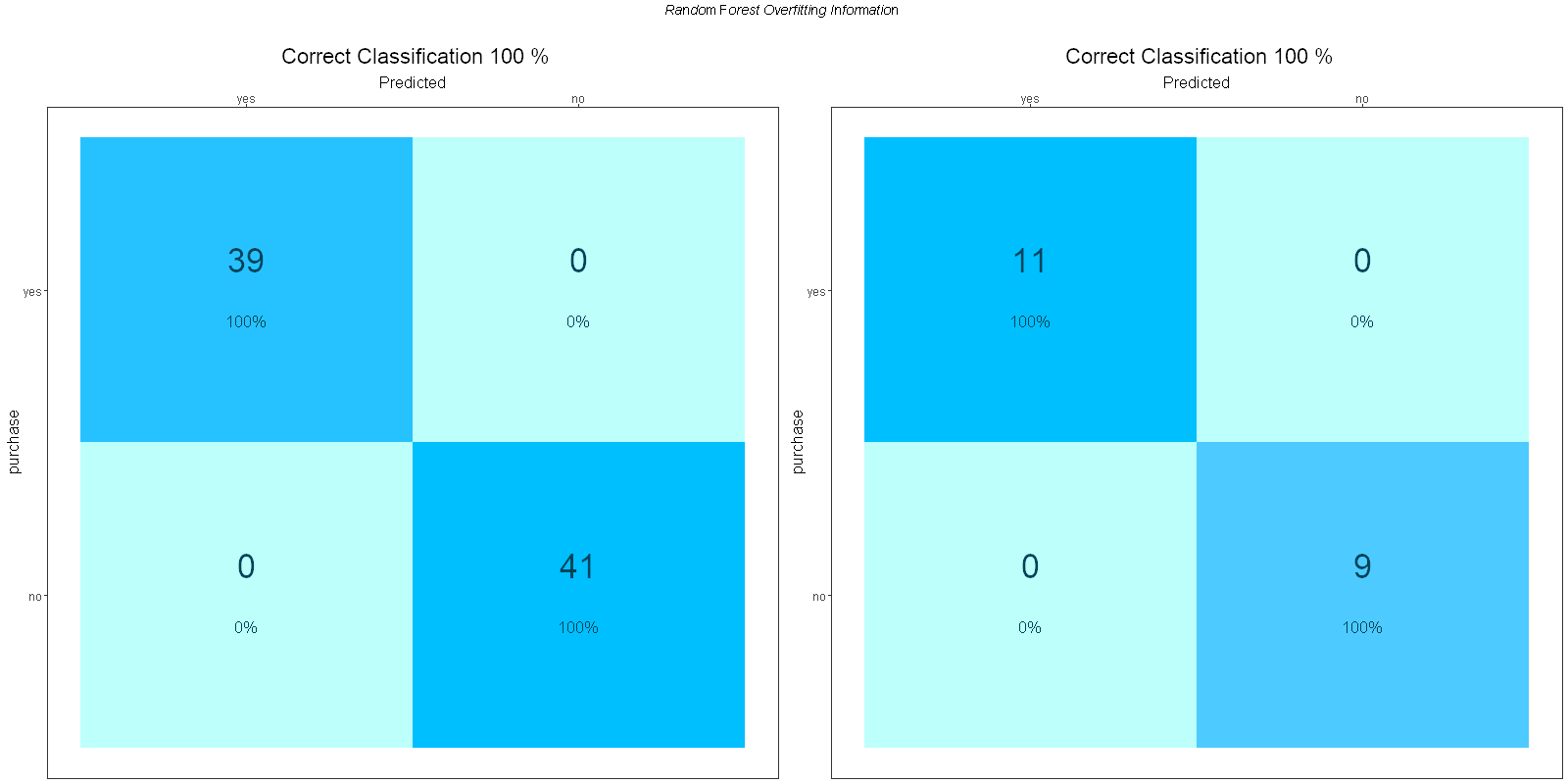
- ROC Curve Image
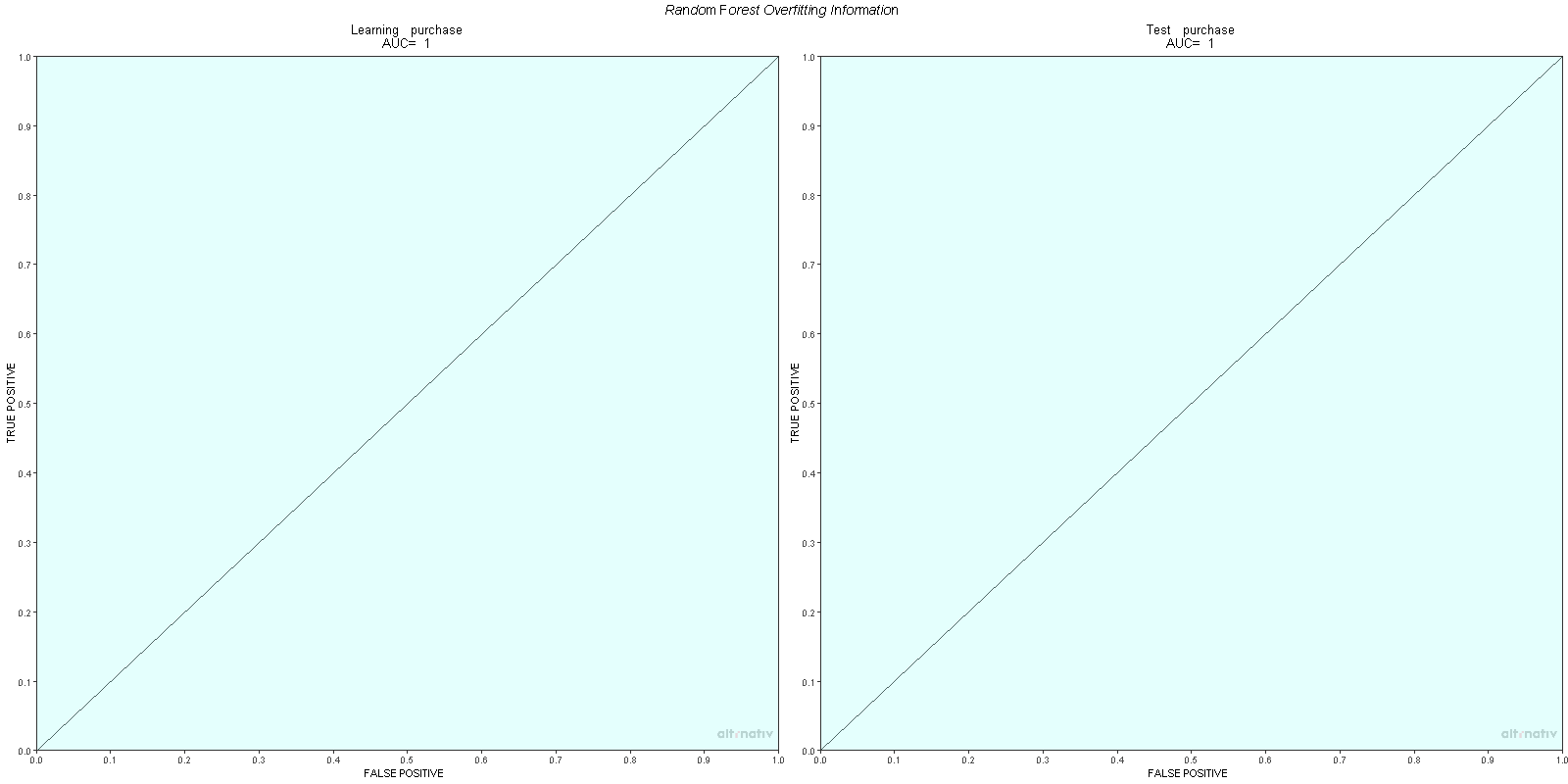
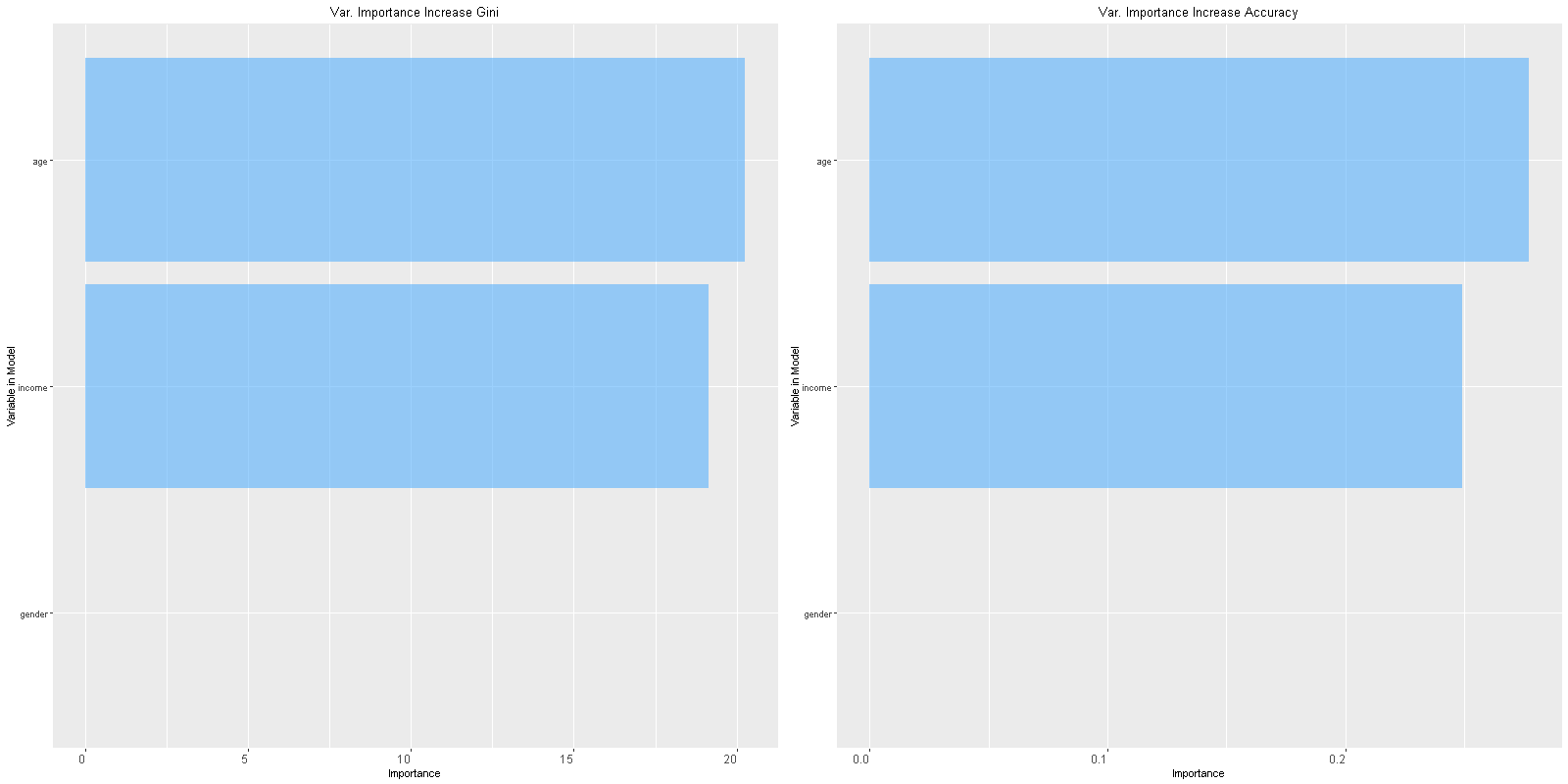
- Variable Importance Image
- Text Summary in Log Tab:
Variable importance values, mean decrease in accuracy, Gini index, AUC, and accuracy
¶ How to Run
-
Prepare Input File
LoadDemographic_Purchase_Data_Expanded.csvusing thereadCSVaction. -
Add and Connect R_RandomForest2
Connect the CSV node to theR_RandomForest2action. Optionally connect aRunToFinishLine.
-
Configure Parameters
Define predictor columns, target column, task type, and output folder.⚠ Avoid using spaces in
OUT: time stampto prevent image export errors (see Troubleshooting).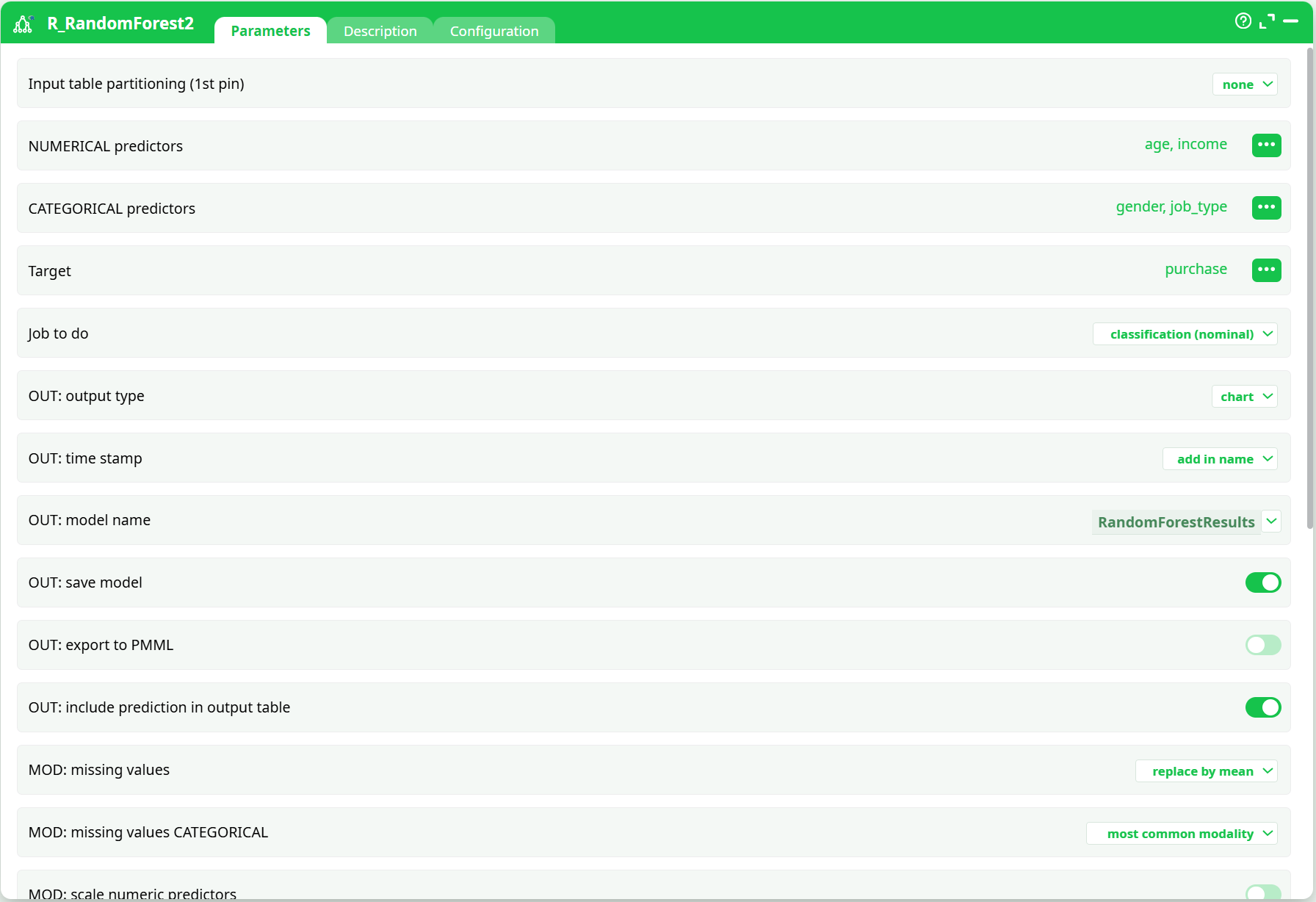
-
Run the Pipeline
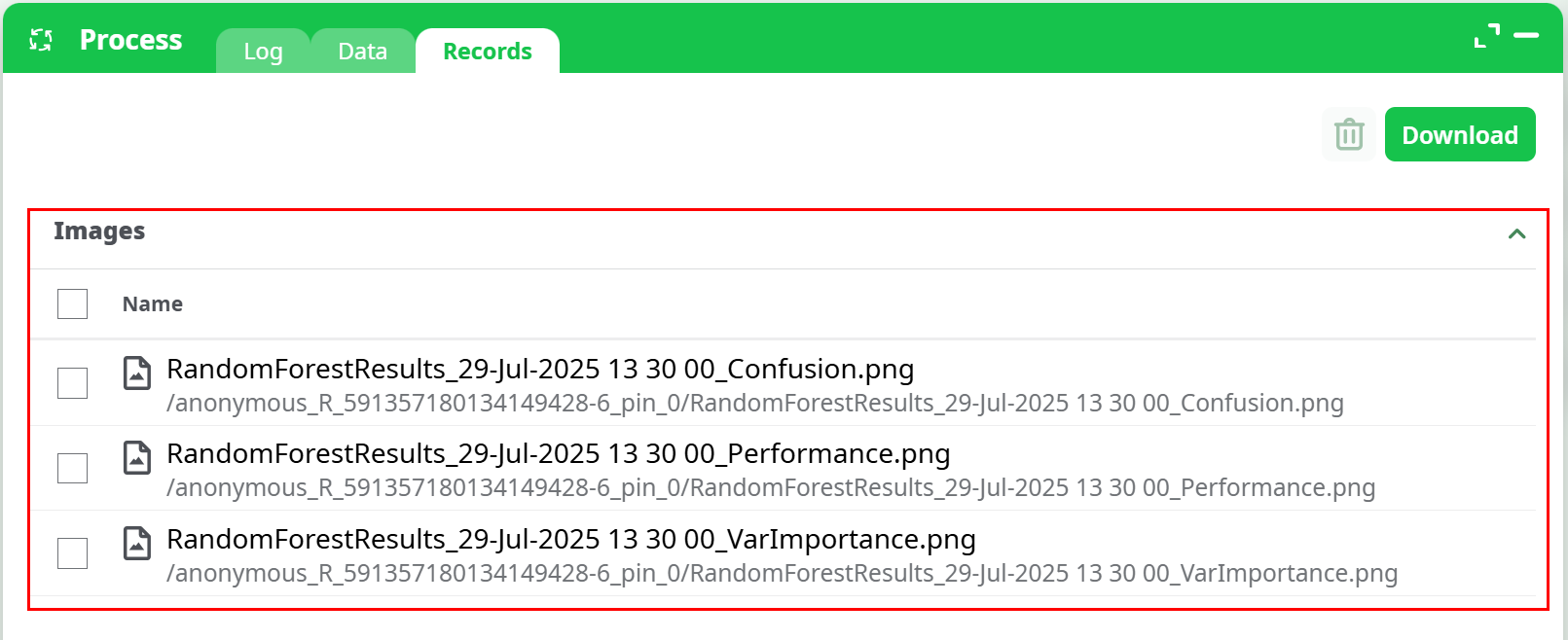
Execute the pipeline. View logs and artifacts in theRecordstab.
¶ Example Output
- Confusion Matrix (Training/Test)
- ROC Curve
- Variable Importance
¶ Use Cases
- Churn Prediction: Model customer behavior from demographic features
- Credit Risk Scoring: Classify loan applicants based on income and job data
- Marketing Campaigns: Predict product purchase likelihood
¶ Troubleshooting & Common Errors
¶ ❗ Error: Not enough data to run a model
Cause: Dataset too small for current settings (e.g., 10 rows with 5-fold CV and 500 trees)
Fix:
- Use at least 50–100 rows
or - Adjust parameters:
idxXVal→2idNTree→50Max terminal node size→5Learning sample proportion→0.6
¶ ❗ Error: ggsave(): Cannot find directory
Cause: R cannot save images if folder path (OUT: time stamp) contains spaces or does not exist.
Fix:
- Set
OUT: time stampto a simple name likeRandomForestResults - Avoid spaces and special characters
- Re-run the pipeline to regenerate plots
¶ ⚠ Tip
- If using
Custom Partitioning Mode, ensure your input table is pre-sorted - You can enable parallel execution in the Configuration tab for faster runs on large datasets
¶ Additional Notes
- Script internally uses
ggplot2,randomForest, andcaretlibraries. - Output Pins:
0: Scored table1: Coefficients2: Variable Importance3: Variable names and recoded values4: File info