¶ Description
Apply one Stardust Segmentation model.
¶ Parameters
¶ Parameters tab
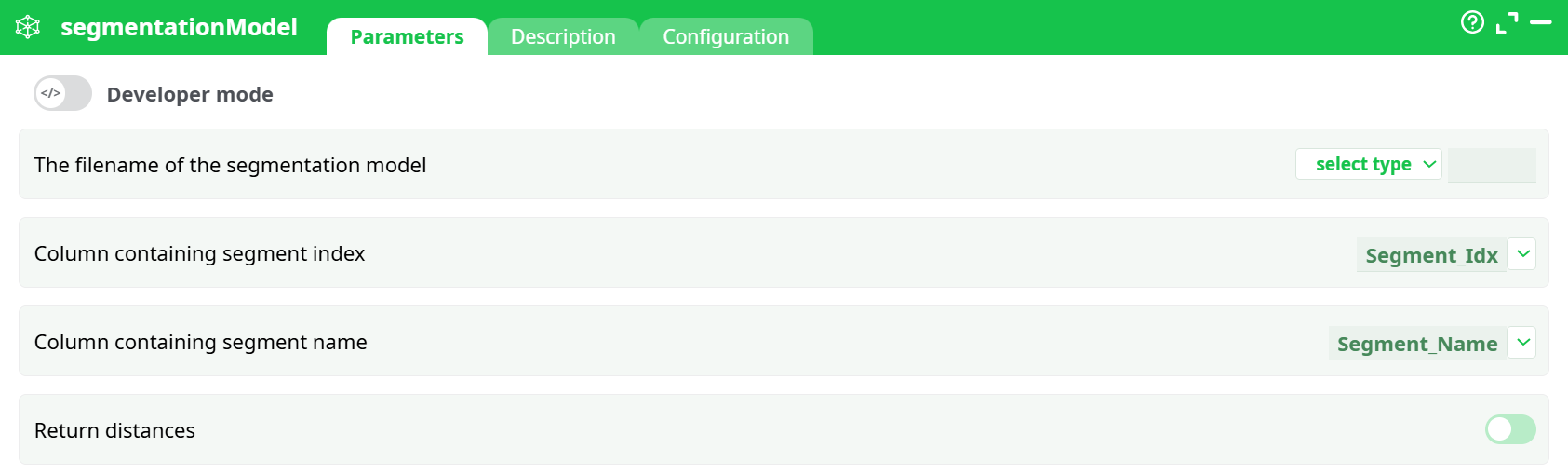
Parameters:
- The filename of the segmentation model
- Column containing segment index
- Column containing segment name
- Return distances
¶ Description
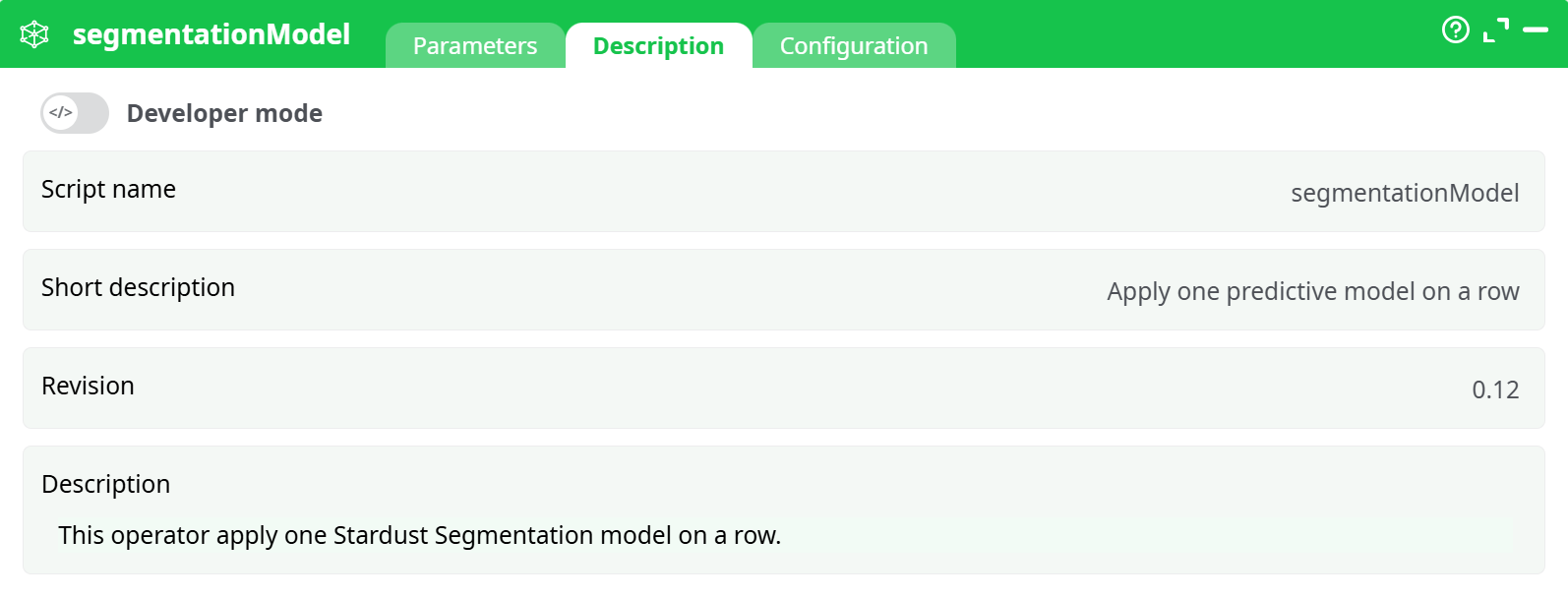
Parameters:
- Script name
- Short description
- Revision
- Description
¶ Configuration
See dedicated page for more information.
¶ About
For even faster deployment of your multivariate segmentation, the segmentationModel action can run inside a N-Way multithreaded.
The segmentationModel action applies a Stardust Segmentation Model on each row of the dataset.
This operator assigns segments to records based on the provided segmentation model file.
¶ Description
- Purpose: Apply a predictive segmentation model to incoming data rows.
- Usage: Automatically classifies rows into pre-defined segments.
- Requirement: Requires a valid Stardust Segmentation Model file (usually with
.modelextension).
¶ Example Input Dataset
| Segment_Idx | Segment_Name |
|---|---|
| 1 | Group A |
| 2 | Group B |
| 3 | Group C |
¶ Example Settings
| Parameter | Value |
|---|---|
| The filename of the segmentation model | /models/sample.model (dummy example) |
| Column containing segment index | Segment_Idx |
| Column containing segment name | Segment_Name |
| Return distances | Enabled (optional) |
¶ Notes:
- The filename of the segmentation model must be a valid segmentation model file accessible by the platform.
- The Column containing segment index and Column containing segment name fields are plain text input fields; type the exact column names from your dataset.
- Without a valid model file, the pipeline will fail with an execution error (
Error 255). - This action is typically used in customer segmentation workflows.
¶ Tips:
- You can activate Return distances to get additional data on the confidence of the segmentation.
- Ensure all input columns match exactly (case-sensitive).