¶ Description
Export a complete table from Google Big Query or Run any SQL command on Google Big Query.
¶ Parameters
¶ Parameters Tab
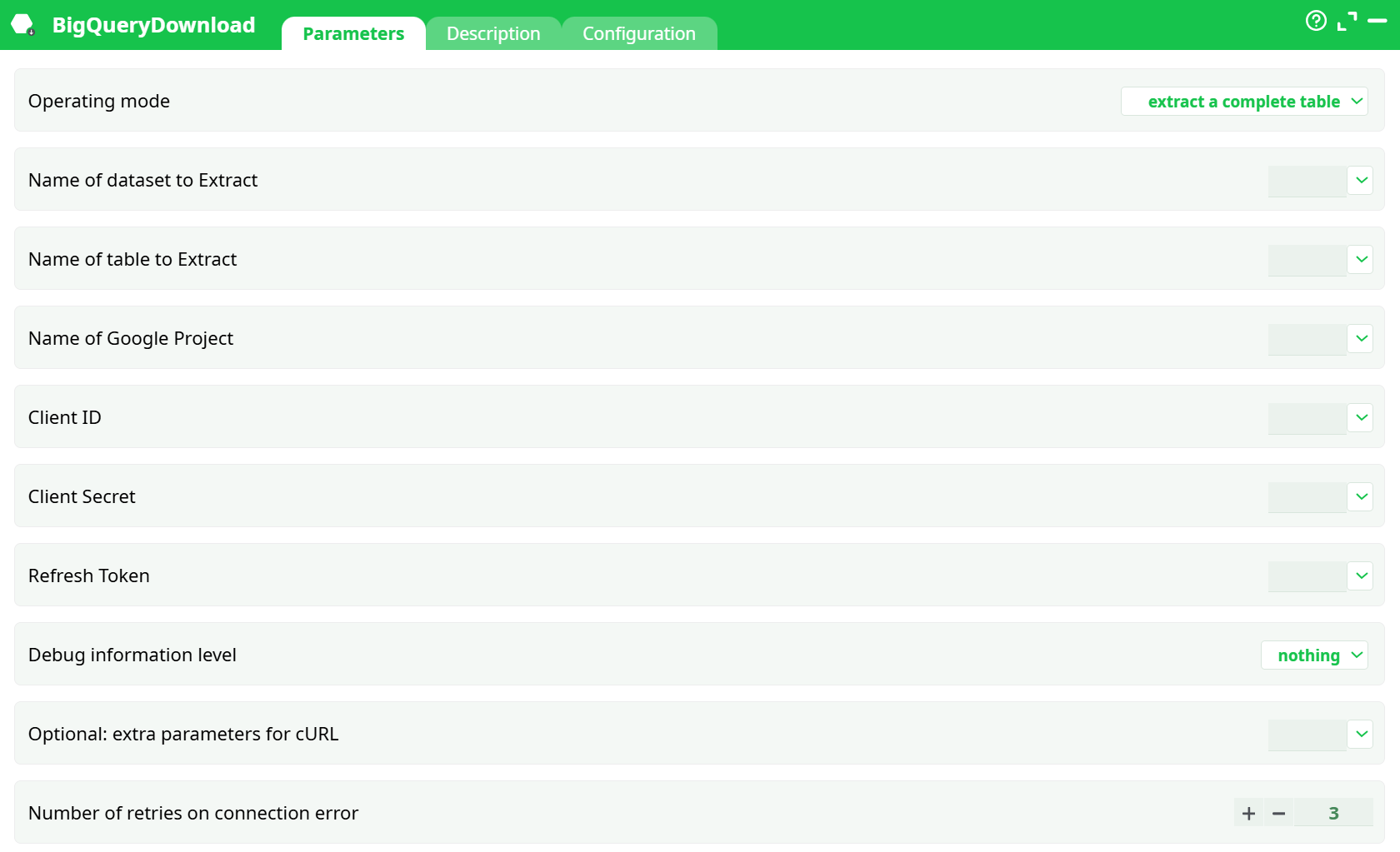
Parameters:
- Operating Mode
- Name of dataset to Extract
- Name of table to Extract
- Name of Google Project
- Client ID
- Client Secret
- Refresh Token
- Debug information level
- Optional: extra parameters for cURL
- Retries on connection error
¶ Description Tab
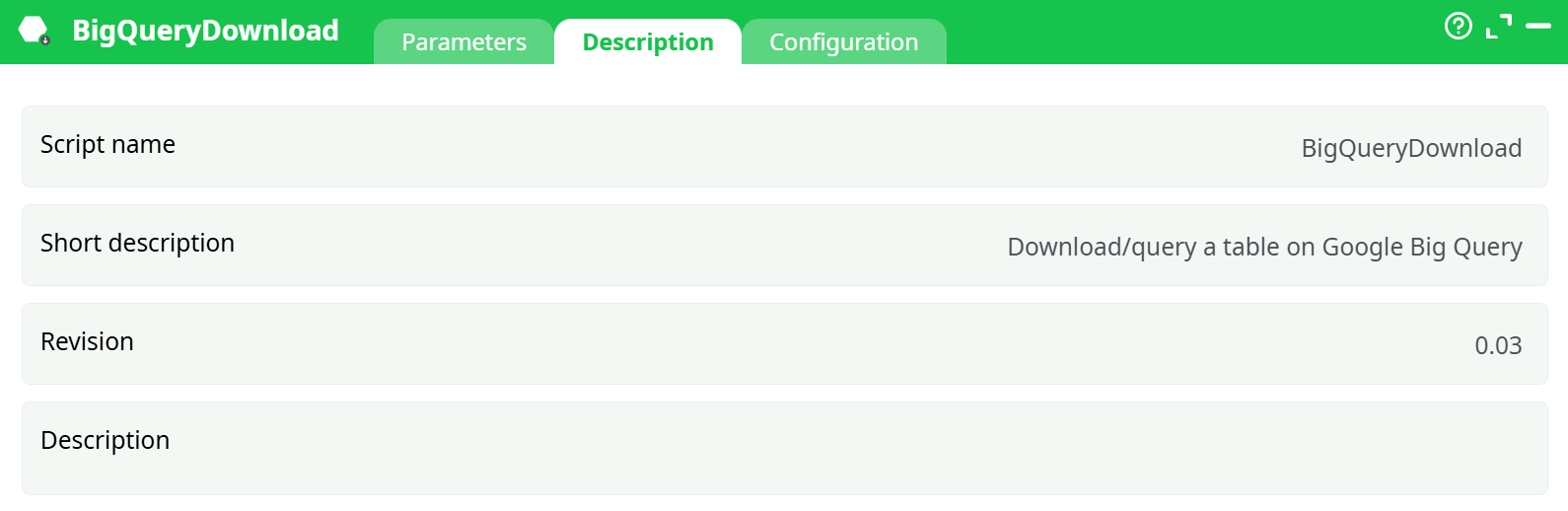
Parameters:
- Script name
- Short description
- Revision
- Decription
¶ Configuration Tab
See dedicated page for more information.
¶ About
This action also works when accessing the web through a PROXY server.
To be able to use this action, you need to get these 3 parameters from Google:
- your “Client ID”,
- your “Client Secret”,
- your “Refresh Token”.
To get these 3 parameters, you must use the Unlock Google Services action.
Let’s assume I have a data table on my local server (in a .gel file), and I want to work with this data using Google BigQuery. To do this, I will follow these steps:
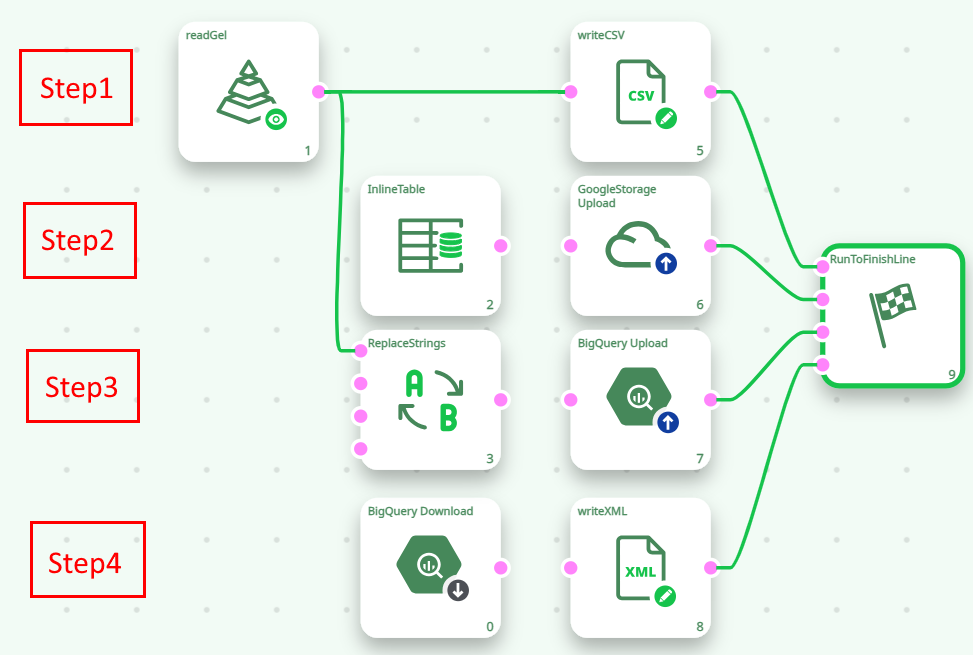
Here are more details on the 4 steps illustrated in the above ETL pipeline:
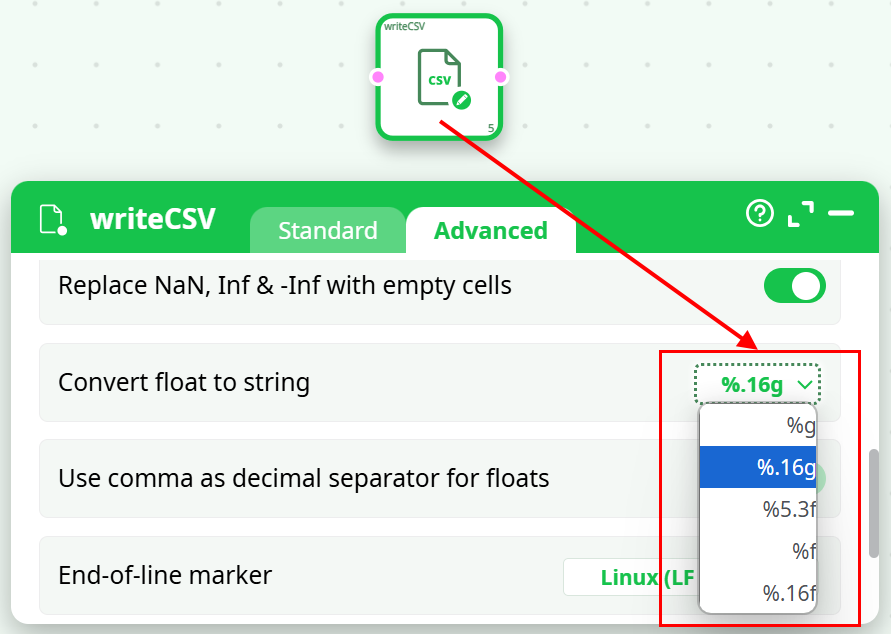
- Step 1: Export your data table to a simple .csv file using the writeCSV action. To avoid any loss of accuracy, please use the “%.16g” option when exporting your table to a .csv file:
- Step 2: Copy your .csv file inside your Google Cloud Storage using the GoogleStorageUpload action.
- Step 3: Import your .csv file from your Google Cloud Storage into your Big Query infrastructure using the BigQueryUpload action.
- Step 4: Run different queries on Google Big Query using the BigQueryDownload action.