¶ Description
Download files from a Huwaei Blob Storage.
¶ Parameters
¶ Parameters Tab
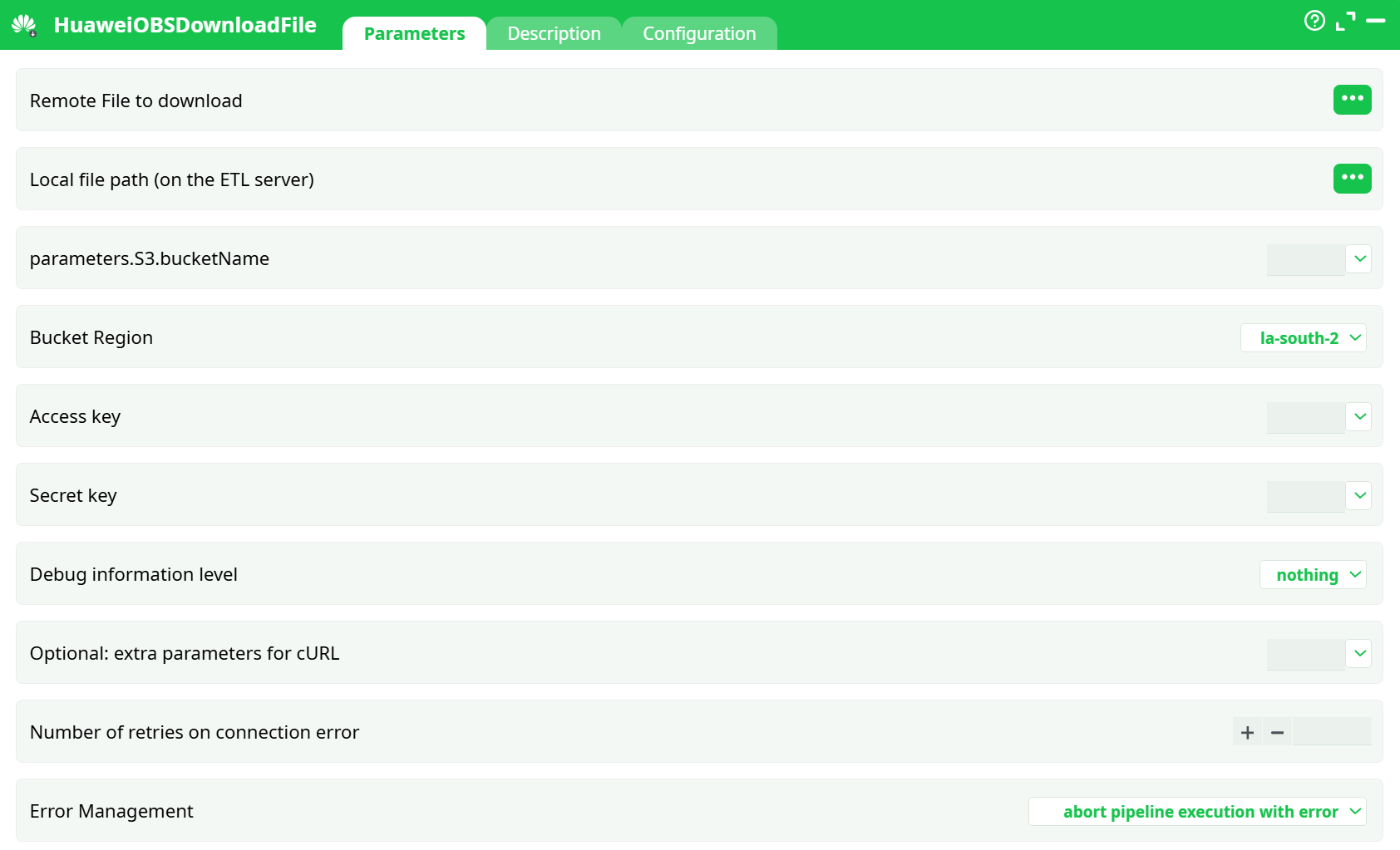
Parameters:
- Remote File to download
- Local file path (on the ETL server)
- Bucket name
- Bucket Region
- Access Key
- Secret key
- Debug information level
- Optional: extra parameters for cURL
- Retries on connection error
- Error Management
¶ Description tab
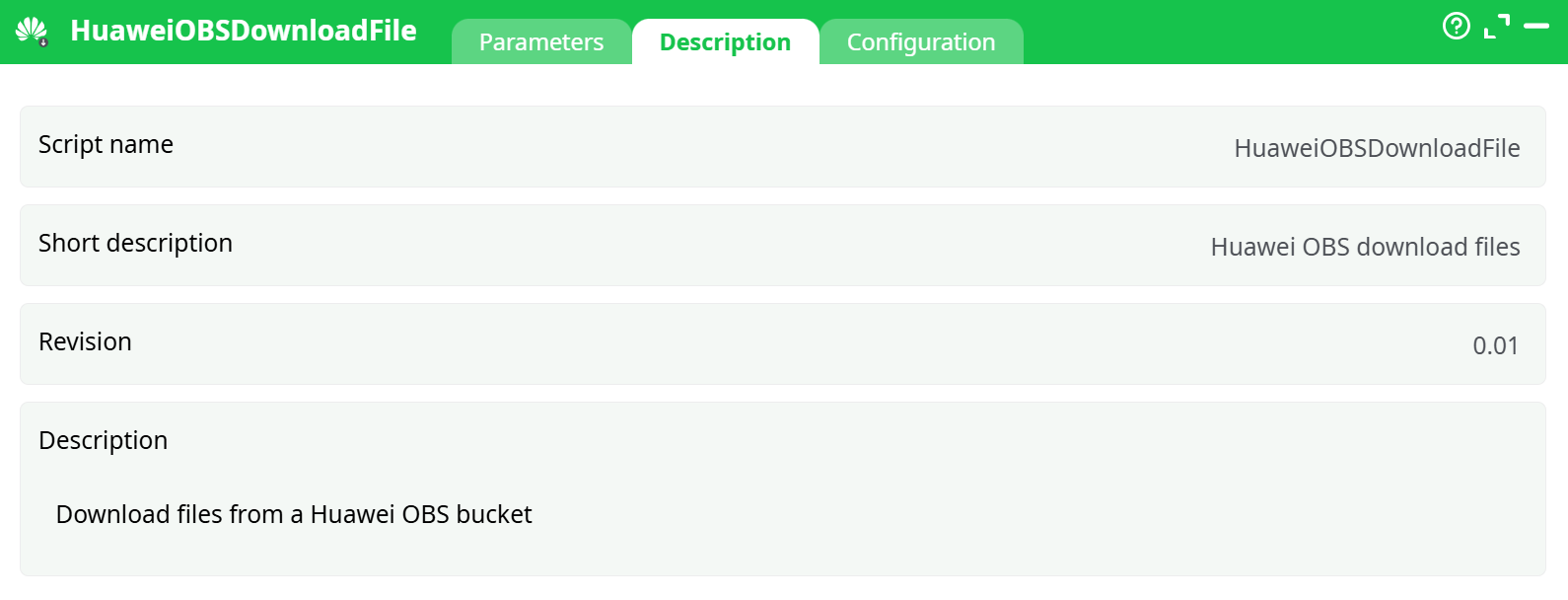
Parameters:
- Script name
- Short description
- Revision
- Decription
¶ Configuration tab
See dedicated page for more information.
¶ About
HuaweiOBSDownloadFile is a thin, reliable wrapper around the Huawei Cloud OBS (S3-compatible) REST API.
It streams an object from OBS → to disk on the ETL server using cURL under the hood:
- Works both inside corporate proxies and on direct internet connections.
- Uses TLS/HTTPS by default.
- Retries (via Number of retries on connection error) cover temporary transport faults (timeouts, resets). Logical errors (4xx, bad keys, wrong region, missing object) aren’t retried.
- The action does not create directories: the target directory in
Local file path (on the ETL server)must already exist. - Object keys are bucket-relative paths (e.g.,
folder/sub/file.parquet). Don’t start with/.
Credentials & first-time setup
You need four values: Region, Bucket Name, Access Key (AK), Secret Key (SK).
The step-by-step procedure to obtain them (console screenshots included) is already documented in HuaweiOBSListFiles. Reuse those same credentials here.
Typical uses
- Retrieve configuration/templates previously uploaded by your pipeline.
- Pull data exports generated by jobs or external systems.
- Bring model artifacts or reports down to the ETL server for local processing or archiving.
¶ Quick Start (copy/paste setup)
This minimal example downloads one object to records/downloaded.docx.
-
Create an InlineTable (or any step that produces rows) with two columns:
filepath– the remote object key (e.g.,docs/writeReport_Template.docx)local filepath– the destination on the ETL server (e.g.,records/downloaded.docx)
-
Connect the InlineTable to HuaweiOBSDownloadFile.
-
In HuaweiOBSDownloadFile ▸ Parameters:
- Remote File to download → select column
filepath(⋯ button). - Local file path (on the ETL server) → select column
local filepath. - bucketName → your bucket (e.g.,
my-etl-bucket). - region → the bucket’s region (e.g.,
la-south-2). - access key / secret key → paste the AK/SK you obtained earlier.
- Optional: set Debug information level = basic while testing.
- Leave Number of retries on connection error = 5 and idErrorManagement = abort (or adjust per your flow).
- Remote File to download → select column
-
Run the step.
- In the Log you should see a 200 status and a success message.
- Check the destination path (
records/downloaded.docx) in your file browser.
Tip
If you previously used HuaweiOBSUploadFile to pushdocs/writeReport_Template.docxto the same bucket, the example above will bring that exact file back locally—useful to validate both upload and download paths.
¶ Path & naming tips
- Remote path (
Remote File to download) is the object key. Think “folders” only as part of the key string (OBS is flat).
✔reports/2025/out.docx✖/reports/2025/out.docx - Local path (
Local file path (on the ETL server)) can be relative (e.g.,records/out.docx) or absolute. Ensure the directory exists. - Keys and paths are case-sensitive.
¶ Error messages you may encounter
- 403 Forbidden / SignatureDoesNotMatch → wrong AK/SK or bucket/region mismatch.
- 404 Not Found → the object key in
Remote File to downloaddoesn’t exist. - 301 Moved Permanently → wrong region for the bucket.
- Operation timed out / connection reset → transient network; raise Number of retries on connection error, check proxy/firewall.
- Permission denied (local path) → destination folder missing or not writable.
¶ Best practices
- Store AK/SK in your project secrets or parameter tables; avoid hard-coding.
- Keep Debug information level = nothing in production to reduce logs.
- When using a proxy, pass it via Optional: extra parameters for cURL (e.g.,
--proxy http://proxy:3128) or the shared configuration page. - Validate existence/permissions of the target directory in a preceding step.