¶ Description
Download the execution logs from a Jenkins server for a specific job.
¶ Parameters
¶ Parameters Tab
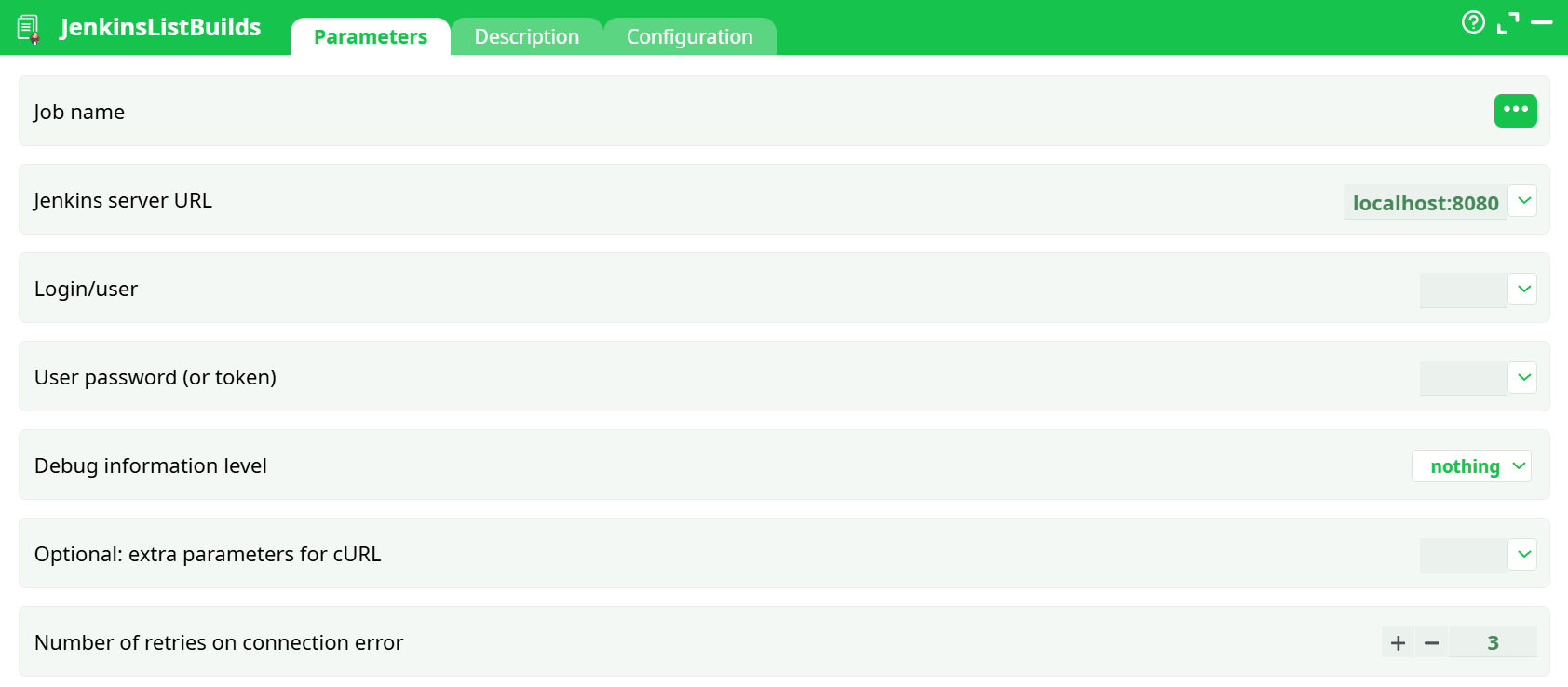
Parameters:
- Job name
- Jenkins server URL
- Login/user
- User password (or token)
- Debug information level
- Optional: extra parameters for cURL
- Number of retries on connection error
¶ Description Tab
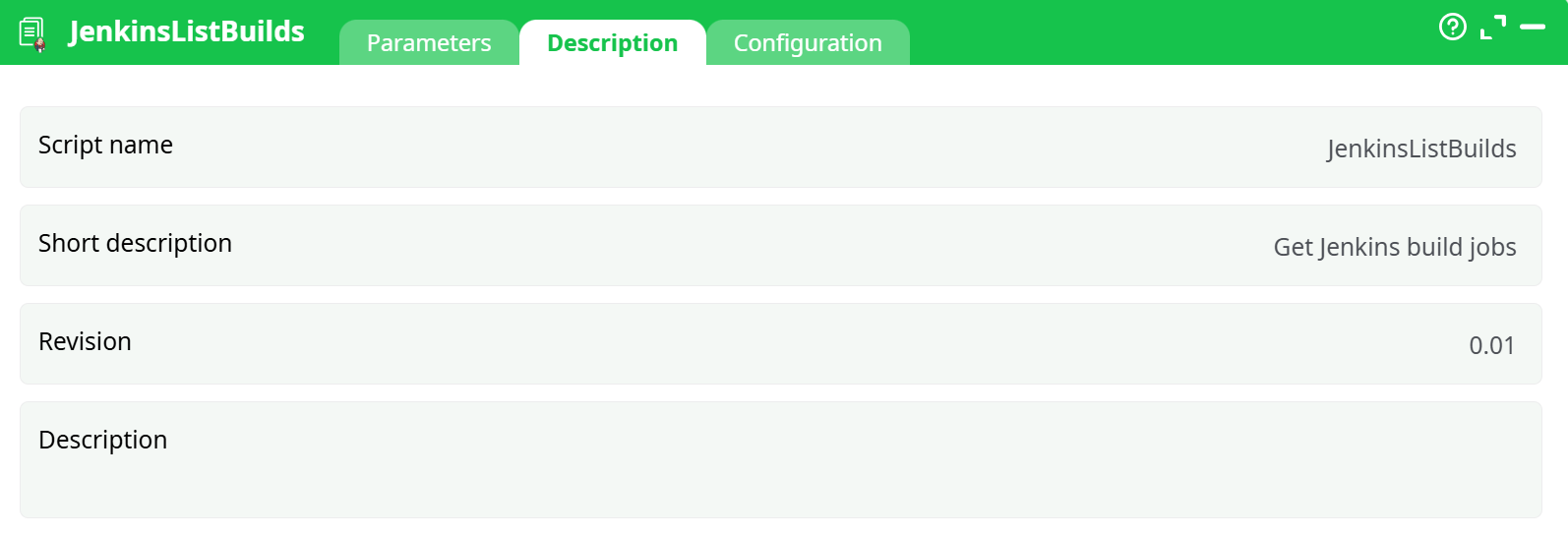
Parameters:
- Script name
- Short description
- Revision
- Decription
¶ About
Fetches the list of builds for a Jenkins job using the Jenkins REST (JSON) API and returns it as a table you can join/filter in your pipeline. Typical columns include the build number, result / status, building flag, URL, start time / timestamp, duration, and (when available) parameters and culprits.
This action is read-only (GET requests only).
Use JenkinsListBuilds whenever you need Jenkins build metadata inside your ETL:
- Create release dashboards that combine build results with deployment or test metrics.
- Trigger downstream steps only when the last build succeeded (filter by
result == SUCCESS, newestnumber). - Track lead time / MTTR by aggregating timestamps and durations across jobs.
- Audit and governance: export who triggered what, including parameterized build inputs.
Under the hood the action calls the Jenkins JSON API for the job and normalizes the response into rows—one per build—sorted by the most recent first.
¶ First-Time Setup
-
Locate the base URL of your Jenkins (e.g.,
https://ci.example.com/jenkins). -
Create an API token for your Jenkins user: User → Configure → API Token.
-
Find the exact job path:
- Top-level job:
MyJob - Folder:
TeamA/job/MyJob - Multibranch Pipeline (branch “main”):
MyMBP/job/main
Tip: open the job in Jenkins, click API (bottom right), and note the path shown.
- Top-level job:
-
Ensure your user has read permissions on the job and builds.
-
If your Jenkins uses a self-signed certificate, either install the CA on the ETL server or add
--insecurein idOptional (for testing only).
¶ Usage Examples
¶ Get the latest successful build
- Set
Job name = TeamA/job/service-api - Read the output table and filter:
result == 'SUCCESS'then take the row with the max number.
¶ Behind a proxy
idOptional = --proxy http://proxy.local:3128 --connect-timeout 10 --max-time 30
¶ Jenkins hosted under a context path
Jenkins server URL = https://ci.example.com/jenkins
¶ Best Practices
- Use API tokens instead of passwords; tokens are revocable and scoped to the user.
- Copy the job path from the browser URL to avoid 404s with foldered jobs.
- Keep Debug information level at
nothingfor normal runs; switch tobasic/verboseonly to troubleshoot. - If you routinely need only a subset (e.g., last 20 builds), filter downstream to keep joins fast.
¶ Security Notes
- User password (or token) holds a secret; restrict who can view/edit parameters.
- Grant the Jenkins user the least privileges necessary (typically Overall/Read and Job/Read).
- Avoid placing tokens in Optional: extra parameters for cURL or logs.
- If auditing is required, create a dedicated service account for this integration.