¶ Description
Reads a table from a .Hyper file from Tableau.
¶ Parameters
¶ Standard tab
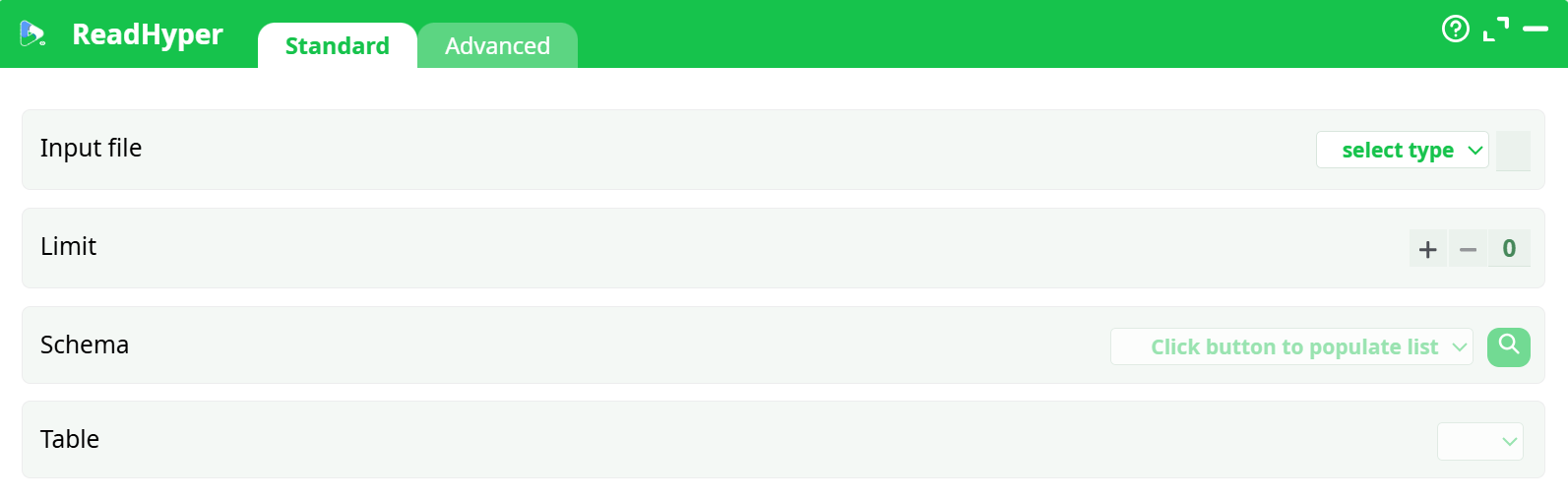
Parameters:
- Input file:
- Limit:
- Schema:
- Table:
¶ Advanced tab
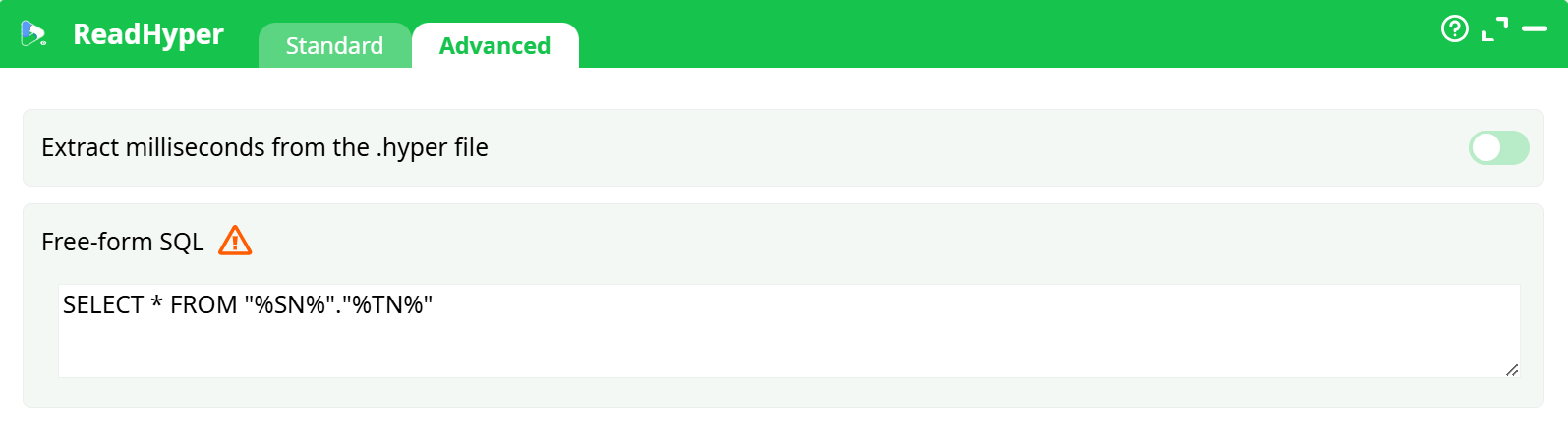
Parameters:
- parameters.readHyper.millis:
- Free-form SQL:
¶ About
The ReadHyper action loads data from a Tableau .hyper file. It supports both standard table extraction and full SQL command execution against the internal Hyper database.
¶ Standard Tab
-
Input file
The path to the.hyperfile you want to read. -
Limit
Maximum number of records to load. A value of0means no limit (all rows are loaded). -
Schema
Click the button to populate the list of available schemas in the.hyperfile. -
Table
Select the table to read from, after choosing a schema.
¶ Advanced Tab
-
Extract milliseconds from the .hyper file
If enabled, timestamp columns include millisecond precision. Useful for accurate time-series analysis. -
Free-form SQL
Allows custom SQL execution instead of default table reading. This field can contain:-
A simple query, such as:
SELECT * FROM "%SN%"."%TN%"%SN%and%TN%are placeholders for the selected Schema and Table names. -
A dynamic SQL command, prefixed with
>, such as:> "DELETE FROM \"%SN%\".\"%TN%\" WHERE \"id\">"+myCutOffIDThis uses a Global Parameter (
myCutOffID) to dynamically generate a command at runtime.
The SQL engine supports most operations including:
SELECT,DELETE,INSERT,UPDATE
Note: If you receive a Hyper SQL syntax error like:
Tableau Hyper Error (62): syntax error: got identifier,
expected "delete", "insert", "update"
It is likely caused by line breaks in your SQL. To fix it, remove any carriage return characters and ensure your SQL is written as a single line. -
¶ Use Case
Use ReadHyper to:
- Load full tables or specific records from
.hyperfiles - Apply advanced filtering or transformations directly via SQL
- Modify
.hypercontents with SQL write operations (when supported) - Dynamically execute parameterized logic using the
>prefix and global variables