¶ Description
Reads a .pickle file.
¶ Parameters
¶ Parameters tab

Paramters:
- Input table partitioning (1st pin)
- The .pickle file to load
¶ Description tab
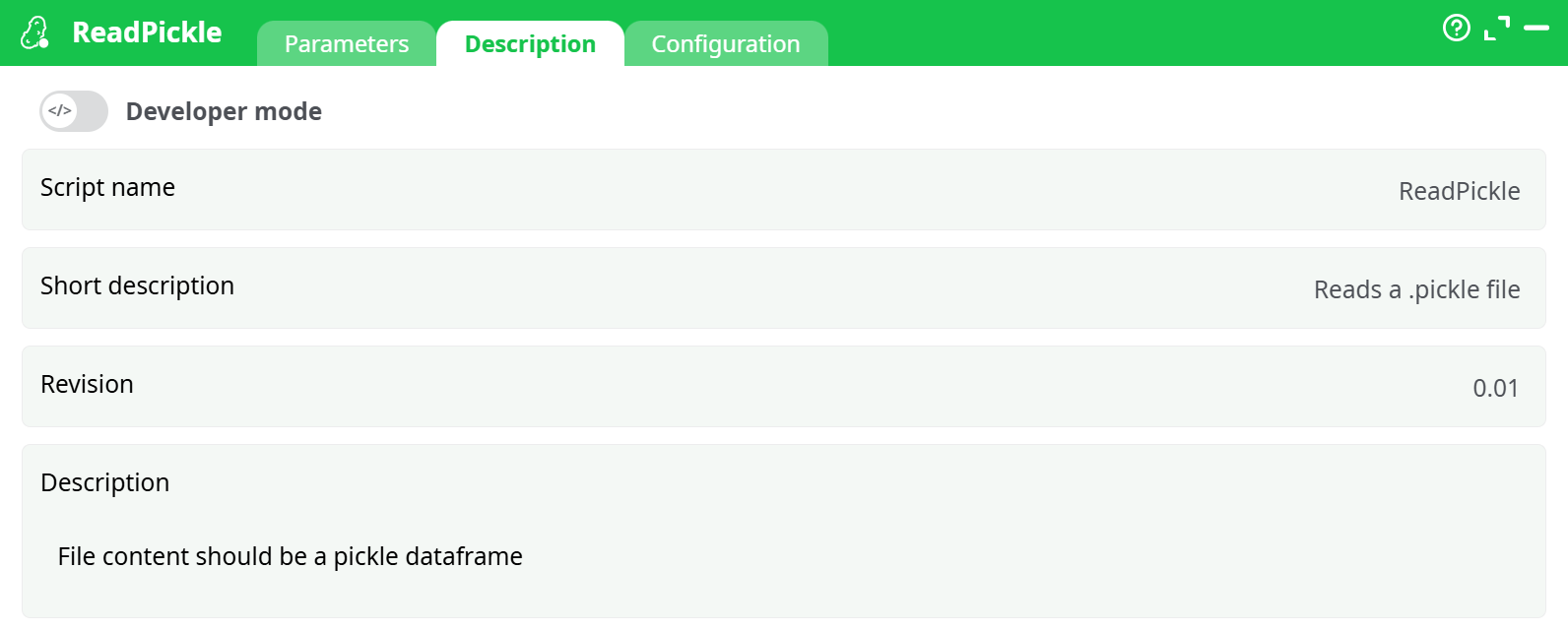
Parameters:
- Script name
- Short description
- Revision
- Description
¶ Configuration tab
See dedicated page for more information.
¶ About
Load a Python pickle file (.pkl / .pickle) that contains a pandas DataFrame, and expose it as a table in your pipeline for downstream analytics and exports.
¶ What this action does
- Opens a pickle file from your project storage (assets / recorded / temporary) or a path provided by an upstream action.
- Deserializes the file in-memory using the configured Python runtime.
- Produces a tabular dataset (rows + columns) on the output pin.
- Applies the platform’s standard data hygiene (optional whitespace cleanup, type normalization, NULL handling).
Security note: Pickle is a Python-specific, executable serialization format. Never unpickle data from untrusted sources. Only use files you created yourself or fully trust.
¶ When to use it
- You (or an upstream system) saved a pandas DataFrame with
to_pickle()and you want to bring it back into a pipeline. - You need a fast, lossless way to rehydrate complex dtypes (categoricals, datetimes with tz, lists/objects) that CSV would mangle.
- You’re iterating between notebooks and pipelines and want a quick hand-off without schema drift.
When not to use it
- Cross-language or long-term archival use cases. Prefer Parquet or Feather for portability and schema stability.
- The pickle contains models or custom Python classes instead of a DataFrame. This action expects a DataFrame. Use a dedicated model-loader or export your data as Parquet/CSV.
¶ Inputs & outputs
- Input: a single file path to a
.pkl/.picklefile (can be injected by an upstream action such as InlineTable, file catalog, or passed directly from the file picker). - Output: one data table (the deserialized DataFrame). No side files are generated.
¶ How it works (under the hood)
- The action resolves the filepath from your selection or upstream column.
- It initializes the selected Python runtime (default: latest available).
- It opens the pickle stream and unpickles the object.
- It validates that the object is a pandas DataFrame.
- It converts Python types to the platform’s meta-types (e.g., datetimes, integers, floats, booleans), applying your cleanup and NULL rules.
- The resulting table is emitted to the output pin and is visible in the Process → Data tab.
¶ File format requirements
-
The file must be a pickle of a pandas DataFrame.
-
Compressed archives (e.g.,
.zip,.7z) are not read—point to the raw.pklfile. -
Cross-version pickles:
- Newer Python/pandas can normally read older protocols, but not always vice-versa.
- If you created the pickle with a very old environment, try switching Python version in Configuration to match.