¶ Description
Download Responses from Survey Monkey.
¶ Parameters
¶ Parameters tab
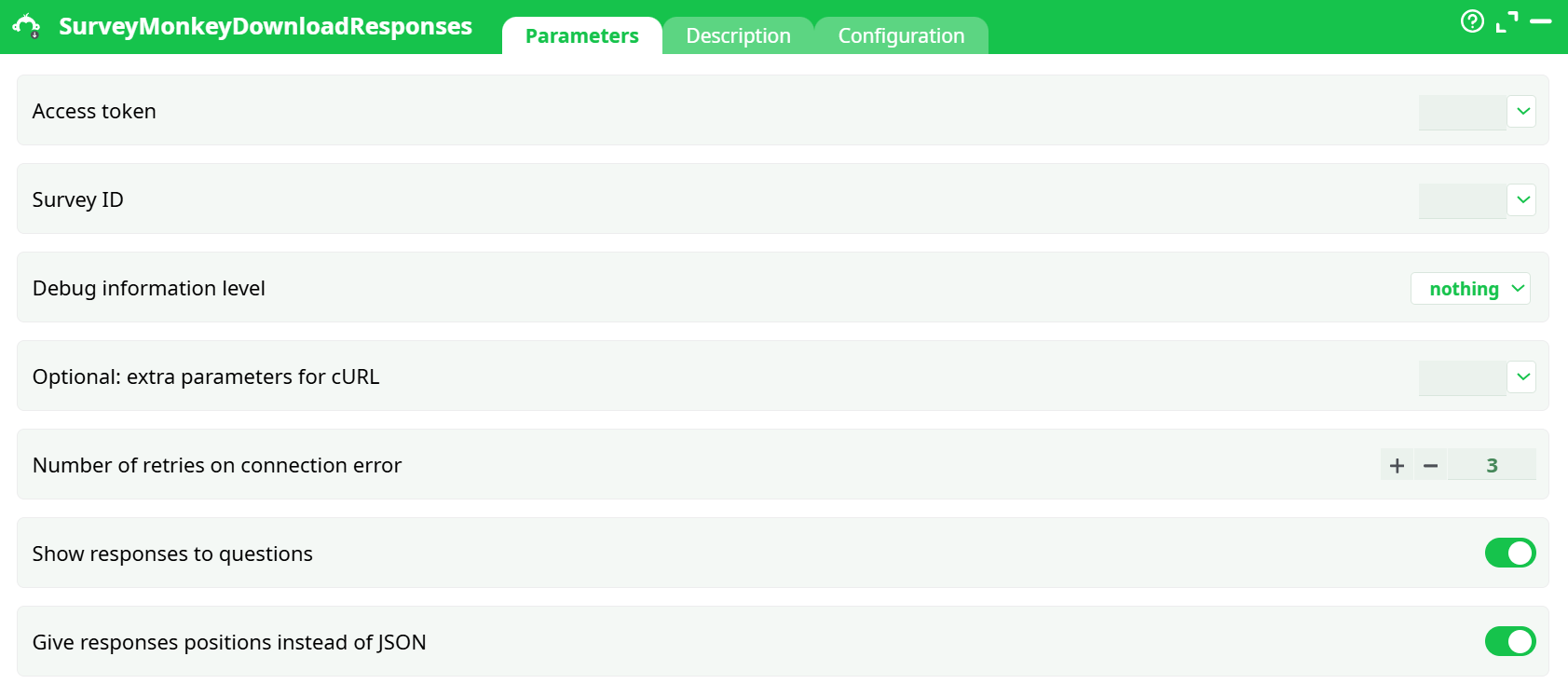
Parameters:
- Access token
- Survey ID
- Debug information level
- Optional: extra parameters for cURL
- Retries on connection error
- Show responses to questions
- Give responses positions instead of JSON
¶ Description tab
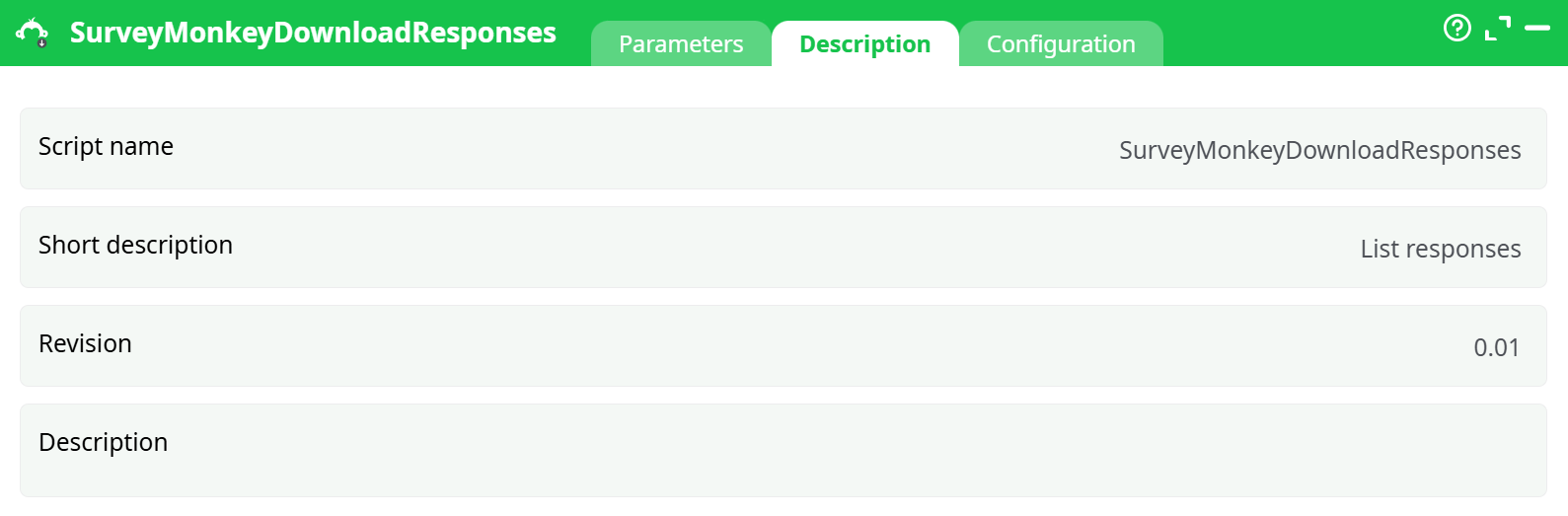
Parameters:
- Script name
- Short description
- Revision
- Decription
¶ Configuration tab
See dedicated page for more information.
¶ About
Fetches responses for a given SurveyMonkey survey and (optionally) expands the answers so they’re easy to read and join downstream.
Before you begin
Before downloading reponse data from Survey Monkey, you need to follow the procedure given in the previous section. The same section explains how to get the parameter P1 (access token). To get the parameter P2 (Survey ID), you must execute the SurveyMonkeyListSurveys action. The parameter P2 is inside the column “id” in the output of the SurveyMonkeyListSurveys action:
¶ Prerequisites
- A SurveyMonkey account with Developer access and an Access Token (OAuth or personal token).
- The Survey ID of the survey whose responses you want to pull (copy the value from the
idcolumn of List Surveys).
¶ Output
-
One row per response with standard metadata (
response_id,collector_id,survey_id,date_created, etc.). -
If Show responses is ON:
- Raw JSON when
Give responses positions instead of JSON = OFF(e.g.,answers_json). - Flattened columns when
Give responses positions instead of JSON = ON(e.g.,Q1,Q2_choice_1,Q3_text).
- Raw JSON when
¶ Typical pipelines
Analytics table: List Surveys → copy id → Download Responses (Show=ON, Parse=ON) → Clean/Type Cast → DB Upsert (key: response_id).
Data lake: Download Responses (Show=ON, Parse=OFF) → write JSON/Parquet.
CSV/Excel: Download Responses (Parse=ON) → CSV/Excel Writer.
¶ Limits & reliability
- Auto-pagination handles large surveys; respect SurveyMonkey rate limits (429).
- Use
Number of retries on connection errorfor transient 5xx/network errors.
¶ Security
Store P1 in Secrets, keep Debug at nothing in production, and rotate tokens periodically.
¶ Example (quick start)
- Access token:
<secret: sm_token> - Survey ID:
123456789 - Show responses: ON • Parse: ON • Debug: nothing • Retries: 3
Delivers a clean, analysis-ready table: one row per response, columns per question.