¶ Description
Generate a File List.
¶ Parameters
¶ Parameters tab
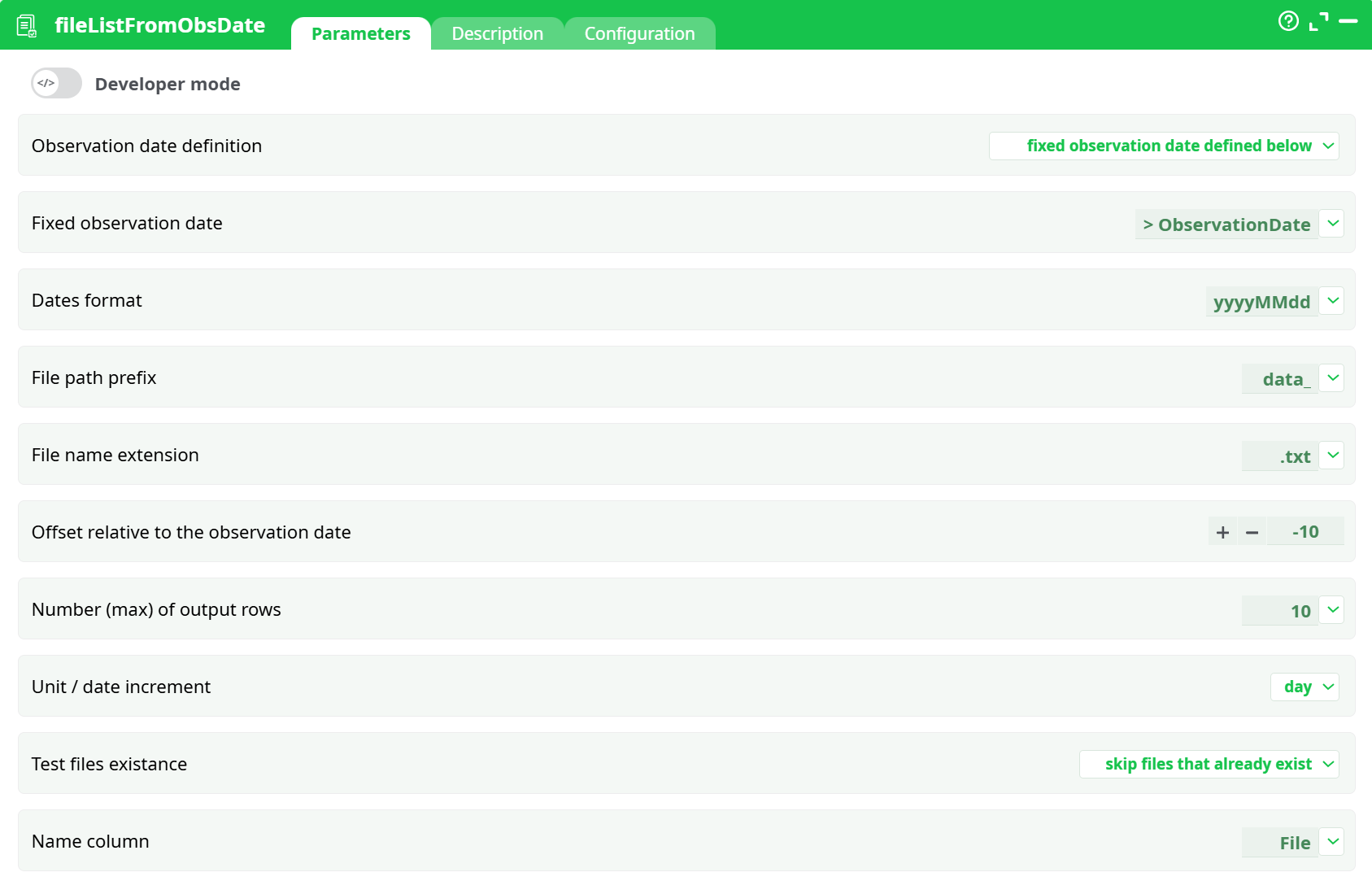
Parameters:
- Fixed observation date
- Dates format
- File path prefix
- File name extension
- Offset relative to the observation date
- Number (max) of output rows
- Unit / date increment
- Test files existance
- Name column
¶ Description tab
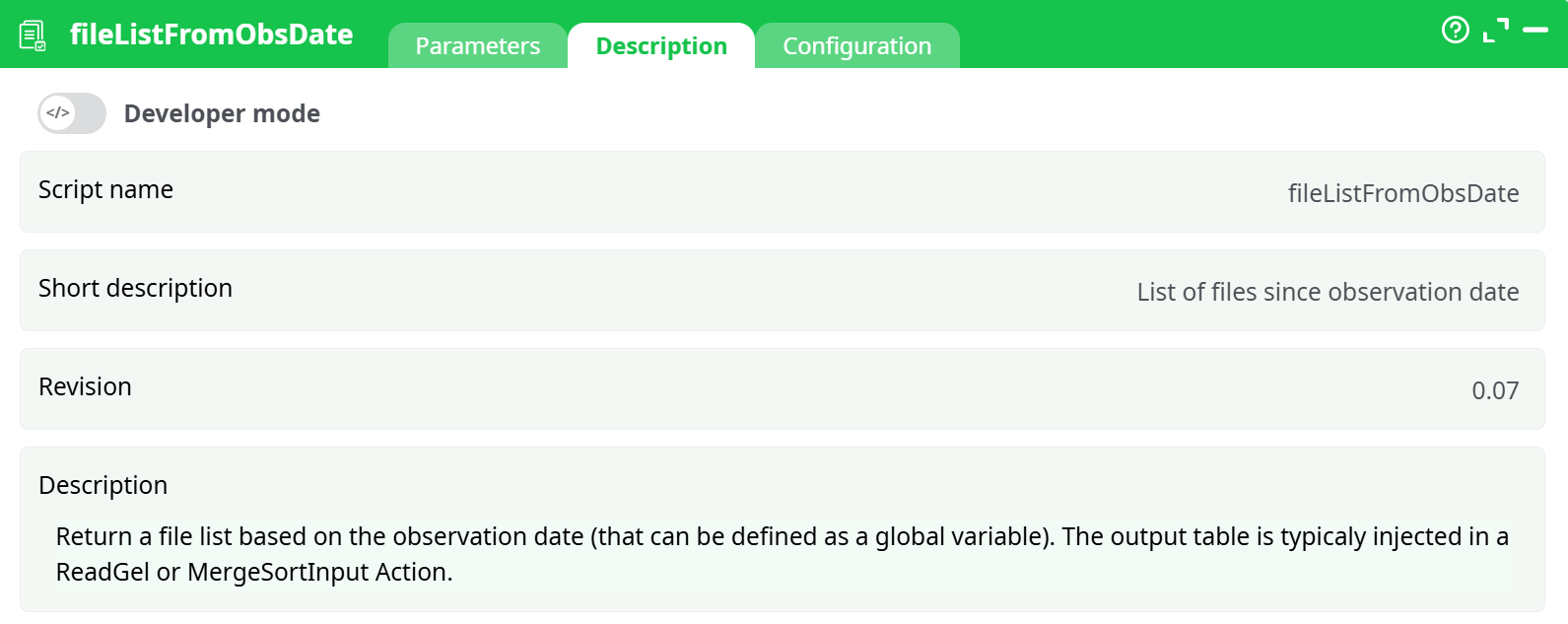
Parameters:
- Script name
- Short description
- Revision
- Decription
¶ Configuration tab
See dedicated page for more information.
¶ About
This action is typically used in collaboration with a readGel action, a mergeSortInput action, a multipleDownAndUpLoad action or a loopPipeline action.
The objective of the fileListFromObsDate action computes a list of .gel filenames (or .txt filenames, or .xlsx filenames, or .json filenames, etc.). The maximum length of the list (i.e. the maximum number of files) is specified using the parameter P6. The size from the list can be smaller than the given parameter P6 because of the parameter P8 that might remove from the list some specific files. The output of the action is a table with one column named “File” (the column’s name can be changed using the parameter P9).
The filenames inside this list have a specific structure that is composed of 3 different parts:
- A constant filename prefix (see parameter P3)
- A date in the “yyyyMMdd” format, by default (this can be changed using the parameter P2).
To compute the “date” part from the filenames we’ll use 4 parameters: P1, P2, P5, P7.
The "date part" starts at a specific time and increases with each row by the increment defined in parameter P7. The starting time is calculated as follows:
- Parameter P1 represents the date starting from today.:
- The parameter P1 is equal to “The fixed Observation Date defined below”:
The starting time is the date given as parameter P2 plus the offset given in parameter P5. The unit of the parameter P5 is given in parameter P7.
By default, the parameter P1 is initialized to have to value of the Pipeline-Global-Parameter named “ObservationDate”. By default, the Pipeline-Global-Parameter “ObservationDate” is a date expressed in the “yyyyMMdd” format. The Parameter P2 allows you to use another date-format.
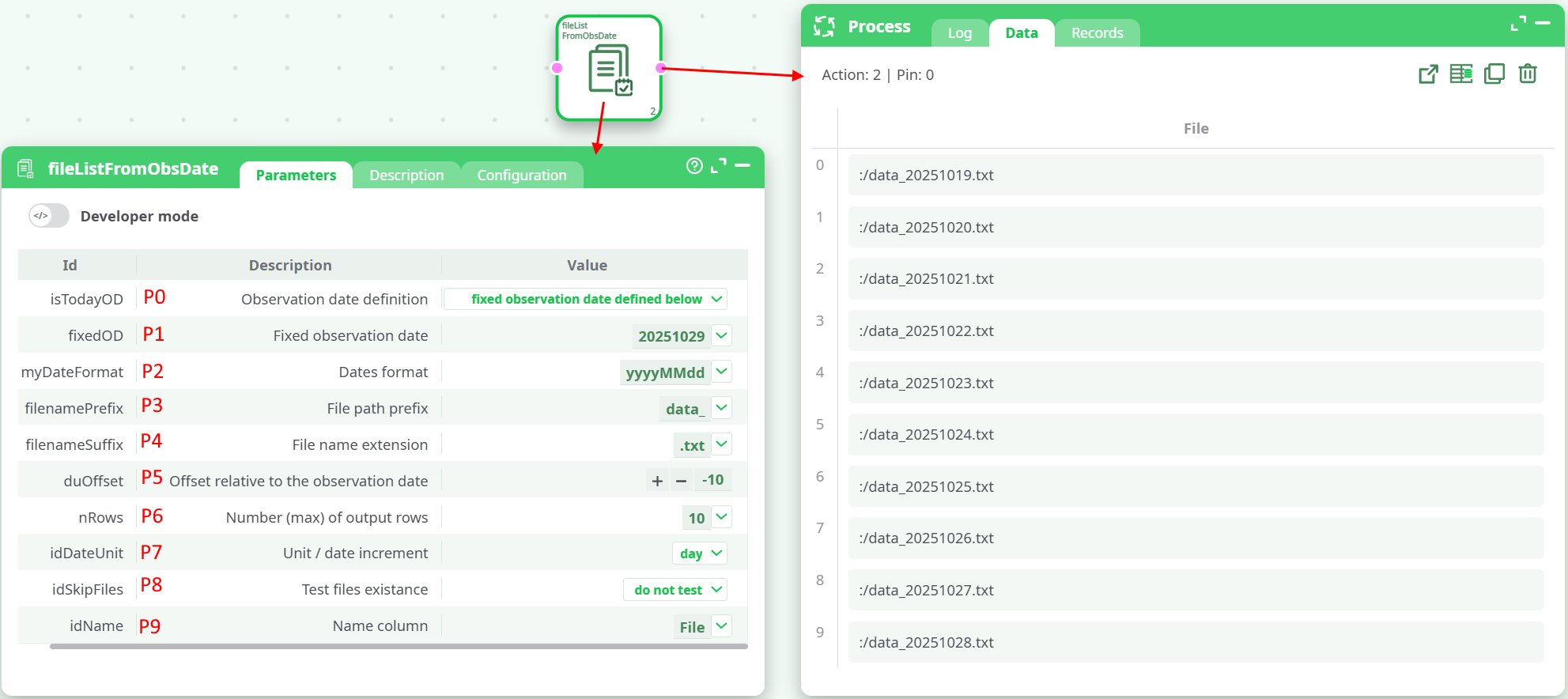
For example, if we used the above settings and we set “ObservationDate”= 20251029, we obtain as output a file list with 10 files and the “last” file is just before the “ObservationDate”: