¶ Description
Download files from a container in an Cloud Object Blob Storage.
¶ Parameters
¶ Parameters tab
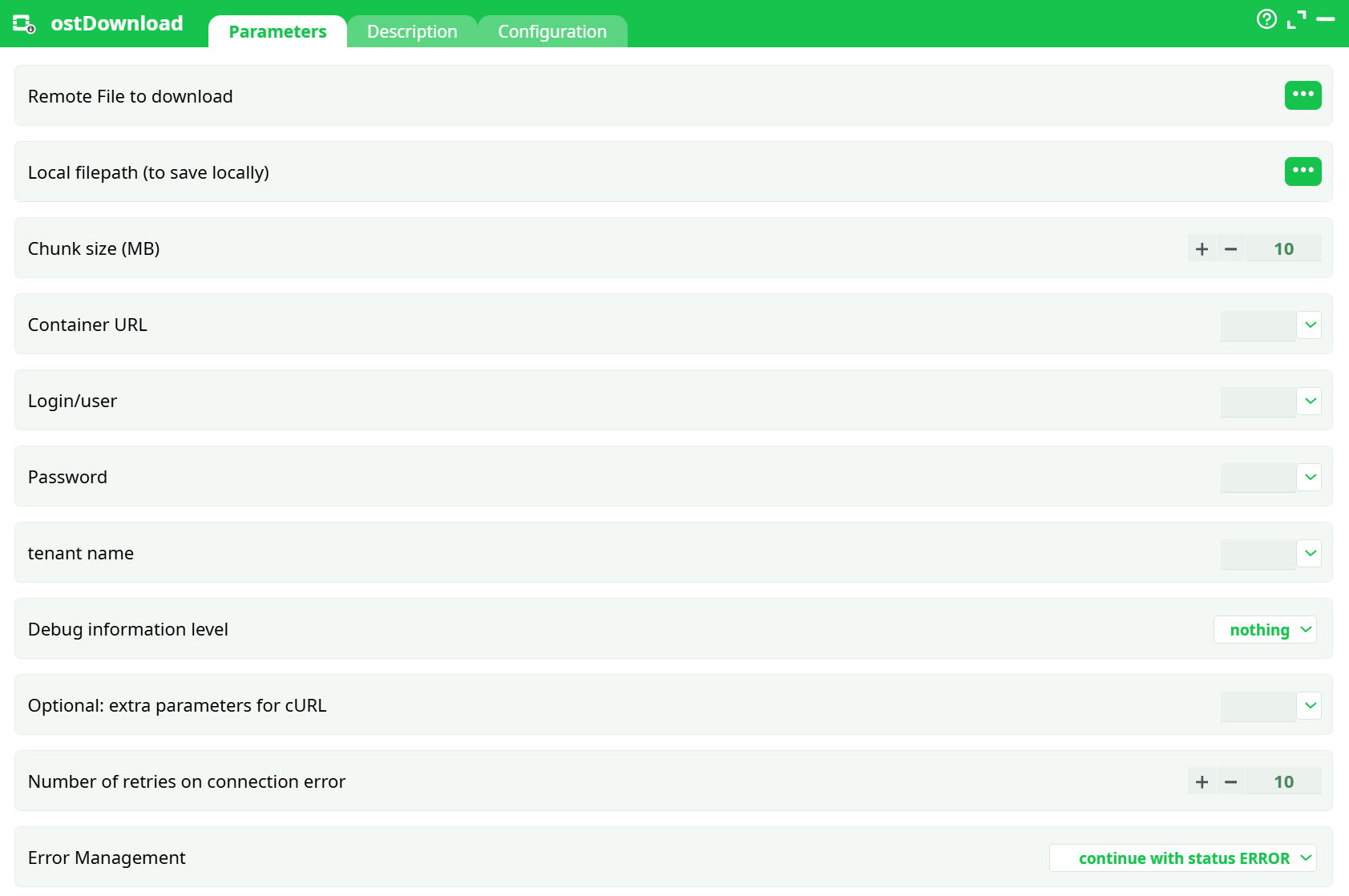
Parameters:
- Remote File to download
- Local filepath (to save locally)
- Chunk size (MB)
- Container URL
- Login/user
- Password
- tenant name
- Debug level information
- Optional: extra parameters for cURL
- Number of retries on connection error
- Error Management
¶ Description tab
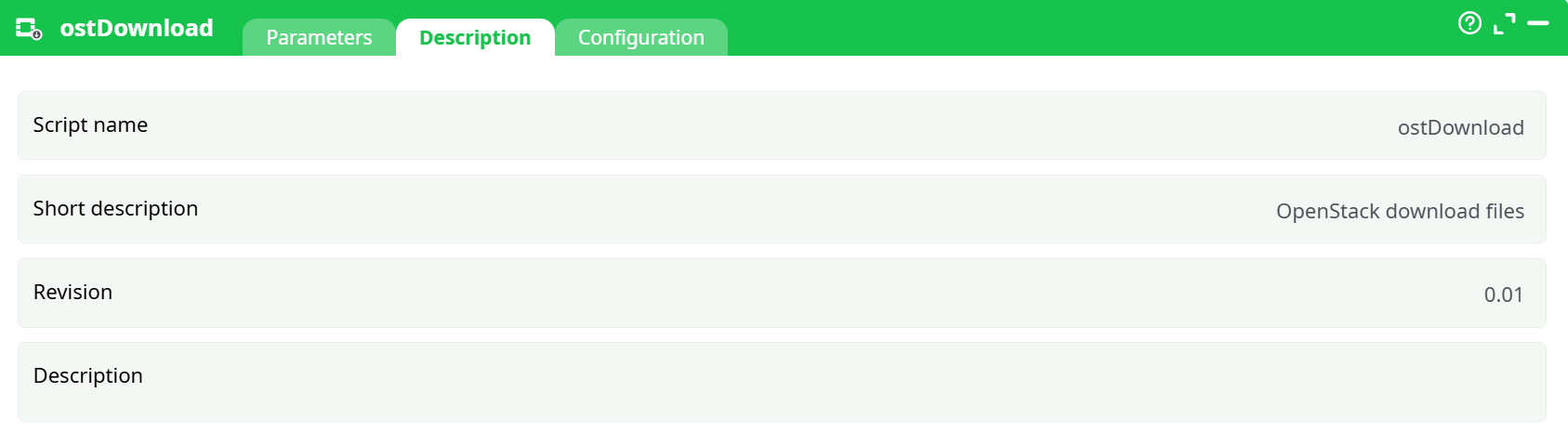
Parameters:
- Script name
- Short description
- Revision
- Decription
¶ Configuration tab
See dedicated page for more information.
¶ About
ostDownload retrieves an object from OpenStack Swift–compatible object storage and saves it to a local file path on the worker running your pipeline. It streams the file in chunks (size is configurable), supports segmented objects (SLO/DLO handled transparently by Swift), and exposes retries, debug verbosity, and error-handling controls so you can decide how failures are propagated through the pipeline.
Output is a file on disk (side-effect). The action itself doesn’t emit a tabular dataset; check the Log tab for the transfer report.
¶ Where it works (clouds/providers)
Any storage that exposes the OpenStack Swift API will work, including:
- Public Swift providers (e.g., OVHcloud Object Storage, Rackspace Cloud Files, and other Swift-compatible providers).
- Private clouds or on-prem OpenStack Swift clusters.
- Swift stacks behind compatible gateways (Keystone-authenticated).
You only need the container endpoint, a user (or application) credential, and the tenant/project context.
¶ Minimal setup (quick start)
-
Drop the action on your canvas.
-
Open Parameters and fill the minimum required fields:
- Remote File to download — the object key (remote path) you want to download.
- Local filepath (to save locally) — full local path where the file will be saved.
- container URL — Swift container URL (auth/endpoint base + container).
- Login/user / Password / tenant Name — credentials for the Swift endpoint.
-
(Optional but recommended) leave Chunk size (MB) at its default unless you have a reason to tune throughput/footprint.
-
Choose idErrorManagement behavior:
- abort pipeline execution with error (strict)
- continue with status ERROR (non-blocking; status and logs show the failure)
-
Run a preview/execution. Inspect Log for transfer details and verify the file at the save path.
The action has no required incoming pins. It performs the download as a self-contained step.
¶ Parameters (detailed)
| Field | What it is | Notes / Tips |
|---|---|---|
| Remote File to download | Remote file (object key) to download | Use the exact object path within the container. Supports standard Swift objects; segmented objects are resolved by Swift automatically if created as SLO/DLO. |
| Local filepath (to save locally) | Local filepath (destination) | Absolute or workspace-relative path on the worker where the file will be saved. The directory must exist and be writable. |
| Chunk size (MB) | Chunk size (MB) for streaming | Controls read buffer size; larger values can improve throughput on fast networks but increase memory usage. Default shown is 10. |
| container URL | Container URL | Full Swift container endpoint (base URL + container). This is not just the auth URL; it targets the object storage container. |
| Login/user | Login/user | Keystone/Swift user or application user. |
| Password | Password/Token | Use the credential appropriate for your auth mode. Keep secrets in a secure store if available. |
| tenant Name | Tenant/Project | OpenStack tenant (a.k.a. project) for the user. |
| Debug information level | Debug information level | nothing / basic / verbose. Start with nothing, switch to verbose only when troubleshooting (shows request/response details). |
| idOptional | Extra cURL parameters (advanced) | Free-form flags appended to the underlying call (for experts). For example, tuning timeouts or TLS settings. Leave blank unless you know exactly what to add. |
| nRetry | Retries on connection error | How many automatic retries to attempt on transient network failures. Balance with your provider’s rate limits and job SLAs. |
| idErrorManagement | Error handling strategy | - abort pipeline execution with error: stop on first failure. - continue with status ERROR: the pipeline carries on; the action reports an error status for monitoring. |
¶ How it works (under the hood)
-
The action authenticates to Swift using the supplied credentials and tenant/project scope.
-
It requests the object from the container via the Swift API.
-
Data is streamed in configurable chunks and written to the destination path.
- For segmented objects (SLO/DLO), Swift resolves and streams all segments in order—no extra configuration needed.
-
If a recoverable network error occurs, the action retries up to Number of retries on connection error times.
-
Depending on idErrorManagement, an unrecoverable failure either aborts the pipeline or marks the step as ERROR and continues.
¶ Good practices & operational notes
-
Paths & permissions: Ensure the save directory exists and the runner user has write permissions.
-
Chunk size tuning:
- High-latency/slow links → consider slightly larger chunks to reduce overhead.
- Memory-constrained environments → keep chunks smaller.
-
Throughput vs. cost: Some providers charge per request; tuning chunk size can influence request counts and cost.
-
Security: Avoid hard-coding passwords in plain text. Use your platform’s secret store or environment variables if available.
-
Observability: Use
basicorverboseDebug information level temporarily to diagnose auth or network issues. Revert tonothingafterwards. -
Error policy: For batch flows,
continue with status ERRORcan keep a long pipeline going while you catch failures via monitoring.
¶ Troubleshooting
- 401/403 errors: Check
Login/user,Password,tenant Name, and that your Container URL points to the correct project/region. - 404 not found: Verify Remote File to download (object key) and container name. Remember: keys are case-sensitive.
- Timeouts/throttling: Increase Number of retries on connection error, add conservative
--retry-all-errors(via Optional: extra parameters for cURL) if supported, or adjust Chunk size (MB). - Disk full or permission denied: Confirm the Local filepath (to save locally) directory exists and is writable by the runtime user.