¶ Description
List all containers in Cloud Object Blob Storage system.
¶ Parameters
¶ Parameters tab
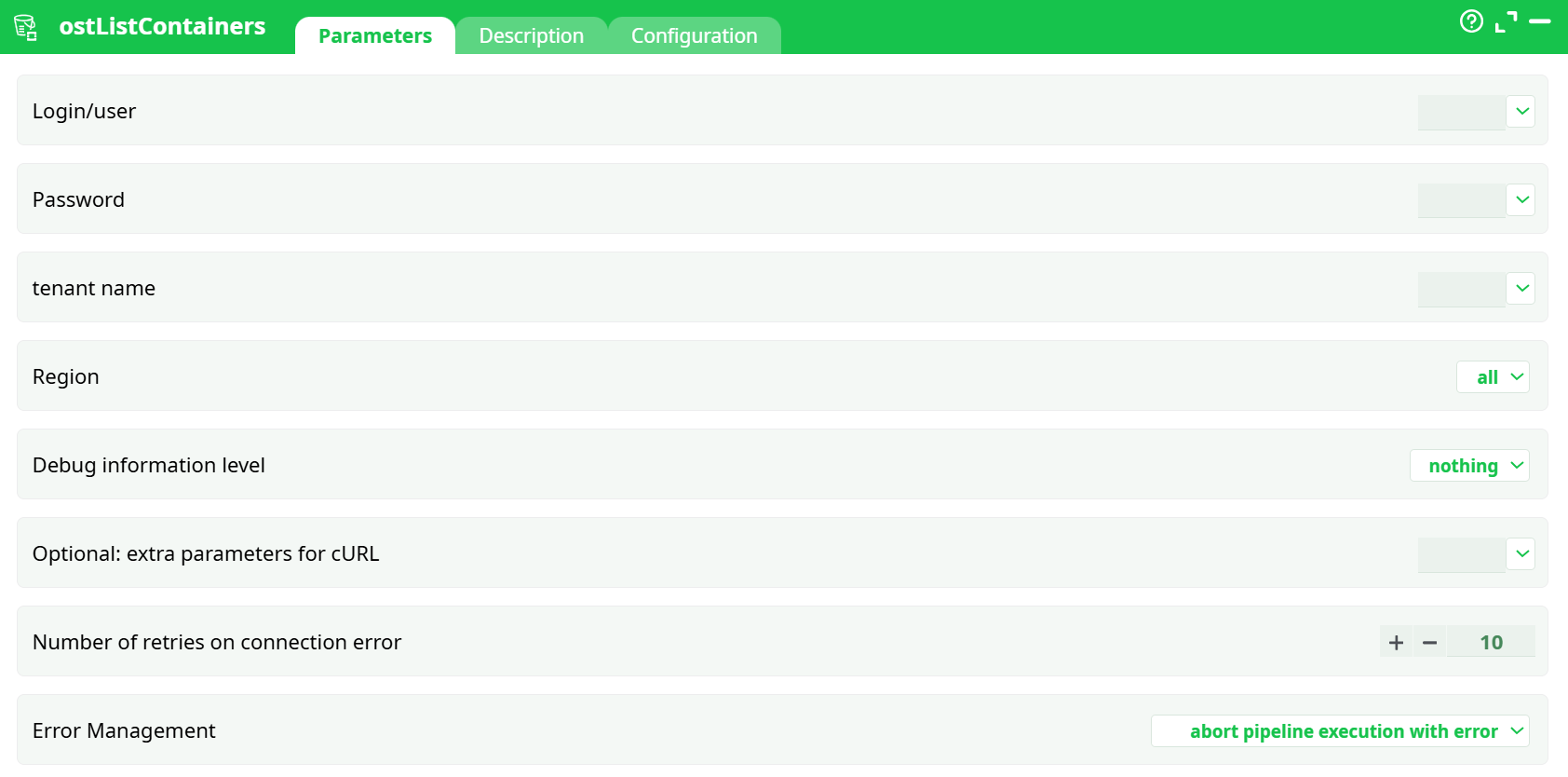
Parameters:
- Login/user
- Password
- tenant name
- Region
- Debug information level
- Optional: extra parameters for cURL
- Number of retries on connection error
- Error Management
¶ Description tab
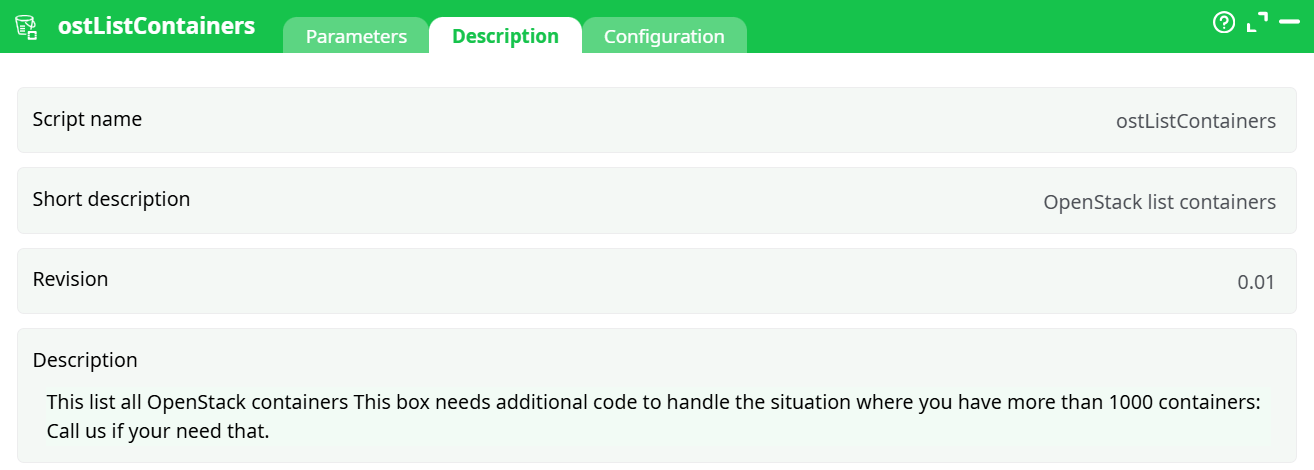
Parameters:
- Script name
- Short description
- Revision
- Decription
¶ Configuration tab
See dedicated page for more information.
¶ About
ostListContainers connects to an OpenStack Swift–compatible Object Storage account and returns a tabular list of your containers. One output row corresponds to one container. The returned columns mirror what the Swift API exposes for the account (e.g., container name and basic metadata such as object count and total bytes, depending on provider/version).
Note
If your account contains more than ~1,000 containers, pagination may be required. The box includes a note that additional code is needed for very large listings. Contact us if you need that variant.
¶ Where it works (cloud providers)
Any provider that exposes a Swift (OpenStack) Object Storage endpoint, including but not limited to:
- OVHcloud Public Cloud – Object Storage (regions visible in the UI: BHS, DE/Frankfurt, GRA/Gravelines, SBG/Strasbourg, UK/London, WAW/Warsaw, etc.)
- Self-hosted OpenStack Swift clusters
- Other Swift-compatible services
You only need valid credentials and (optionally) a region.
¶ Outputs
-
a table with one row per container returned by the provider.
The exact schema depends on the Swift endpoint, but typically includes: -
name(container name) -
counts and size metrics exposed by the account listing (object count / total bytes), when available.
¶ Minimal setup to run (quick start)
-
Drop the action onto your pipeline.
-
Open Parameters and fill:
Login/userPasswordtenant Nameregion→ pick a region orall.
-
(Optional) Set
idErrorManagementto your preferred behavior; leaveNumber of retries on connection error=10. -
Run Preview.
- Check Data on Pin 0 to see the list of containers.
That’s it—no additional wiring is required for a basic listing.
¶ How it works (under the hood)
- The action builds an authentication request against your provider’s OpenStack Identity (Keystone) using
Login/user,Passwordandtenant Name. - It obtains a temporary token and the Swift endpoint for the selected
region. - It issues a container-listing request to Swift (with pagination when implemented), honoring
Number of retries on connection errorand any extra cURL options fromOptional: extra parameters for cURL. - The JSON response is normalized to a table and emitted on pin 0.
Debug level controls what is logged from the HTTP exchange; error management decides whether the pipeline stops or continues with an error status.
¶ Best practices
- Security: keep
Passwordin a vault/secret; avoidverboselogging in production (tokens/headers may appear). - Regions: prefer a specific region for performance; use
allwhen you truly need a cross-region view. - Large accounts: if you expect >1,000 containers, ask for the paginated version of this box.
- Resilience: tune
Number of retries on connection errorand considerOptional: extra parameters for cURLtimeouts (e.g.,--connect-timeout 5 --max-time 30) for flaky networks. - Error policy: use “abort pipeline execution with error” when the listing is critical; otherwise continue with status ERROR and handle downstream.
¶ Related actions
ostListFiles— list objects inside a containerostDownload— download objectsostUpload— upload objectsostDelete— delete objects