¶ Description
Read a (list of) PDF docunents.
¶ Parameters
¶ Parameters Tab
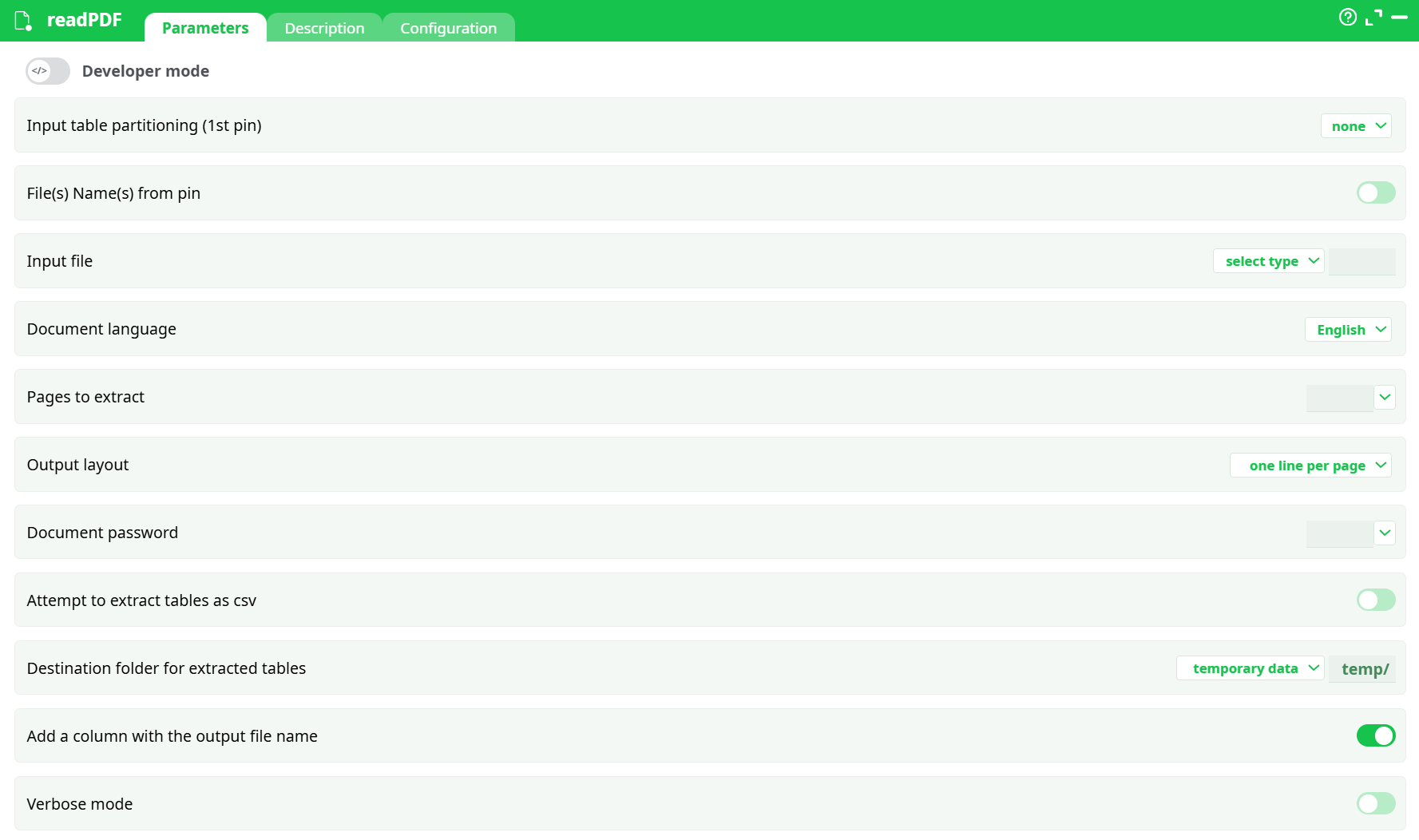
Parameters:
- Input table partitioning (1st pin)
- File(s) Name(s) from pin
- Multiple files
- Input file
- Document language
- Pages to extract
- Output mode
- Document password
- Attempt to extract tables as csv
- Destination folder for extracted tables
- Add a column with the output file name
- Verbose mode
¶ Description Tab
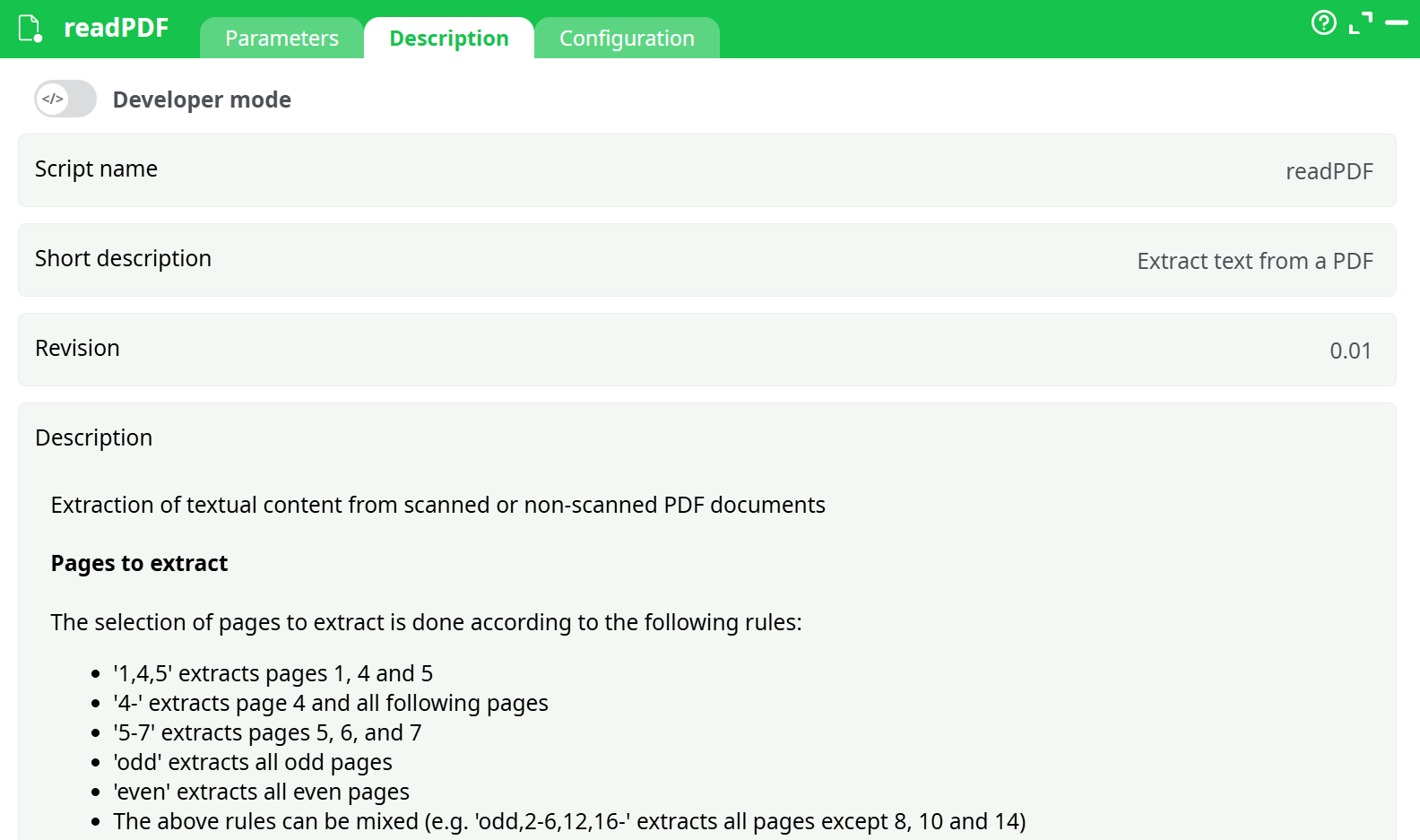
Parameters:
- Script name
- Short description
- Revision
- Description
¶ Configuration Tab
See dedicated page for more information.
¶ About
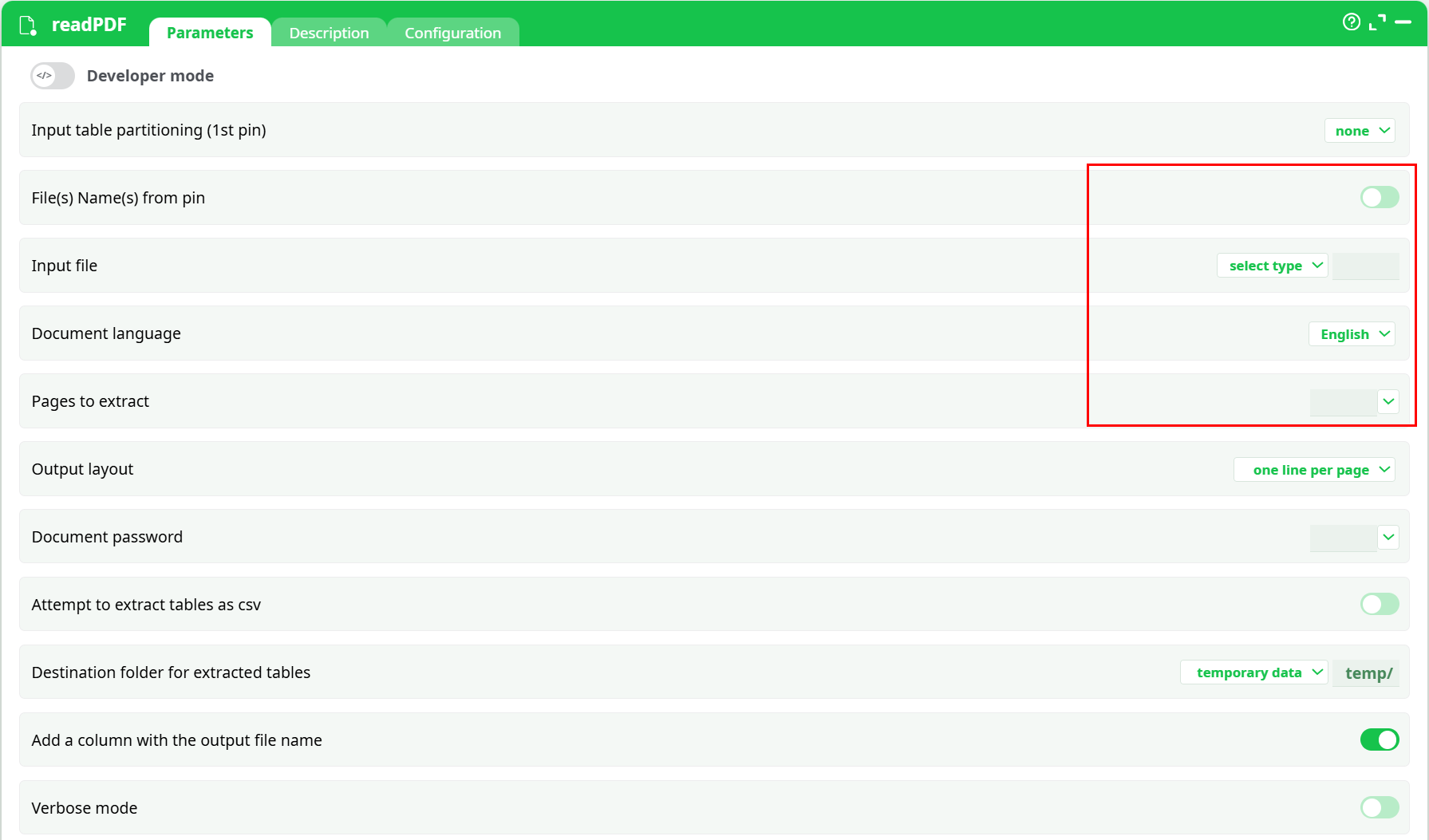
The ReadPDF action operates in two distinct modes, controlled by the Multiple Files toggle:
¶ When disabled (OFF)
- A single PDF file is selected manually from the available sources.
- The Document Language and Pages to Extract fields must be configured manually.
¶ Pages to Extract
Supports flexible page selection patterns:
1,4,5– extracts pages 1, 4, and 54-– extracts page 4 and all following pages5-7– extracts pages 5 through 7odd– extracts all odd-numbered pageseven– extracts all even-numbered pages- Patterns can be combined:
Example:odd,2-6,12,16-
¶ Document Language
For scanned documents, the language must be specified:
- Selected from a dropdown when processing a single file
- Default:
English - Multiple languages can be specified using
+(no spaces), e.g.eng+fra - Supported language codes can be found in the Description section of the action.
¶ When enabled (ON)
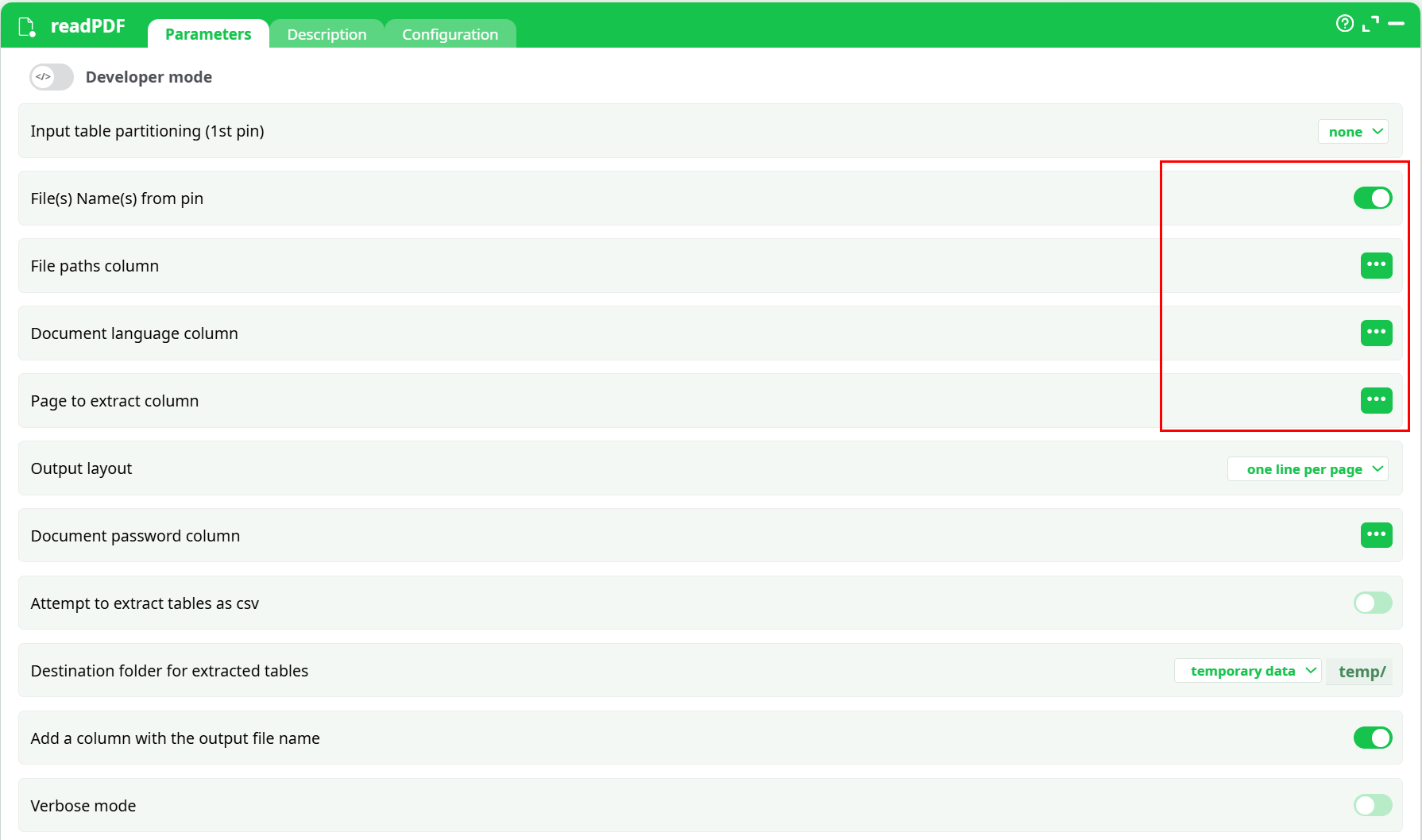
- PDF file paths are read from a column in the first input table.
- Document language and pages to extract are also provided via dedicated input columns.
- Enables batch processing of multiple PDF files with individualized parameters for each row.