¶ Description
Reads a table from a .sas7bdat file
¶ Parameters
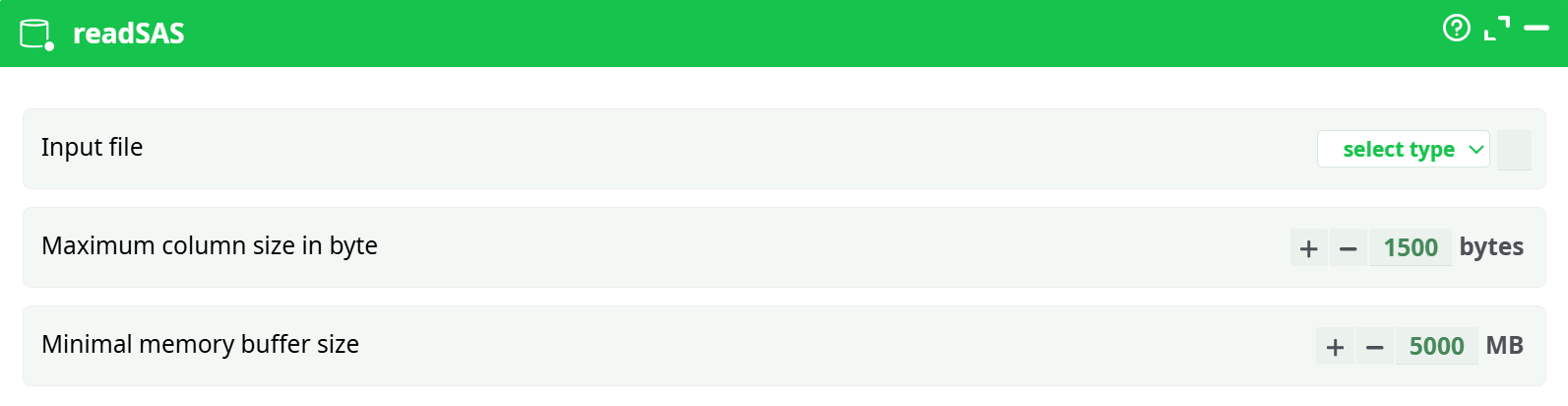
Parameters:
- Input file
- Maximum column size in byte
- Minimal memory buffer size
¶ About.
You should rather use the new readStat action to read .sas7bdat files.
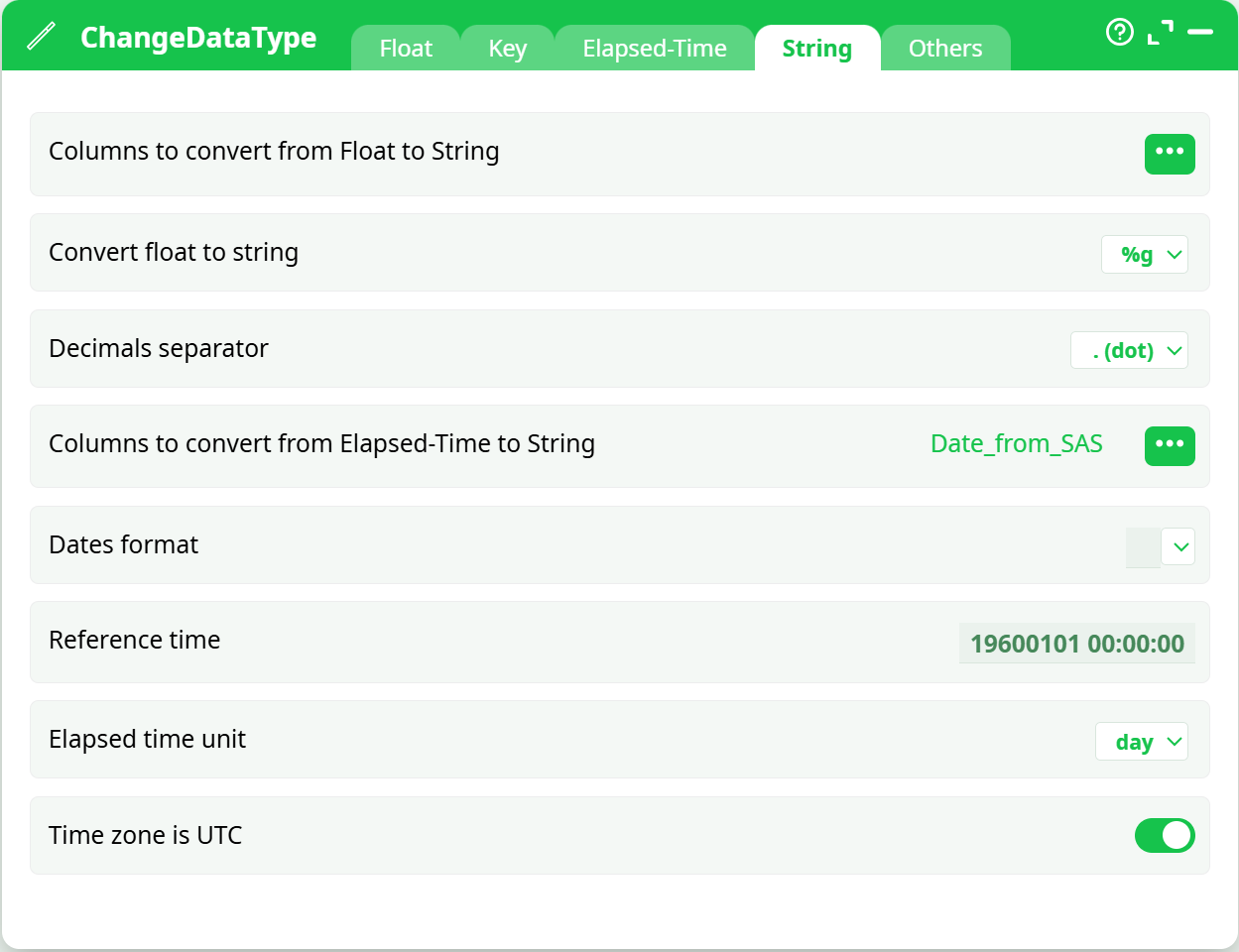
There are two different ways to store dates inside SAS: Dates can either be stored as Strings or Floating point numbers (SAS is very similar to ETL with respect to dates). The dates that are stored inside SAS as floating point numbers are imported inside ETL as floating point numbers (i.e. with a blue background color inside the data Preview window). To convert these dates to “normal” ETL dates, you can use the “to String from Elapsed Time” option of the ChangeDataType action. Use these parameters:
- Reference Time: 19600101 00:00:00
- Elapsed Time Unit: day.
Here is a screenshot: