¶ Description
Download Data from Zoho CRM.
¶ Parameters
¶ Parameters tab
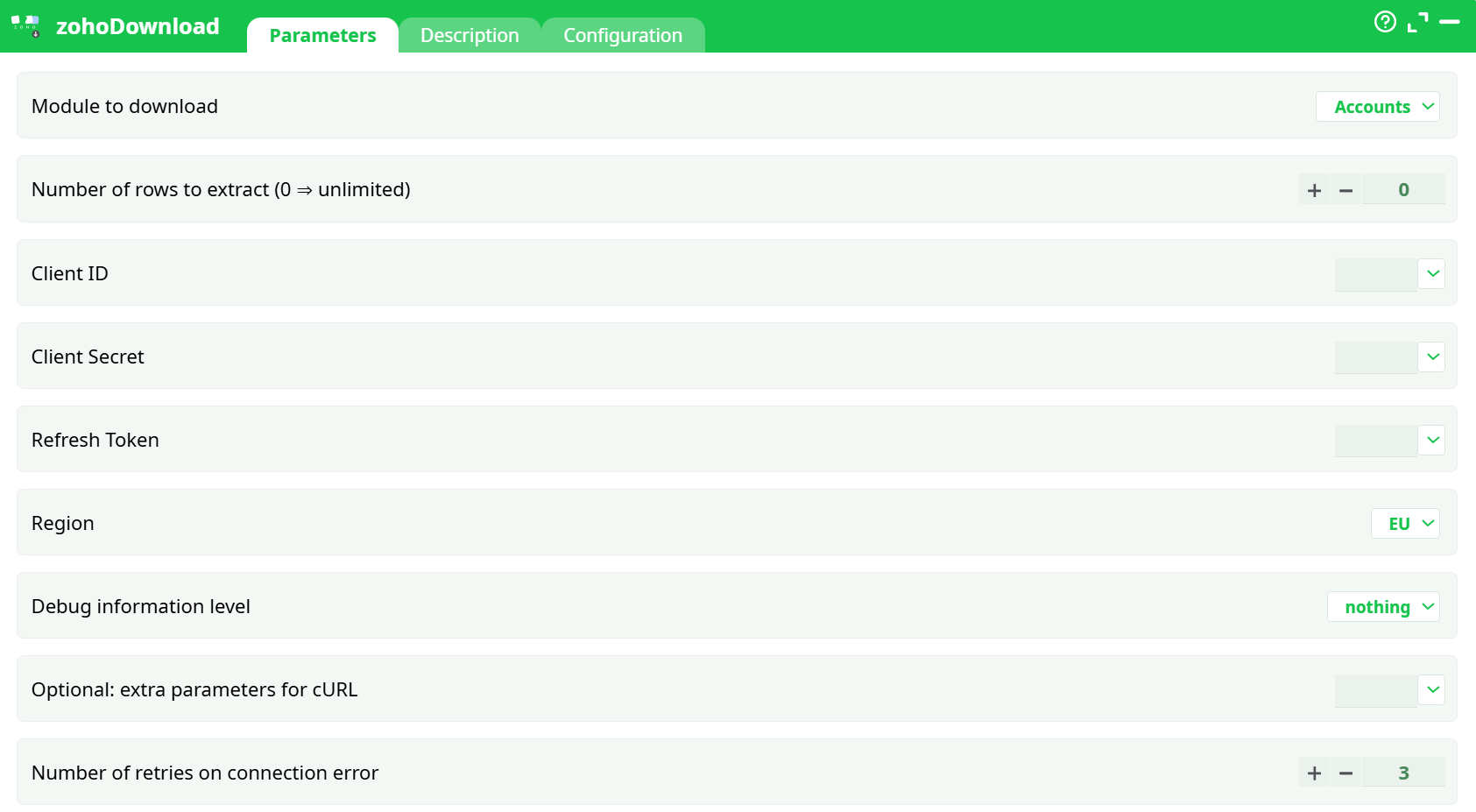
Parameters:
- Module to download
- Number of rows to extract (0 = unlimited)
- Client ID
- Client Secret
- Refresh Token
- Region
- Debug level information
- Optional: extra parameters for cURL
- Number of retries on connection error
¶ Description tab
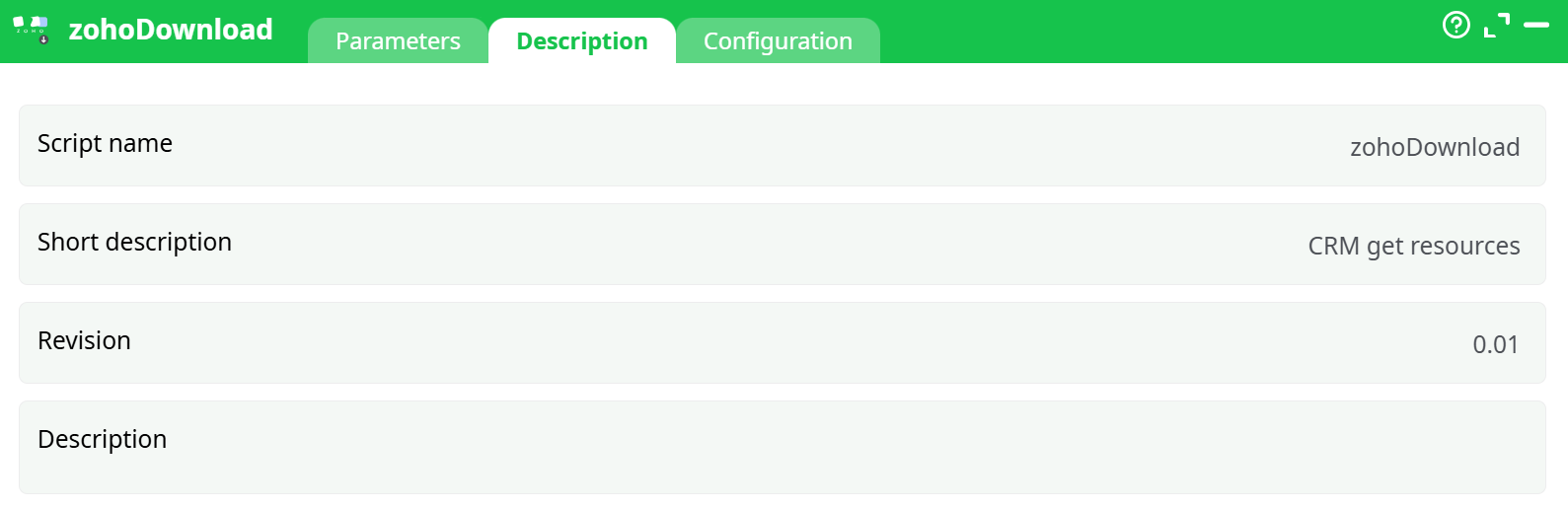
Parameters:
- Script name
- Short description
- Revision
- Decription
¶ Configuration tab
See dedicated page for more information.
¶ About
ZohoDownload retrieves data from a Zoho CRM module (e.g., Leads, Accounts, Contacts, etc.) and returns the rows as a table.
It uses the same OAuth2 credentials as the zohoUnlock action (Client ID, Client Secret and Refresh Token). If you haven’t created these yet, follow the step-by-step guide in the zohoUnlock documentation (that guide shows how to obtain Client ID, Client Secret, identify your Region and generate the Refresh Token).
Typical uses:
- One-off or scheduled exports from a Zoho CRM module.
- Incremental pulls (use the module’s date fields and filters downstream).
- Feeding analytics, reporting or warehousing pipelines.
¶ Output
- A table with one row per record from the selected module.
- Columns match the fields returned by the Zoho CRM API for that module (they can vary by module and by your Zoho configuration).
- Use downstream actions to select, rename, or cast fields as needed.
¶ Quick start
-
Get credentials first
If you don’t already have them, open the zohoUnlock documentation and follow the illustrated steps to generate:- Client ID
- Client Secret
- Refresh Token
- Identify your Region (US/AU/EU/IN/CN)
-
Configure ZohoDownload
- Set Module (e.g., Accounts).
- Leave Limit = 0 for a full export (or set a smaller number while testing).
- Paste Client ID, Client Secret, Refresh Token.
- Select the correct Region.
- (Optional) Set Debug to basic if you’re diagnosing a connection issue.
- (Optional) Add cURL flags in Optional: extra parameters for cURL (proxy, timeouts, etc.).
- Adjust Number of retries on connection error if needed.
-
Run
Execute the action. The output pin will contain the records from the selected module.
¶ Tips & good practices
- Start small: use a non-zero Number of rows to extract (0 ⇒ unlimited) to validate fields and types before running a full export.
- Filtering: Zoho’s API supports criteria in list endpoints, but this action exports the raw module data. Apply filters downstream or split pulls by date ranges if datasets are large.
- Regional endpoints matter: If credentials are valid but you get 401/403, double-check the Region matches your account (EU vs US, etc.).
- Token hygiene: Refresh Tokens don’t expire by default, but they can be revoked if you delete the client in Zoho’s API Console. If calls suddenly fail with invalid_token, re-run zohoUnlock to generate a new one.
- Rate limiting: If you hit rate limits, increase Number of retries on connection error and consider spacing runs or partitioning by date.
¶ Troubleshooting
-
401 Unauthorized / invalid_client
Client ID/Secret mismatch or wrong Region. Re-copy the credentials from the Zoho API Console and verify Region (see zohoUnlock guide). -
invalid_token / expired token
The Refresh Token was revoked or belongs to a different client. Run zohoUnlock again to create a fresh token. -
Network/timeout errors
Increase Number of retries on connection error, set Optional: extra parameters for cURL (e.g.,--max-time 180), or configure proxy settings if required by your environment. -
Unexpected/empty columns
Field availability in Zoho can be customized per org/profile. Pull a few rows first and inspect columns; adjust downstream mappings accordingly.
¶ Security notes
- Treat Client Secret and Refresh Token like passwords. Store them in your platform’s secret/parameter store where possible.
- Avoid enabling verbose debug in production, as responses may include PII.