¶ Description
Send E-Mails with (and without) attachements
¶ Parameters
¶ Content Tab
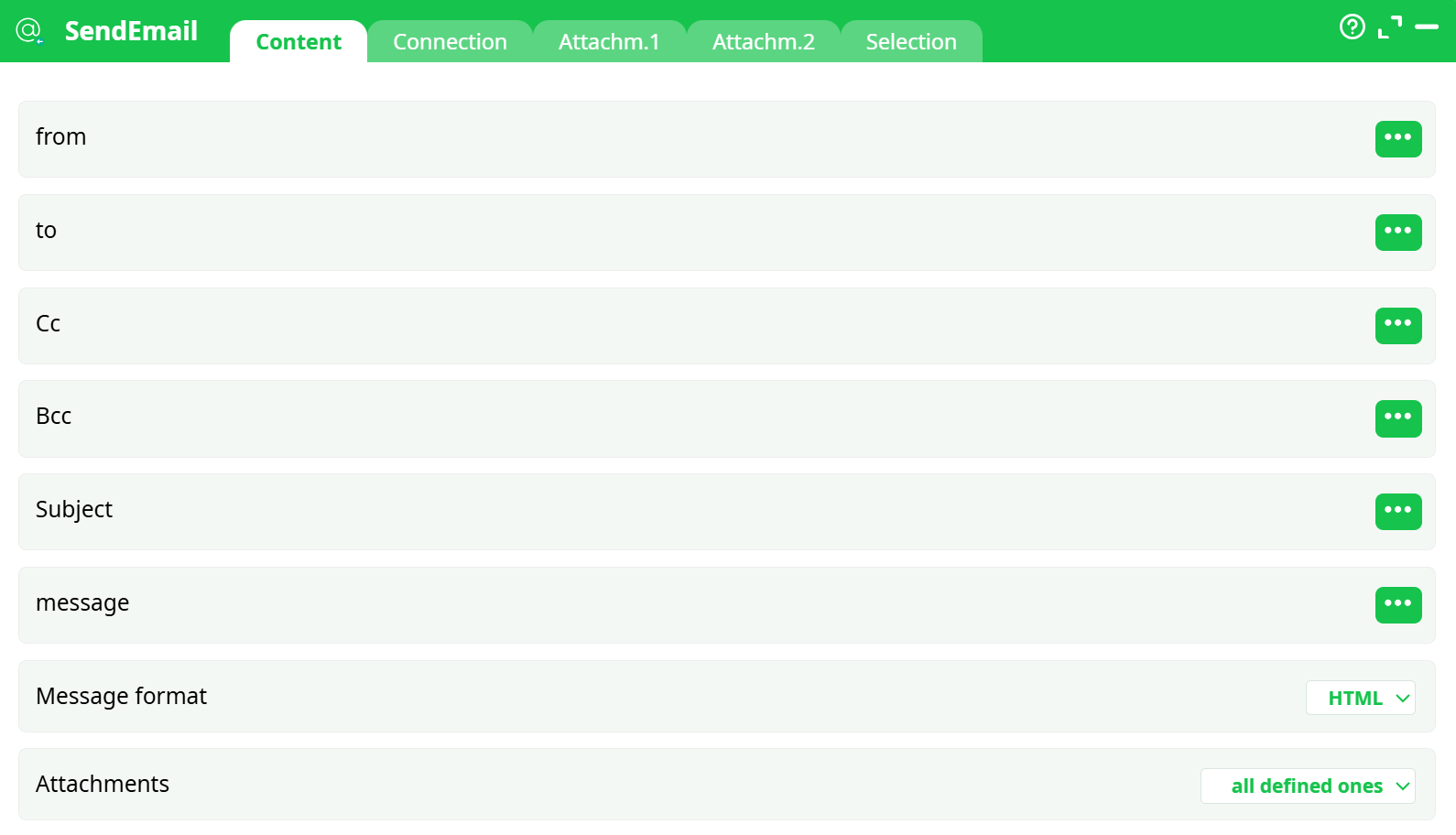
Parameters:
- from
- to
- Cc
- Bcc
- Subject
- message
- Message format
- Attachments
¶ Connection Tab
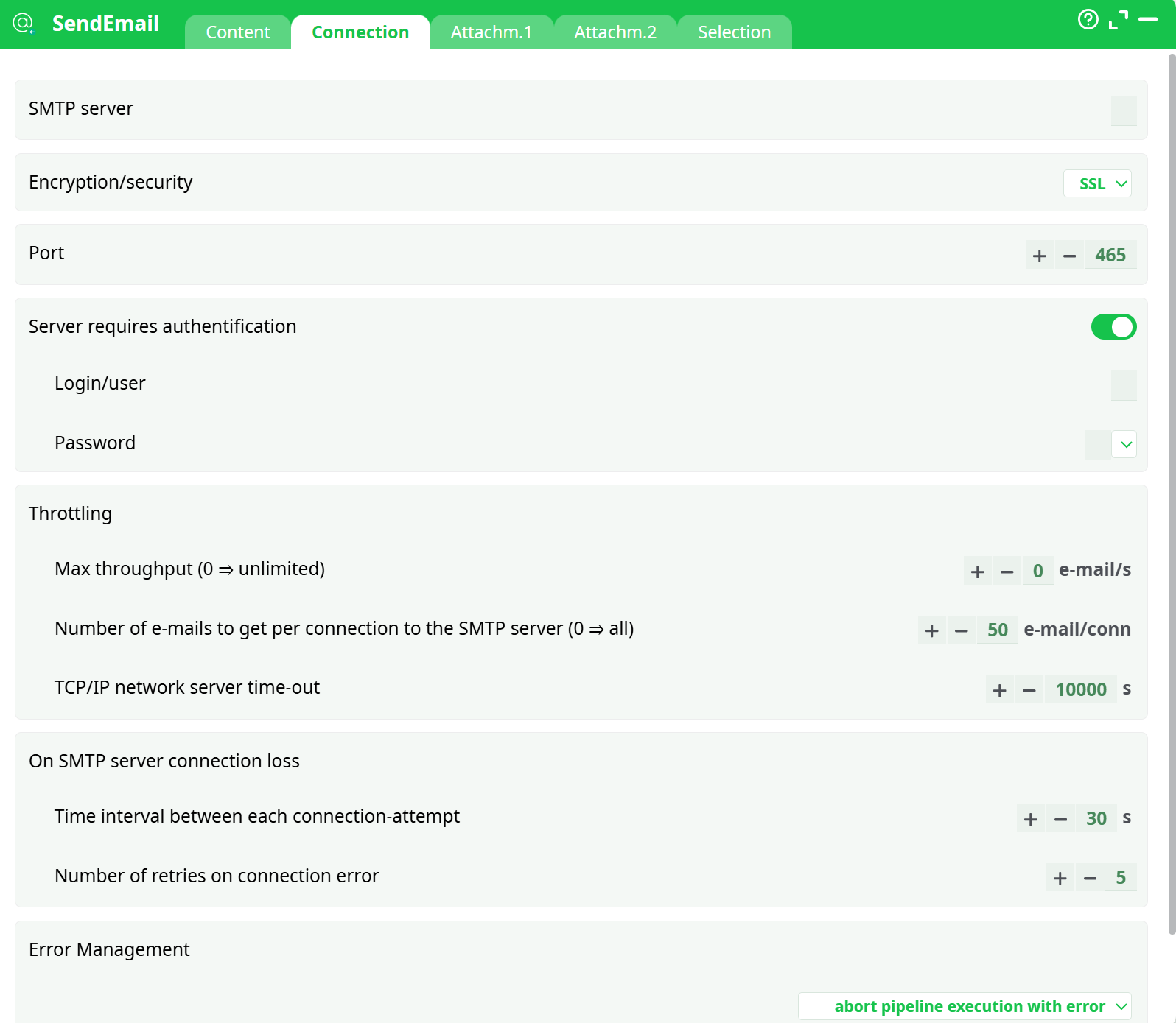
Parameters:
- SMTP server
- Encryption/security
- Port
- Server requires authentification
- Login/user
- Password
- Throttling
- Max throughput (0 = unlimited)
- Number of emails to get per connection to the SMTP server (0 = all)
- TCP/IP network server time-out
- On lost connection with SMTP server
- Time interval between each connection-attempt
- Retries on connection error
- Error Management
- Bogus SMTP Server that only accept one recipient per sent message
¶ Attachment1 Tab
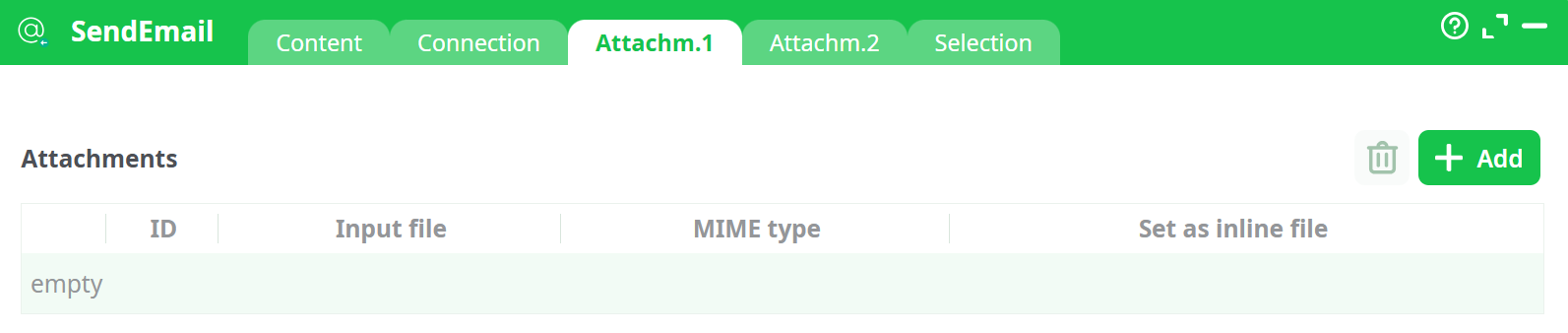
Parameters:
- ID
- Input file
- MIME type
- Set as inline file
¶ Attachment 2 Tab
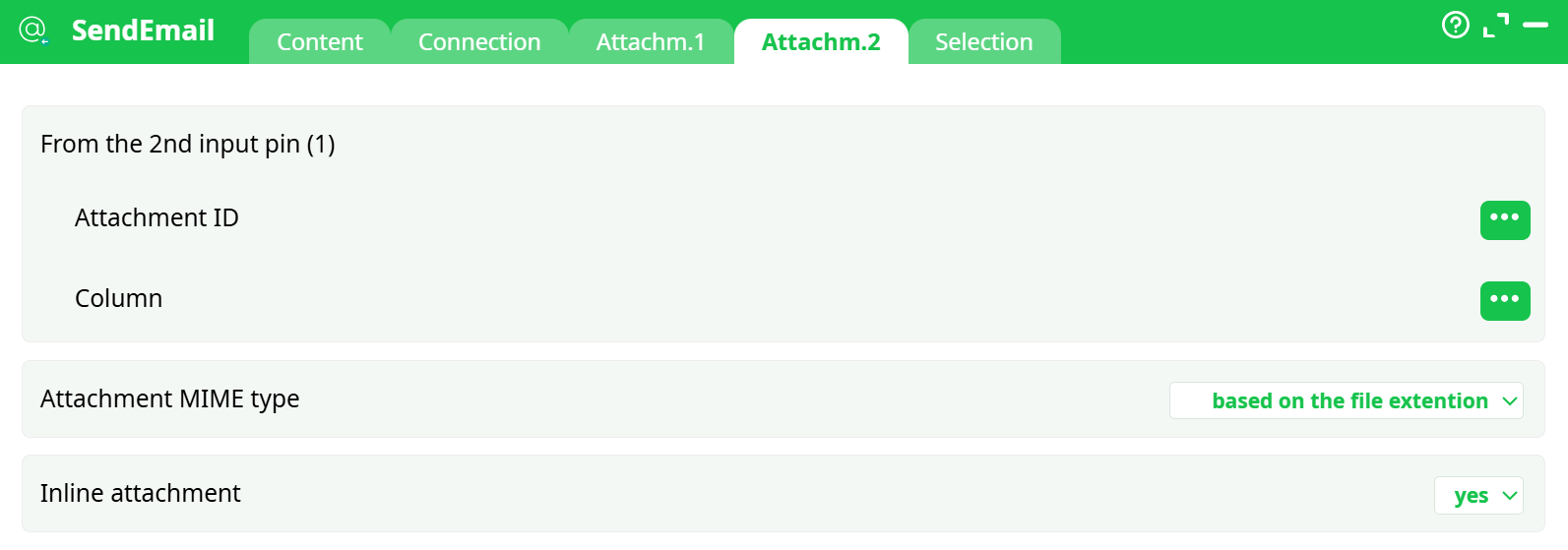
Parameters:
- From the second input pin
- Attachment ID
- Column
- Attachment MIME type
- Inline attachment
¶ Selection Tab

Parameters:
- Write all rows
¶ About
Send E-Mails with (and without) attachements.
The “To”, “Cc” & “Bcc” fields may contain several e-mail addresses separated by comma’s. For example, you can have as a destination (i.e. “To”) value:

You can also define “labels” for each email: For example:

There are, basically, 2 types of attachments to emails:
- “Normal attachments” that you can save in your hard drive for consultation. This typically include PDF files, ZIP files, etc.
- “In-line files”: these are displayed inside the body of the html-message. These are typically a JPEG or PNG banner that appears inside the text of the email.
Most of the time, the images that are displayed inside e-mails are simple URL links to remote webservers. This approach has some limitation: The recipient cannot see the images, unless he clicks the "Show remote content (such as images)" button inside its email cient (… and personnaly, I am very reluctant to do that because it’s against my privacy). For example, here is a message from “Expedia.com”, inside Thunderbird:
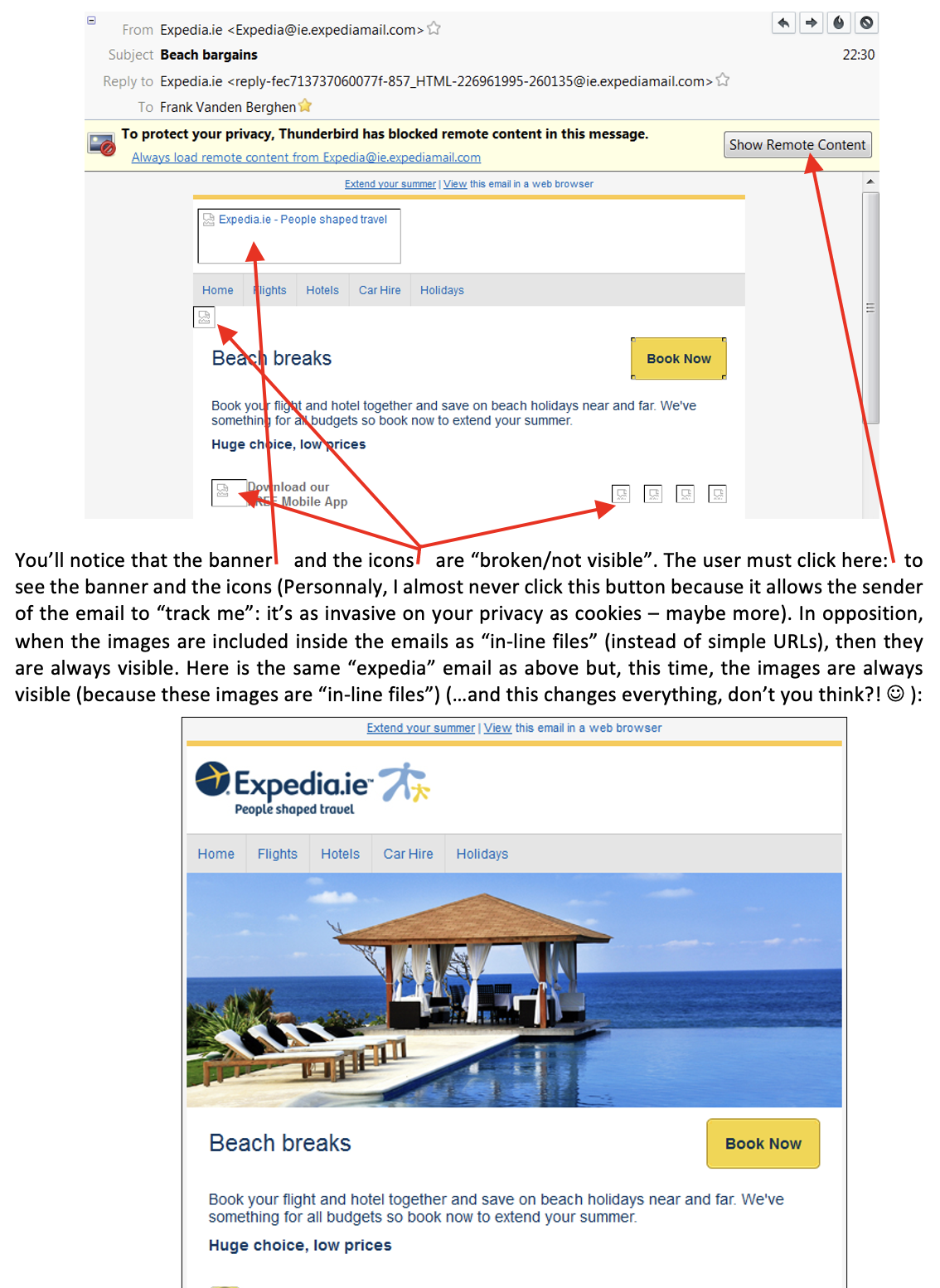
The only drawback about including images as “in-line files” inside emails is the time (i.e. the bandwidth) required to send the emails. Since the data from these “in-line” images are included directly inside the email, the emails are becoming “bigger” (An “in-line” image is usually around 50000 bytes. In comparison, an “url” image is only around 20 bytes. “In-line” images require thus more bandwidth when sending the emails). To reduce the size of the emails, you can use the “Only include Attachments with IDs” option of the “Attachment Selection” parameter:
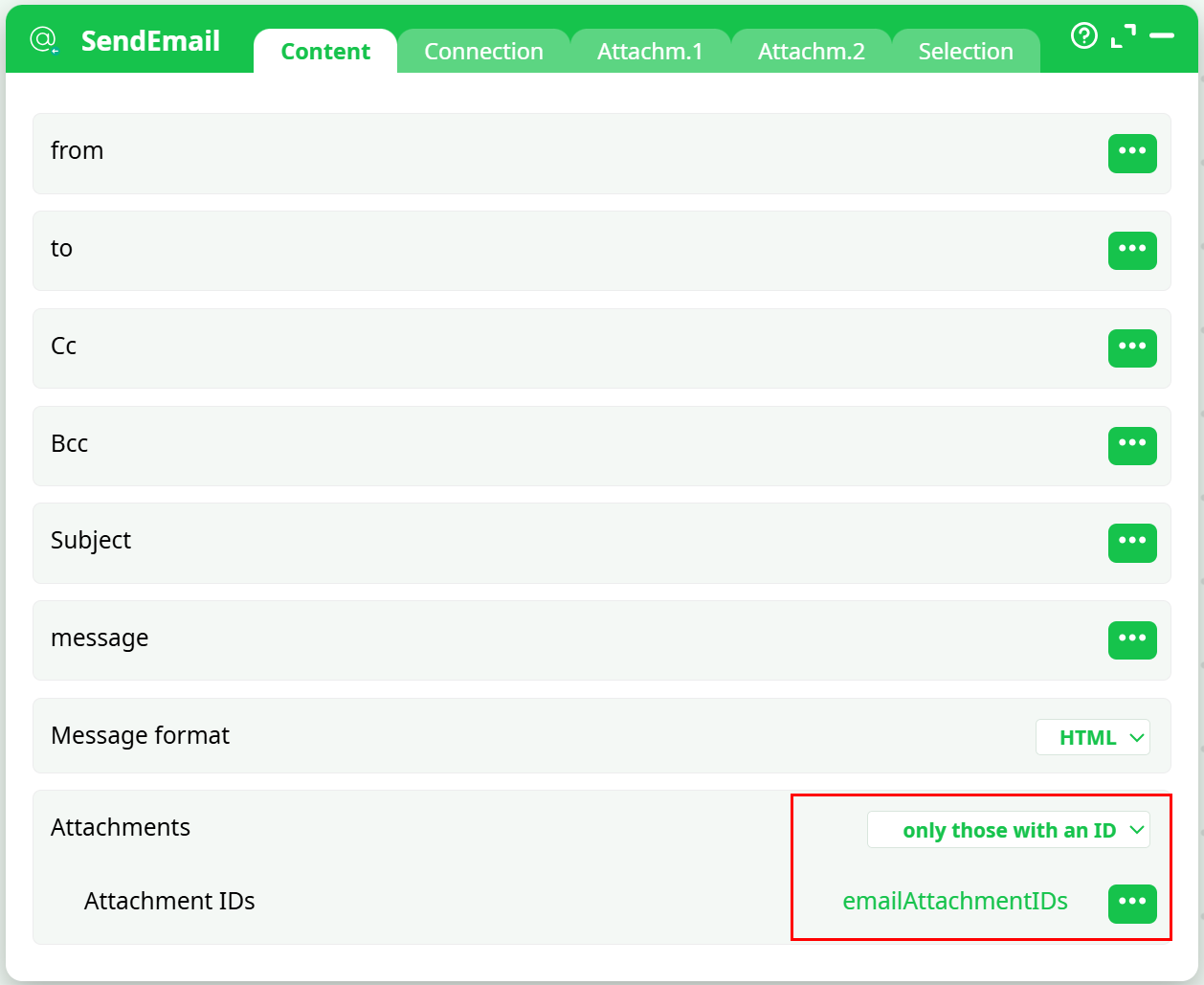
Using the “Attachment Selection” parameter, you can decide precisely which attachments are included in which email, thus reducing the required bandwith to send the emails to the minimum.
The parameters inside the “Connection” tab are self-explanatory. If your SMTP server (that is sending the emails) is very slow, increase the “TCP/IP network server time-out” parameter.
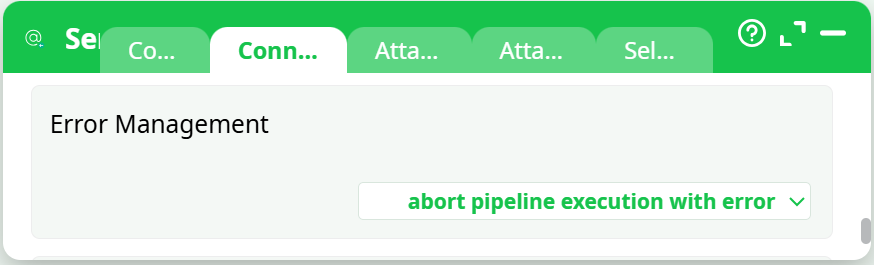
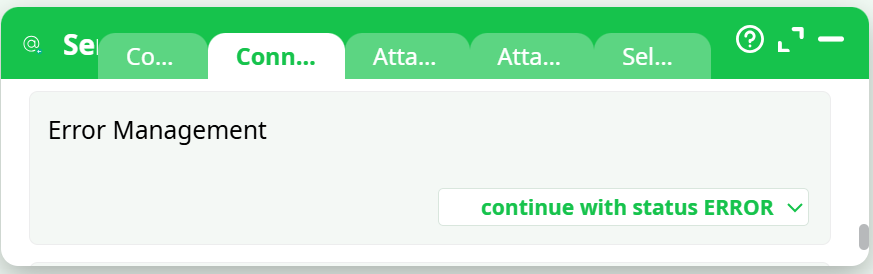
Some SMTP providers are imposing strict limits on the number of emails sent per hour (or per day). When the limit is reached, the SMTP server refuses to send any more email (the best option is still to reduce the flow of emails using the Throtteling options to avoid any interruption of service from the SMTP server). When your SMTP server is “down”, you can either:
- Abort the whole ETL-Data-transformation-Pipeline: For example:
- Save the remaining unsent emails inside a .gel file to be able to send them later:
Use this pipeline :
- Re-Route the emails that were not sent yet to another, yet active, SMTP server: Use this pipeline :
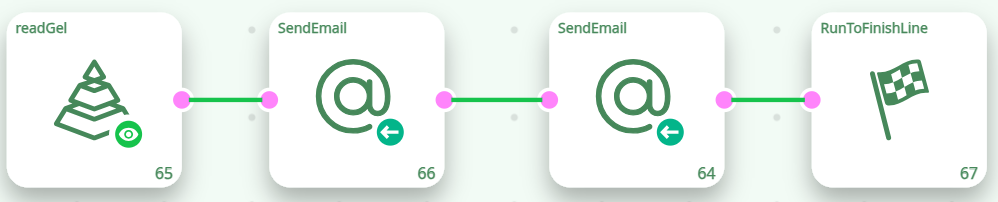
- Use a combination of the 2 above: Use this pipeline :