¶ Description
Writes .pickle file.
¶ Parameters
¶ Parameters tab

Parameters:
- Input table partitioning (1st pin)
- The .pickle file
¶ Description tab
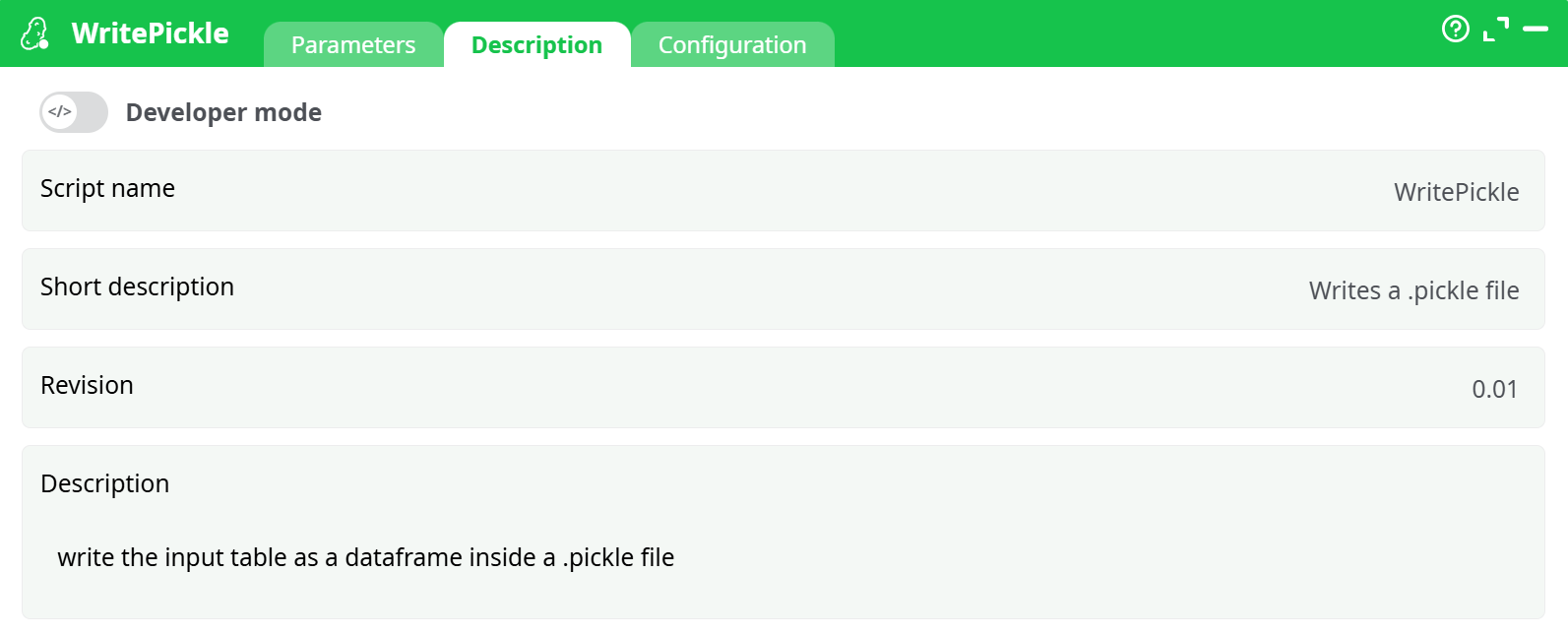
Parameters:
- Script name
- Short description
- Revision
- Description
¶ Configuration tab
See dedicated page for more information.
¶ About
WritePickle takes the table on its first input pin, converts it to a pandas DataFrame, and serializes it to a single .pickle file. Compared to text formats (CSV) it preserves dtypes (categoricals, datetimes with timezone, nullable ints, etc.) and is typically faster. Use it when:
- The next consumer is Python/pandas-based (another Py step, a notebook, a Python service).
- You want lossless round-tripping of pandas objects without schema drift.
Considerations
- Python-only: Pickled files are meant to be read back by Python; they’re not ideal for cross-language exchange (use Parquet/CSV for that).
- Security: Never unpickle data from untrusted sources.
- Compatibility: Very old/new Python or pandas versions may not be fully cross-compatible. Keep writer/reader environments reasonably aligned.
- Size: Pickle is a single-file binary; if the table is huge, ensure disk space is available or consider a columnar format (Parquet).
¶ How to configure (step by step)
-
Connect the input. Wire any action that outputs a table into the first pin of WritePickle.
-
Choose the output path.
-
Click filepath → select type and pick one:
- temporary data → enter a name, e.g.
temp/out.pickle. - recorded data → enter/select a key/name, e.g.
records/out.pickle. - JavaScript expression → compose a dynamic path, e.g.:
>"temp/out.pickle".
- temporary data → enter a name, e.g.
-
-
Run the pipeline. The table is written to the specified location. Check the logs for the exact path and any warnings.
¶ Example 1 — Save model outputs for later Python use
-
Upstream:
Py_ApplyModelproduces a table with apredictionsSmallcolumn. -
Configure WritePickle:
- filepath → JavaScript expression →
>"records/predictionsSmall.pickle" - Input table partitioning →
none
- filepath → JavaScript expression →
-
Result: a file
predictionsSmall.pickleappears in your project assets. You can read it later in Python:import pandas as pd df = pd.read_pickle("predictionsSmall.pickle")
That’s it—WritePickle is the quickest way to persist a pandas-perfect snapshot of your table for Python workflows.