¶ Description
Upload data to SuiteCRM.
¶ Parameters
¶ Parameters tab
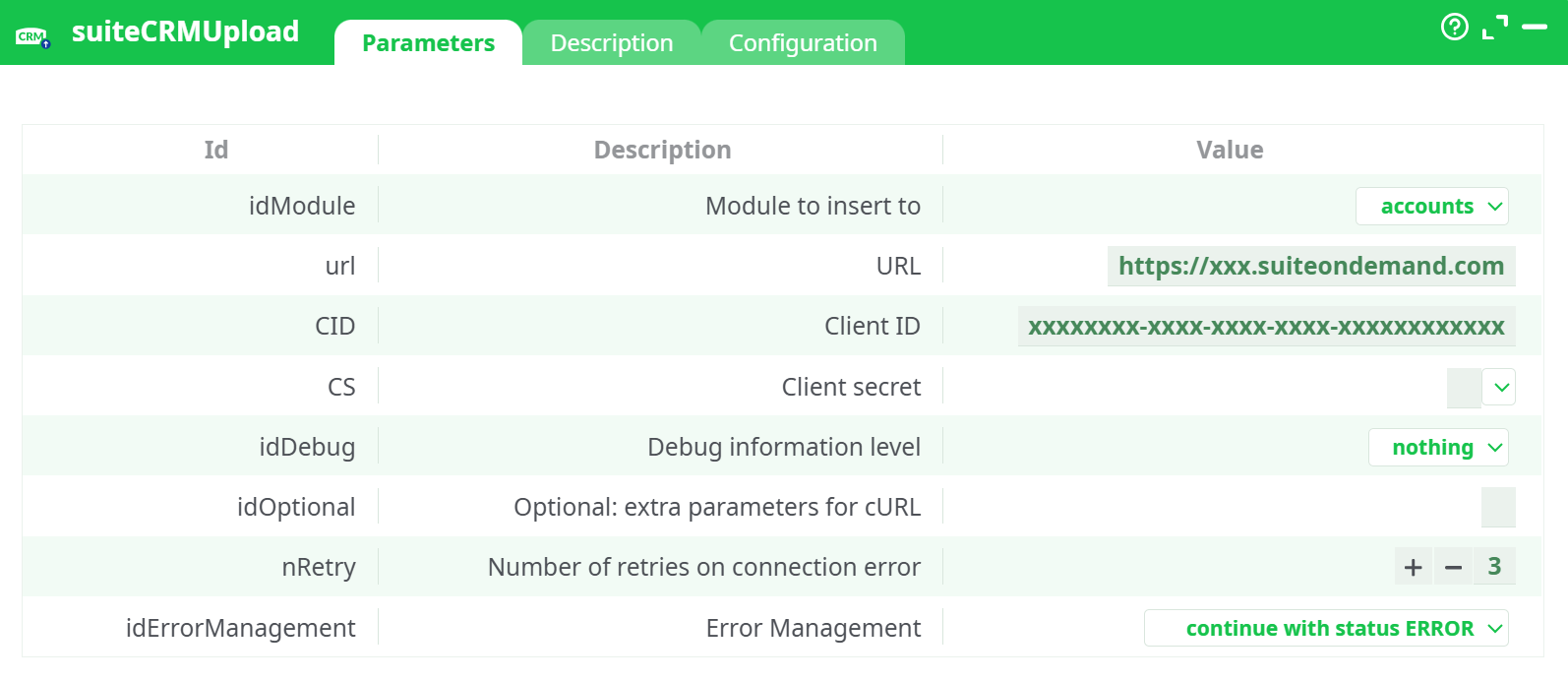
Parameters:
- Module to insert to
- URL
- Client ID
- Client secret
- Debug information level
- Optional: extra parameters for cURL
- Number of retries on connection error
- Error Management
¶ Description tab
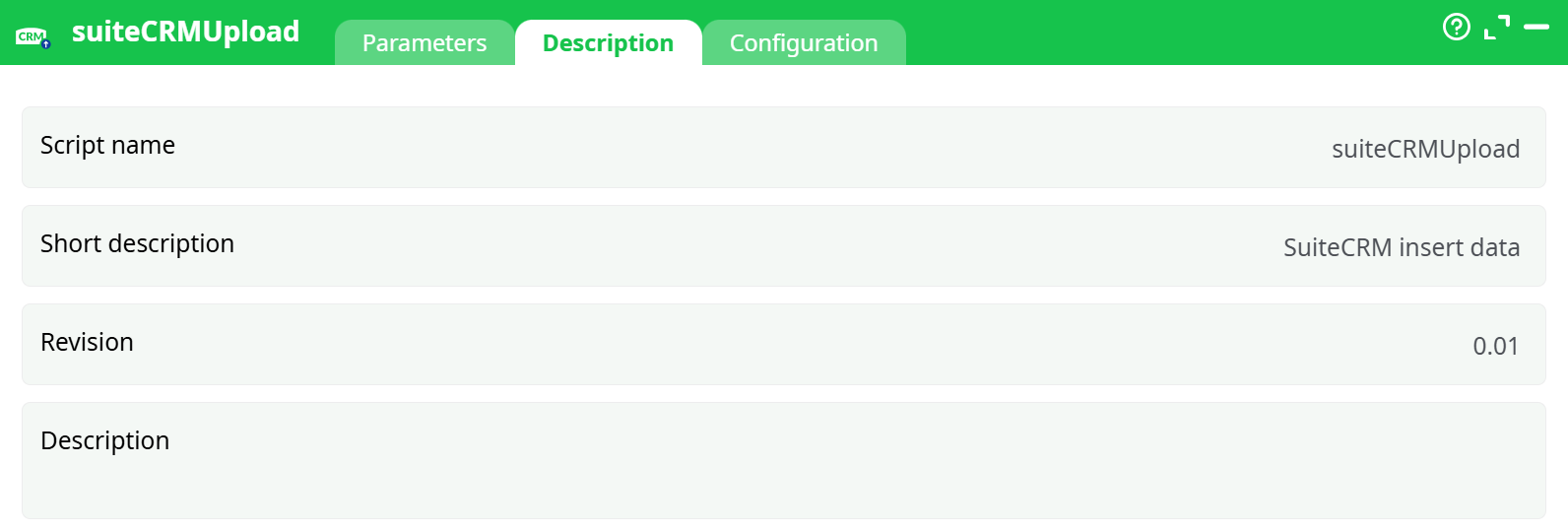
Parameters:
- Script name
- Short description
- Revision
- Decription
¶ Configuration tab
See dedicated page for more information.
¶ About
- Creates new records in a chosen SuiteCRM module (e.g.,
accounts,contacts,leads, …). - Each incoming row from the previous action is sent as one record to SuiteCRM.
- Field mapping is name-based: column names in your dataset must match the API field names of the target SuiteCRM module (examples below).
Note: This action focuses on insert. If you need update/upsert, keep a column named
idwith an existing SuiteCRM GUID only if your SuiteCRM endpoint is customized to accept it; otherwise the request may fail. The default behavior is create.
¶ Prerequisites
- A running SuiteCRM instance (On-Demand or self-hosted 7.x).
- Client ID and Client Secret created via SuiteCRM Admin → OAuth Keys → New Client Credentials Client.
- Your instance base URL (e.g.,
https://xxx.suiteondemand.com).
Step-by-step credential guide in the suiteCRMDownload documentation.
¶ Data mapping (important)
- The action sends each incoming row as a JSON payload to SuiteCRM.
- Column names must match SuiteCRM field API names for the chosen module.
- Unknown field names are ignored (or may be rejected by your SuiteCRM, depending on configuration).
¶ Common field names (examples)
accounts
name(required by most setups)website,phone_office,phone_faxemail1,billing_address_street,billing_address_city,billing_address_state,billing_address_postalcode,billing_address_countrydescription,assigned_user_id(GUID of user)
contacts
first_name,last_name(often required)email1,phone_mobile,phone_workprimary_address_street,primary_address_city,title,account_id(relates to an Account)
Tip: In SuiteCRM Admin → Studio, open the module, check Fields to find the exact API field names. Use those exact names as your column headers in ETL.
¶ Minimal pipeline example
-
Prepare data
Create a table with headers that match the target module’s fields, e.g., foraccounts:name,website,phone_office,email1 Acme Ltd,https://acme.example, +1-202-555-0100, sales@acme.example -
Configure suiteCRMUpload
Module to insert to=accountsurl= your instance base URLClient ID/Client secret= credentials from OAuth Keys- Leave
Debug information level = nothing(usebasiconly when testing) - Run the pipeline.
-
Result
Each row is created as a new Account. The action will return per-row success/error status in the ETL logs/records.
¶ Working with relationships
- If your payload includes foreign keys (GUIDs) like
account_idwhen creating a Contact, SuiteCRM will link the new record accordingly. - For many-to-many relations or custom relationships, create the primary record first, then link via a separate SuiteCRM process (custom endpoint, logic hook, or a dedicated action if available).
¶ Debugging & Troubleshooting
| Symptom | Likely cause | What to check |
|---|---|---|
| 401/403 Unauthorized / Forbidden | Bad Client ID/Secret or OAuth client type not Client Credentials. | Re-create Client Credentials in SuiteCRM Admin → OAuth Keys. Ensure Client ID/Client secret match exactly. |
| 404 Not Found | Module not enabled or wrong endpoint path. | Ensure Module to insert to is a valid module in your instance and accessible to the OAuth client. |
| 400 Bad Request / validation errors | Field names or values invalid. | Verify field API names in Studio. Check required fields are present (e.g., name for accounts). |
| Duplicate records | Same row ingested multiple times. | Add a unique key in your data and handle dedupe in your pipeline, or use SuiteCRM logic hooks/duplicate rules. |
| Timeouts / flaky network | Network instability. | Increase Number of retries on connection error, add -m 60 or --connect-timeout 10 in Optional: extra parameters for cURL. |
| No records created, but run is “successful” | Error management set to continue. | Inspect the Records/Log tab for per-row statuses; switch Debug information level to basic during testing. |
¶ Best practices
- Start with a test user and a dedicated OAuth client that has only the needed module permissions.
- Validate field names in Studio before large runs. Small test batch first.
- Capture the created record id (if the action exposes it in the output records) and persist it for reconciliation.
- Use
Debug information level = basiconly during development; revert tonothingin production. - Add timeouts/retries in
Optional: extra parameters for cURLandNumber of retries on connection errorfor production stability.
¶ Example: Insert Contacts linked to Accounts
- Ensure you have Account IDs (GUIDs).
- Prepare data with
first_name,last_name,email1,account_id. - Set
Module to insert to = contacts; run the pipeline. - Contacts will be created and linked to existing Accounts by
account_id.
¶ Security notes
- Treat Client Secret like a password. Store it in ETL Secrets and reference it; avoid hard-coding.
- Restrict the OAuth client to the minimum scopes/modules required.
- Rotate secrets periodically in SuiteCRM Admin → OAuth Keys and update the ETL configuration.