¶ Description
Drop contact.
¶ Parameters
¶ Parameters tab
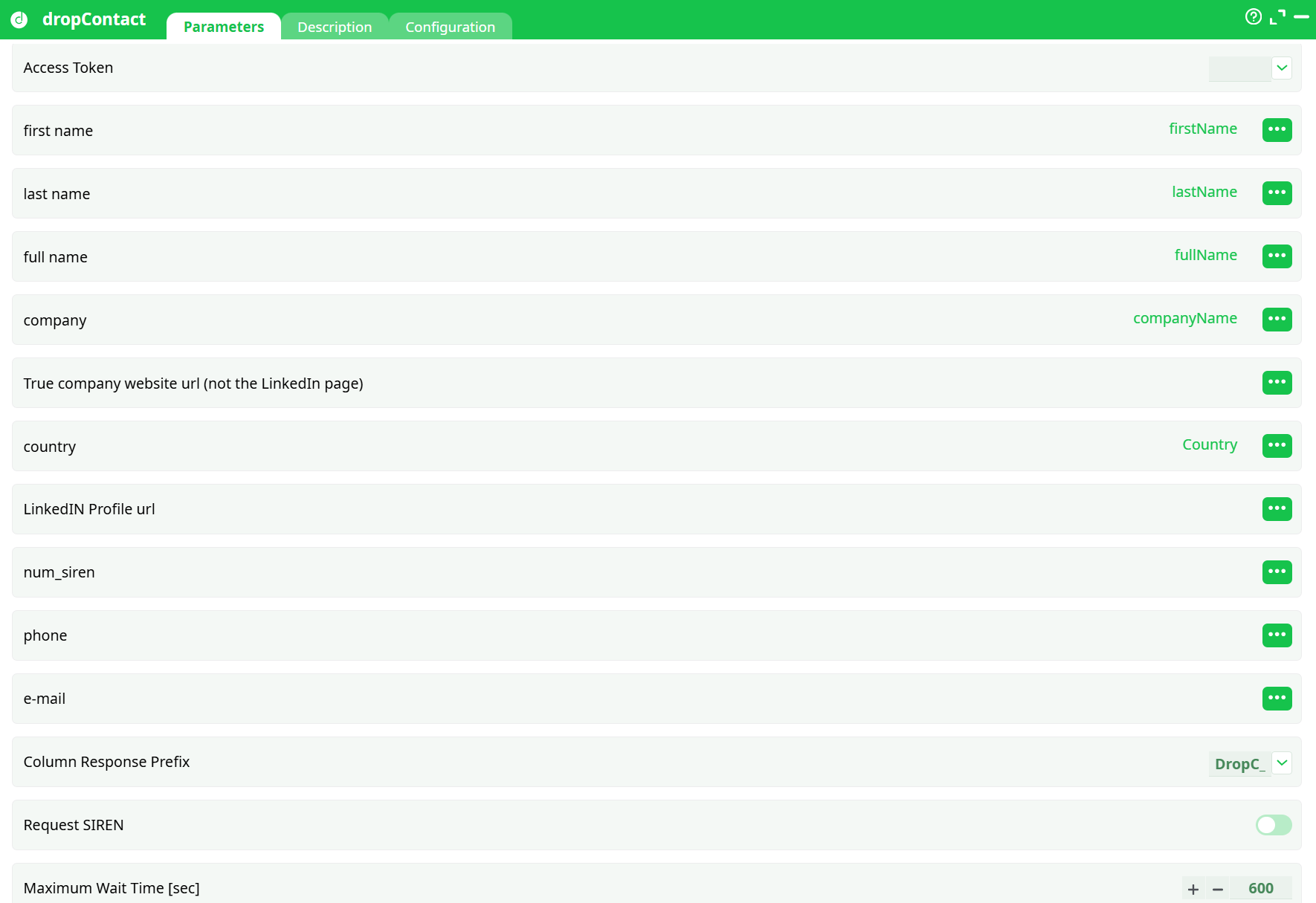
Parameters:
- Access Token
- first name
- last name
- full name
- company
- True company website url (not the LinkedIn page)
- country
- LinkedIN Profile url
- num_siren
- phone
- Column Response Prefix
- Request SIREN
- Maximum Wait Time (sec)
¶ Description tab
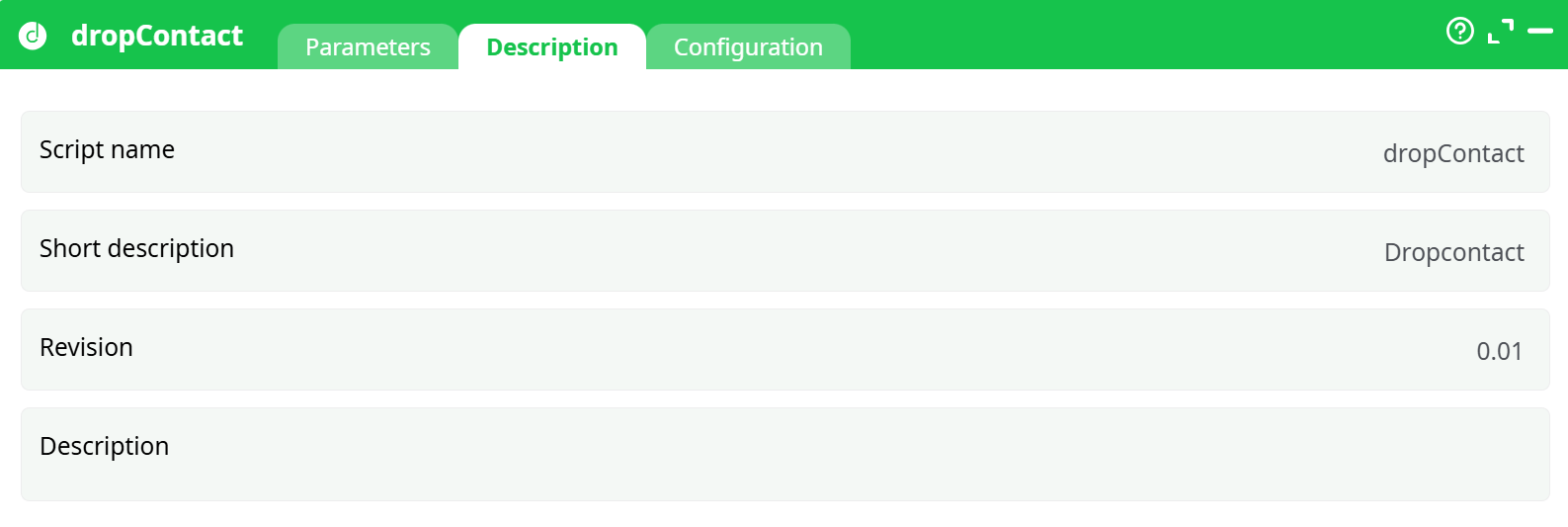
Parameters:
- Script name
- Short description
- Revision
- Decription
¶ Configuration tab
See dedicated page for more information.
¶ About
dropContact sends the people/company information in your input table to the Dropcontact API, waits for the enrichment to complete, and then appends the returned fields (e.g., verified professional email, phone, company website/domain, LinkedIn hints, French SIREN, etc.) to each row.
It is designed for batch enrichment: you map which input columns contain first/last names, company name or company website, and optionally other hints. The action then handles the API request, polling, and merges the results back into your dataset using a configurable output prefix so the new columns are easy to spot.
Typical uses
- Turn “First name / Last name + Company” into verified nominative emails.
- Backfill missing phones or company websites at scale.
- Get SIREN (France) when requested.
¶ Prerequisites
-
A Dropcontact account with available credits.
-
Your Dropcontact API key.
- Where to find it: Integrations & API → API in your Dropcontact dashboard.
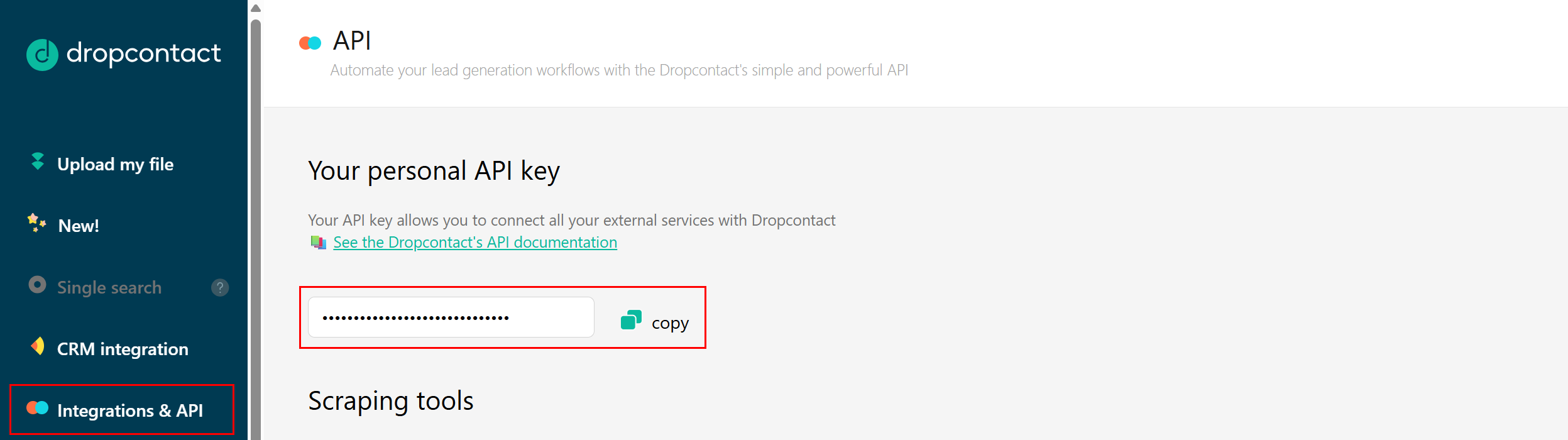
- Where to find it: Integrations & API → API in your Dropcontact dashboard.
-
A small CSV to test with.
Columns included:
firstName,lastName,fullName,companyName,Country,website,profile,num_siren,phone,email
(Only firstName, lastName and either companyName or website are typically needed for a good result; Country helps.) -
Network access from the runtime to the Dropcontact API.
¶ Quick start (5 minutes)
-
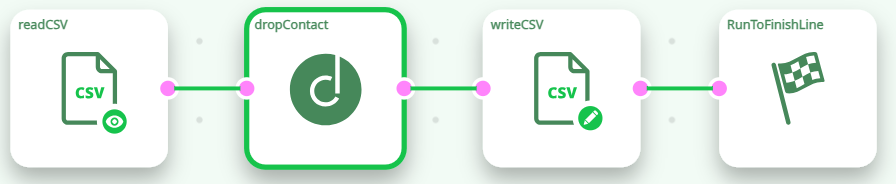
Build the flow
Place the actions as:readCSV→ dropContact →writeCSV→RunToFinishLine.
-
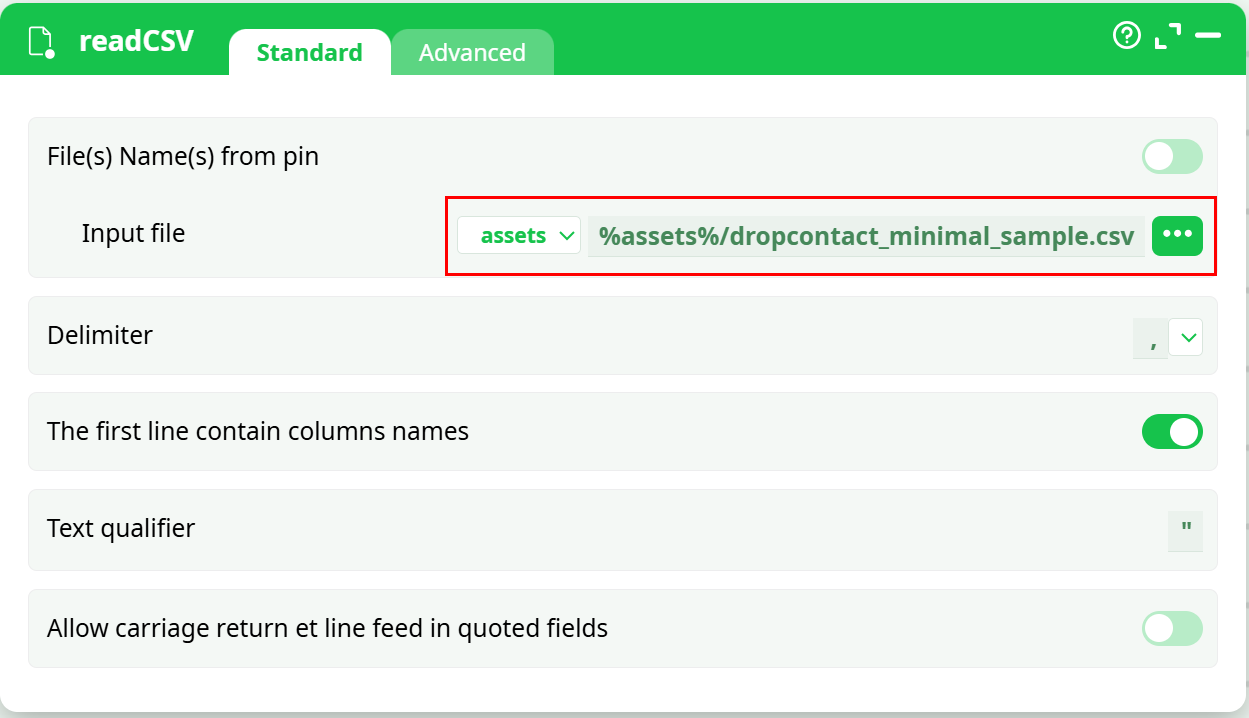
readCSV
Point it todropcontact_minimal.csv.
-
Open dropContact and set:
-
Access Token → your Dropcontact API key (secret).
-
Map inputs (choose the column names from the pickers on the right):
- First Name →
firstName - Last Name →
lastName - Company →
companyName(or) idWebsite →website - Country →
Country(optional but recommended) - Leave others blank unless you have those columns (e.g.,
profilefor LinkedIn URL).
- First Name →
-
Column Response Prefix →
DropC_(default) — new columns will be likeDropC_email. -
Maximum Wait Time [sec] →
600seconds (default).
-
-
writeCSV
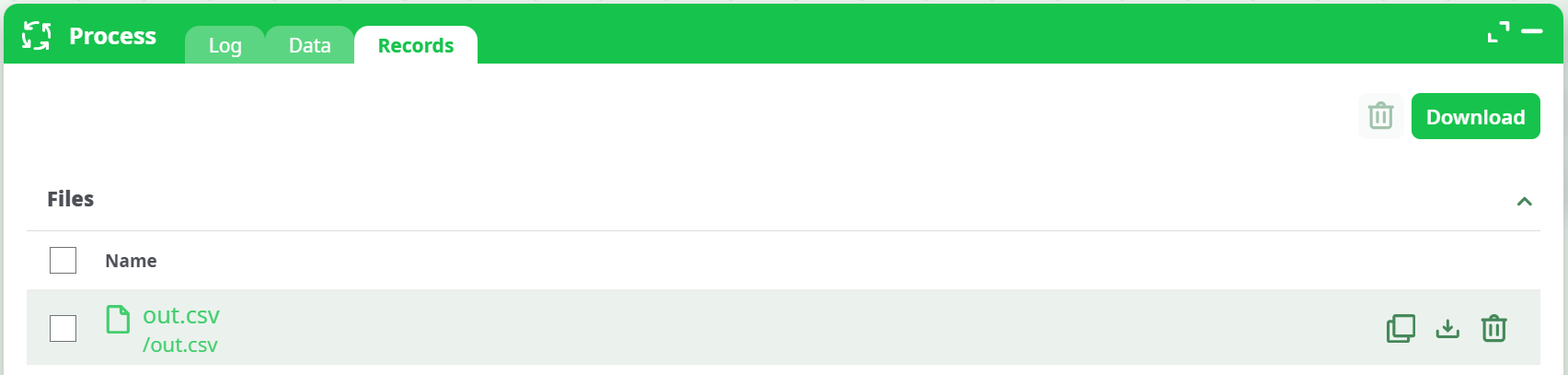
Output torecords/out.csv. Keep “The first line contains column names” enabled. -
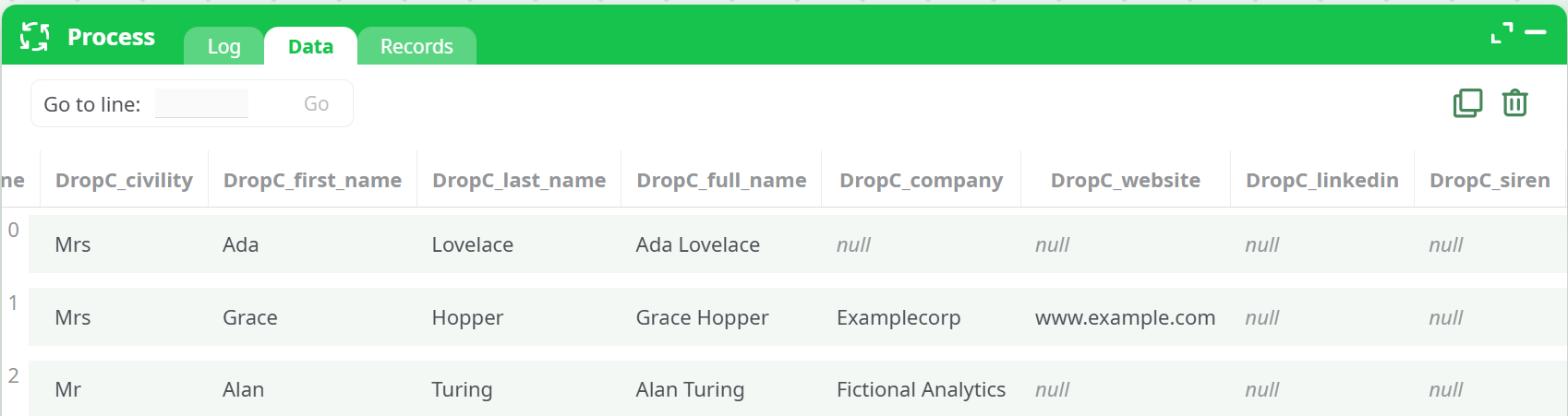
Run the flow → open Data to preview new columns (prefixed by
DropC_) → go to Records and Downloadout.csv.
¶ Inputs & outputs
¶ Minimum useful inputs
Provide either of these pairs (more is better):
firstName+lastName+companyName, orfirstName+lastName+website(the real corporate domain, not a LinkedIn page)
Optional helpful inputs: Country (ISO code like US/UK/FR), profile (LinkedIn URL), email / phone (if you want normalization), num_siren (FR).
¶ Output columns
The action appends enrichment results using your Column Response Prefix (default DropC_). Common examples:
DropC_email— Verified nominative professional emailDropC_phone— Phone number (format can vary)DropC_domain/ company websiteDropC_siren— SIREN (if applicable and requested)- Other metadata fields when provided by the API
The exact set depends on Dropcontact’s response for each person/company.
¶ Tips & troubleshooting
-
“Authorization required, but no authorization protocol specified” in the log
This generic line can appear even when everything is fine. If enrichment succeeds (you see newDropC_columns), you can ignore it. -
401 / Unauthorized
Your API key is wrong or missing. Re-check Access Token. -
400 / Bad Request
Not enough info to enrich. ProvidefirstName+lastName+ (companyNameorwebsite). AddCountryif names are ambiguous. -
429 / Too Many Requests or credit issues
You’ve hit rate limits or have no remaining credits. Check your Dropcontact dashboard. -
No results after waiting
Increase Maximum Wait Time [sec] (e.g., to 900s) or re-run. Intermittent network issues can be mitigated by nRetry. -
LinkedIn vs website
Preferwebsite(real domain) for company identification;profileis optional. -
Security
Treat the API key as a secret. Limit who can view or export it from the project.