¶ Description
Compute a Neural Network Model or a Multi Nomial Logistic Model.
¶ Parameters
¶ Parameters tab

¶ Description tab
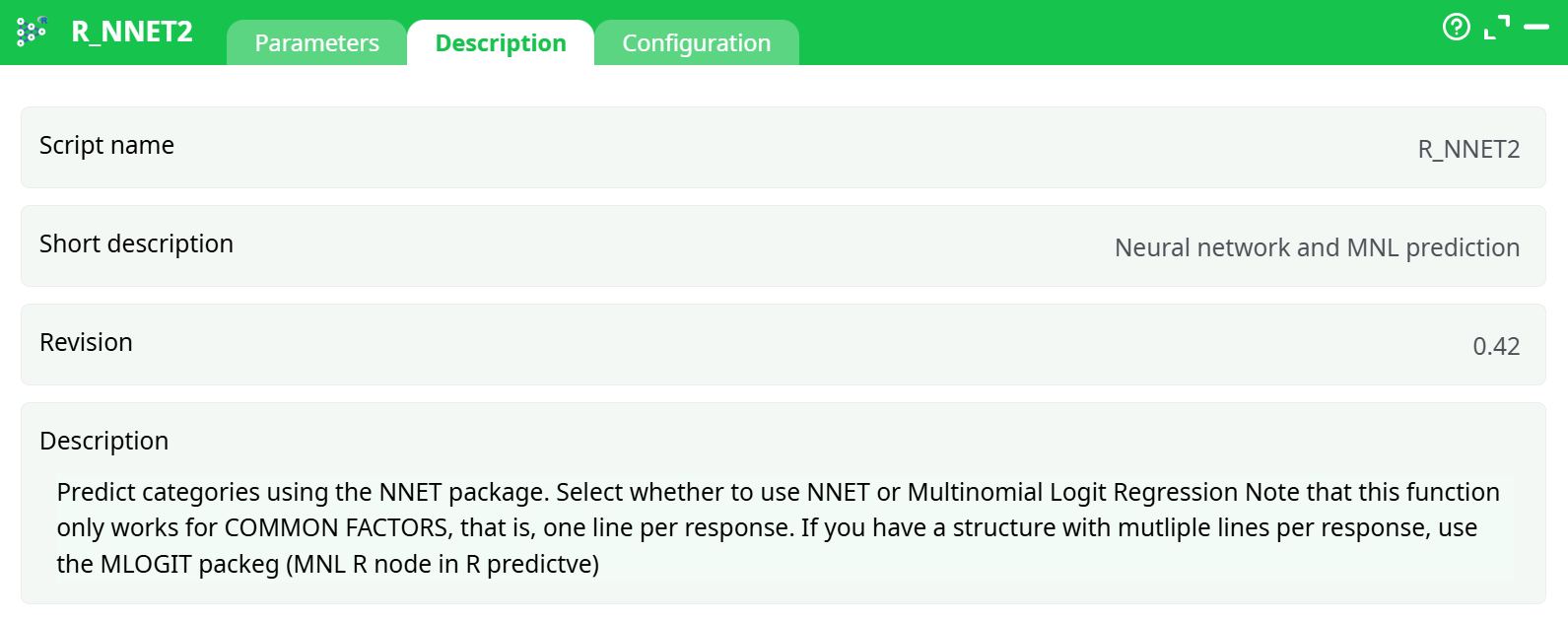
Parameters:
- Script name
- Short description
- Revision
- Decription
¶ Configuration tab
See dedicated page for more information.
¶ About
Neural Networks are popular in datamining and analytics, mainly thanks to some of its promoters (i.e. Google) and their increased popularity in image pattern recognition. There now exists a new type of Neural Network algorithms (that is named “deep neural network”) that seems to perform reasonably well on image classification and segmentation tasks.
The Neural RNNet2 action described in this section is not a “deep” neural network: it’s an “old-school” Neural Network algorithm and it’s included in ETL mainly because of completeness (and for explanatory/teaching purposes). More precisely, “old-school” Neural Network algorithms are usually not very useful because they are notoriously difficult to adjust properly to get a correct classification accuracy (although it’s sometime possible to get good results, it’s quite difficult).
Parameters:
- List of Predictors: Select independent variables
- Target: Select the variable you want to predict
- Model Output: Set the file name for the model results
- Export to PMML: explort to a PMML file to include in other tools.
- Select Classification Model: either Multinomial Logit or Neural Network
- Base: set the base category
- Number of perceptrons for Neural Networks: Manually set the perceptrons. This implementation uses only one layer
- Maximim Iteerations: how long are you willing to wait for results. 200 is a good number.
- Linear Model: Specify if the perceptrons should use linear models instead of logistics. This works only for NNET and allows estimating continuous targets, often with higher precision than simple linear models.
- Show Plots: choose to show or not the visuals of the nnet or MNL model
- Include Prediction in first Output: fit the model so you can better assess its quality
- Normalize Predictors: make sure all variables are normalized. This usually yields better results.