¶ Description
Bouncer.
¶ Parameters
¶ Parameters tab
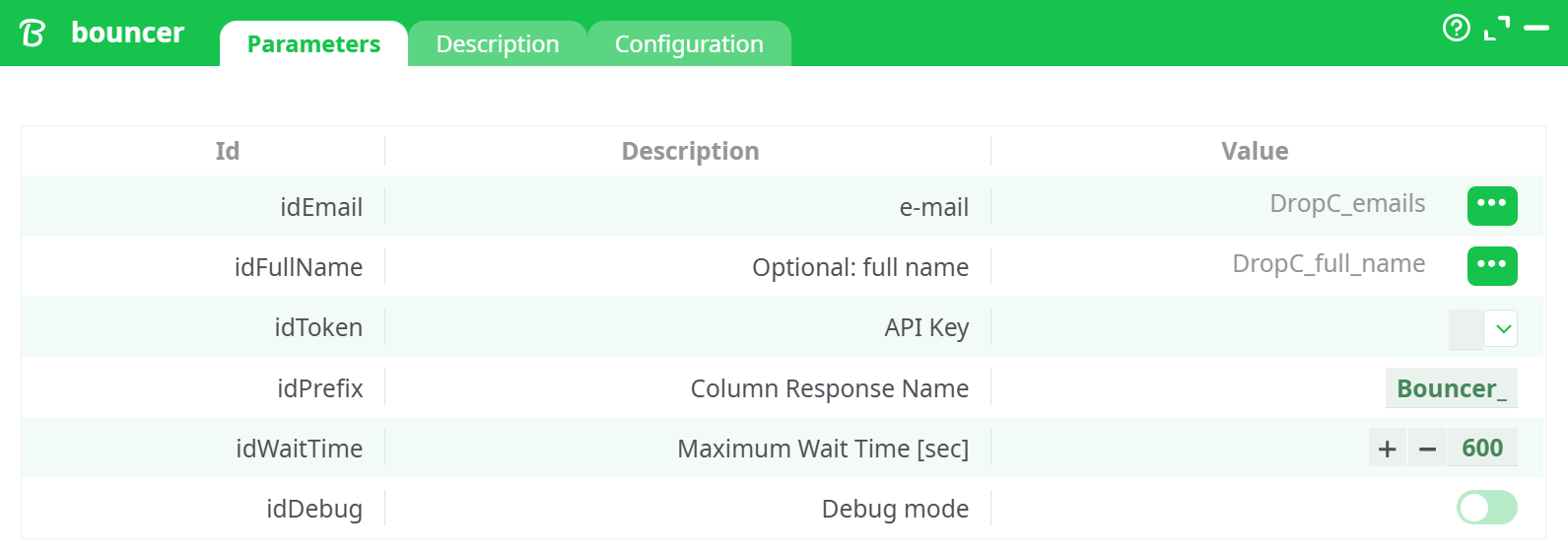
Parameters:
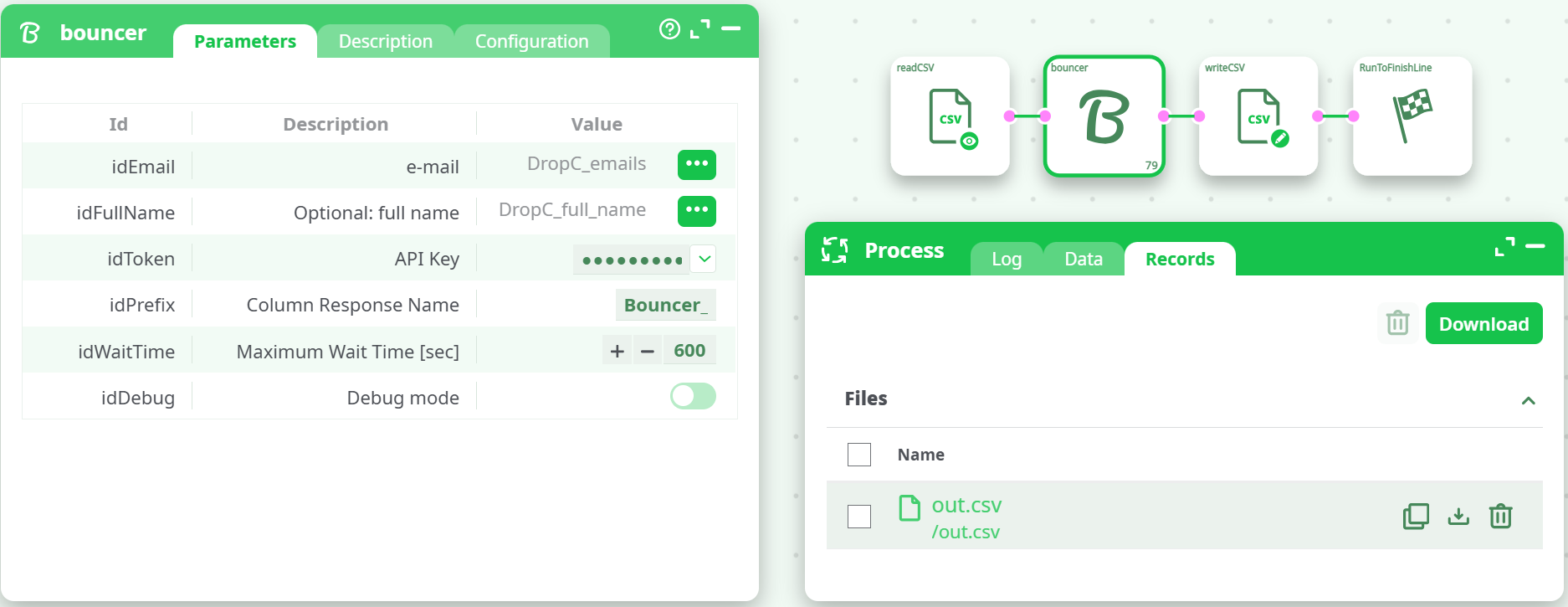
- Optional: full name
- API Key
- Column Response Name
- Maximum Wait Time (sec)
- Debug mode
¶ Description tab
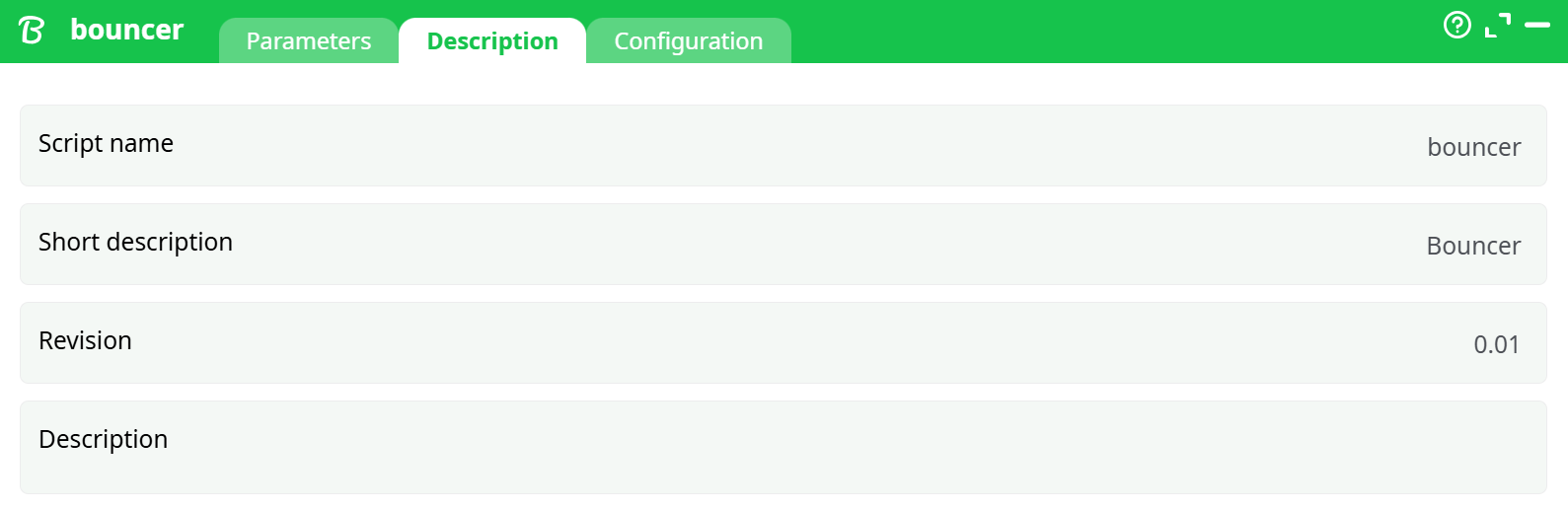
Parameters:
- Script name
- Short description
- Revision
- Decription
¶ Configuration tab
See dedicated page for more information.
¶ About
Bouncer verifies whether an email address is deliverable, risky, undeliverable, or unknown. Use it to clean lists before outreach, reduce bounces, and improve sender reputation.
The action reads email(s) from your input table, submits them to Bouncer’s API in a short batch, waits for results (up to a configurable timeout), and appends verification columns to your data.
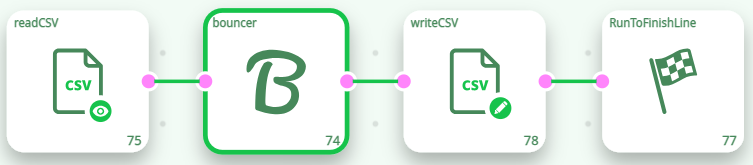
Typical flow: readCSV → bouncer → writeCSV → RunToFinishLine.
¶ Prerequisites
- A Bouncer account with API credits.
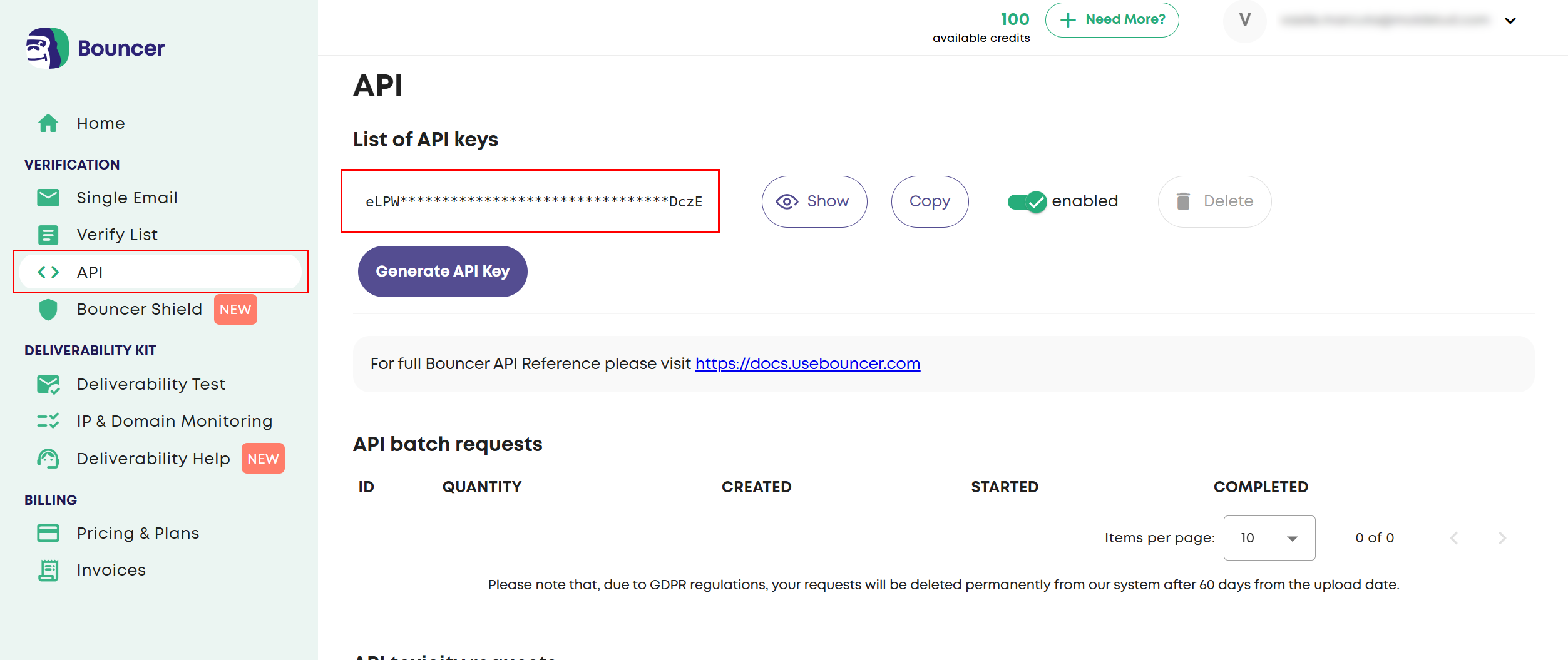
- Your Bouncer API key (Dashboard → API → Generate/Copy API Key).
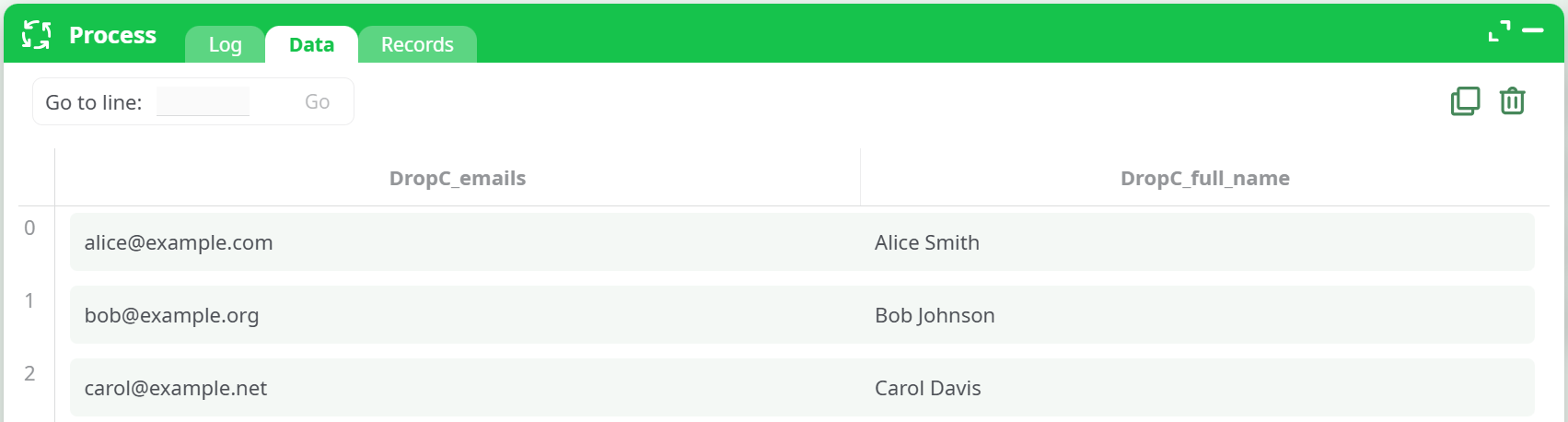
- An input table with a column that contains email addresses. (Optionally a full-name column.)
- (Optional) A test file to try the action:
¶ Quick start
-
Drop nodes:
readCSV→ bouncer →writeCSV→RunToFinishLine.
-
readCSV: point to your input file (or the sample above).
-
bouncer parameters (minimal):
- idEmail → select the email column (e.g.,
DropC_emails). - idToken → paste your Bouncer API key.
- (Optional) idFullName → map full name column (improves accuracy in some cases).
- (Optional) idPrefix → e.g.,
Bouncer_(prefix for output columns). - (Optional) idWaitTime → e.g.,
10–60seconds (default 600). - (Optional) idDebug → ON to surface verbose logs.
- idEmail → select the email column (e.g.,
-
writeCSV: set output to
records/out.csv. -
Run the pipeline and download
out.csvfrom the Records tab.
¶ Output columns
The action appends verification fields (with your selected prefix). The exact set can evolve with Bouncer’s API; expect at least:
<prefix>status:deliverable|risky|undeliverable|unknown<prefix>reason: Short textual reason (e.g., mailbox not found, disposable, role-based, etc.).<prefix>suggestion(if any): A fix or “did you mean” hint.- Other flags/metadata (may be included): disposable, role, free domain, syntax_valid, domain_valid, etc.
¶ Error handling & troubleshooting
Common messages & fixes
- “Authorization required” / 401
Your API key is missing/invalid. Paste a valid key in idToken. - “Maximum wait time reached”
Increase idWaitTime (e.g., to 30–60s) or try a smaller batch. - 429 rate limit
Too many requests. Space out runs or reduce concurrency. - Invalid column mapping
Make sure idEmail points to a column containing emails. - Empty output
Check the Log (enable idDebug). Confirm records are actually flowing into the node.
Safe defaults
- Start with idPrefix =
Bouncer_to keep columns tidy. - Set idWaitTime = 10–30s for small tests; raise for larger lists.
¶ Notes & best practices
- Verifying before sending campaigns reduces bounces and protects your domain reputation.
- Consider flagging or removing
undeliverableemails and reviewingriskyresults manually. - If combined with enrichment tools, run Bouncer after you’ve finalized email addresses.