¶ Description
Create and run jobs inside your UIPath Orchestrator.
¶ Parameters
¶ Parameters tab
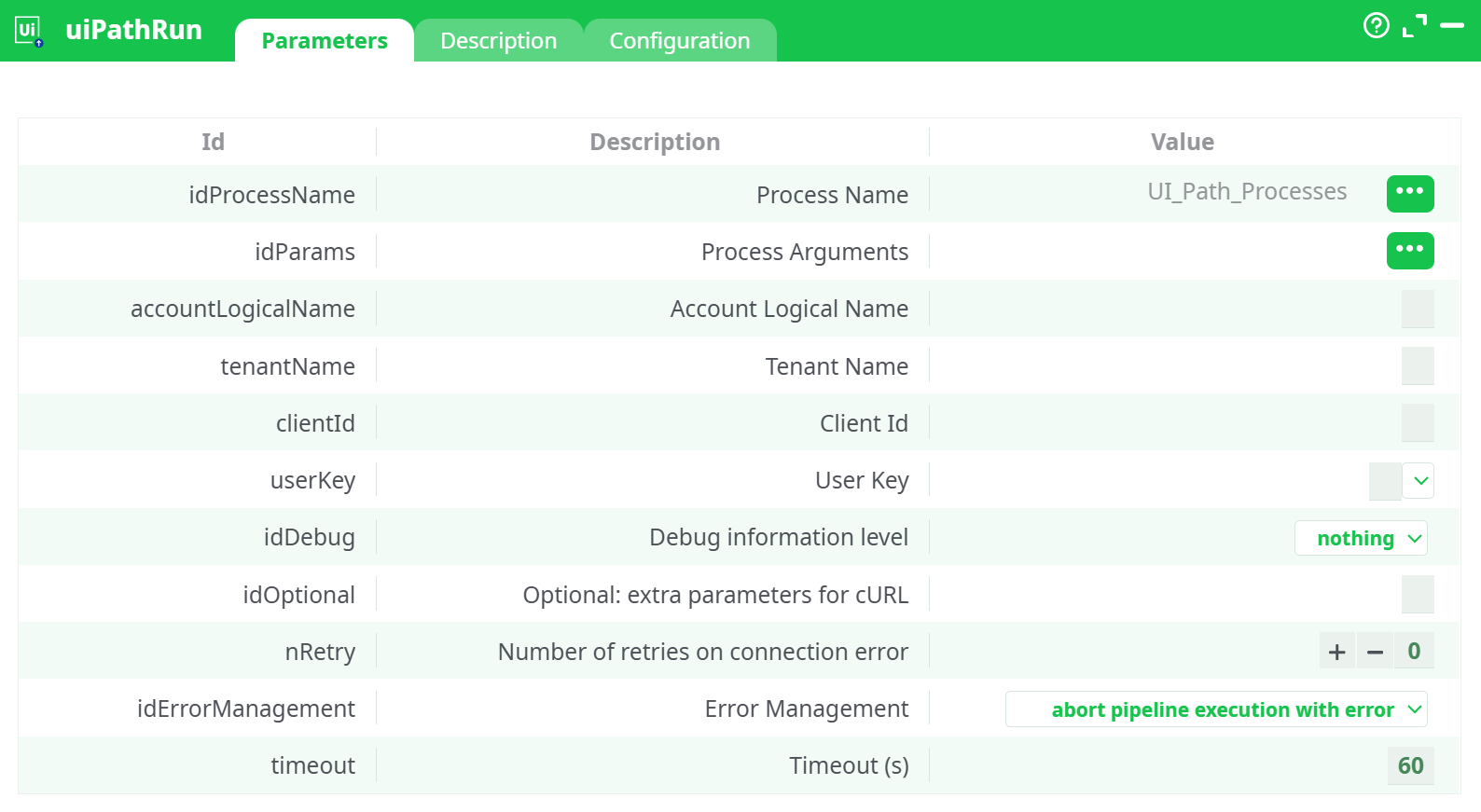
Parameters:
- Process Name
- Process Arguments
- Account Logical Name
- Tenant Name
- Client Id
- User Key
- Debug information level
- Optional: extra parameters for cURL
- Retries on connection error
- Error Management
- Timeout (s)
¶ Description tab
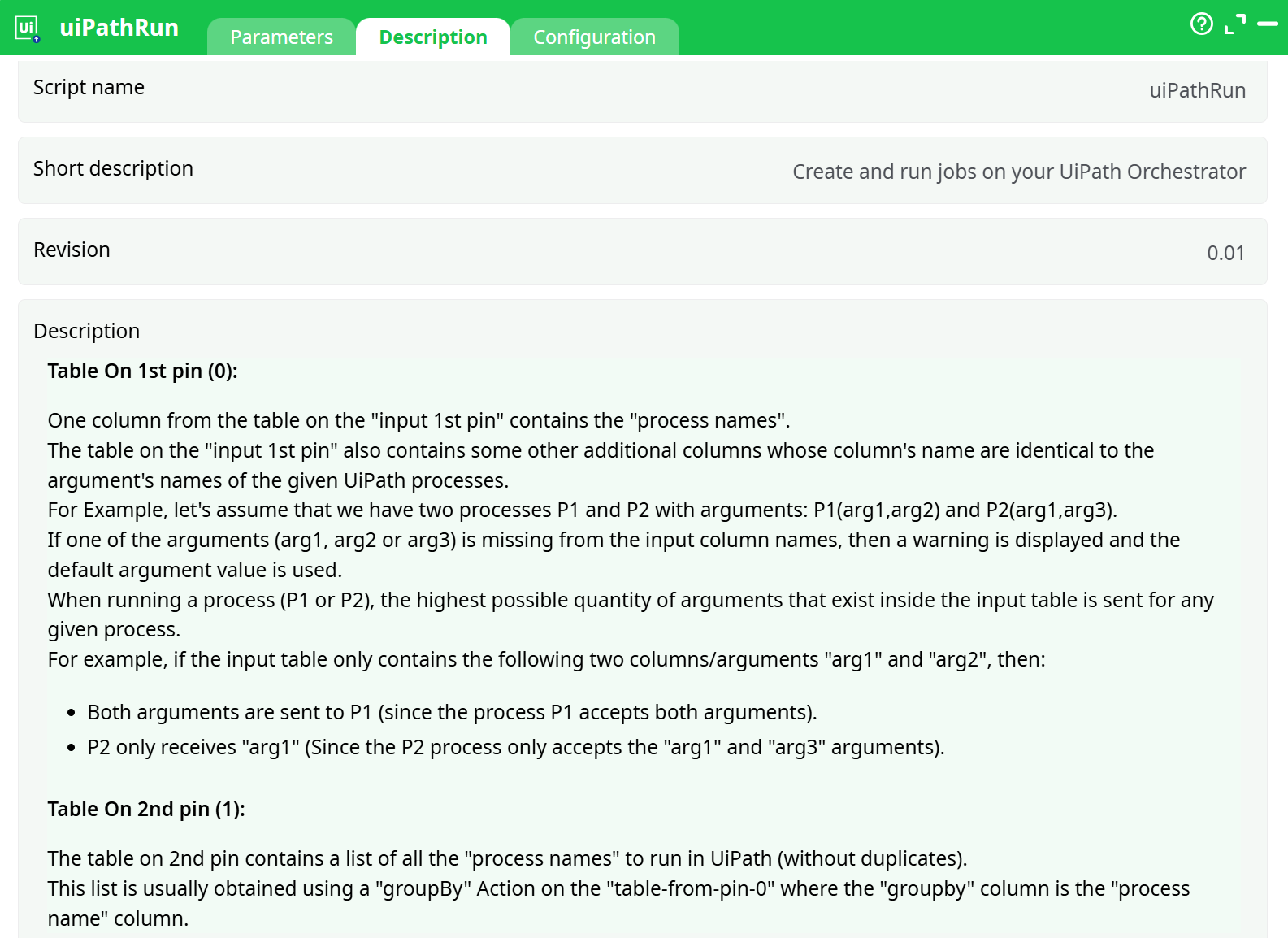
Parameters:
- Script name
- Short description
- Revision
- Decription
¶ Configuration tab
See dedicated page for more information.
¶ About
To use this action, you’ll need to get four parameters from the UIPath Orchestrator Website (i.e. you need the parameters P3, P4, P5 and P6).
Once you have completed the “setup process”, you can use this action to create and add jobs inside your UIPath Orchestrator (and directly run these jobs).
If one of the arguments (arg1, arg2 or arg3) is missing from the input (on pin 0), then ETL displays a warning message and the default value for the missing argument is used.
When running a process (P1 or P2), ETL sends the highest quantity of arguments possible that exist inside the input table for any given process.
For example, if the input table (on pin 0) looks like this:

…Then:
- Both arguments
arg1andarg2are sent to P1 (since the process P1 accepts both arguments). - The process P2 only receives
arg1(since P2 only accepts thearg1andarg3arguments). - ETL creates and runs 2 jobs based on the process P1 (these two jobs have different values for the arguments
arg1andarg2). - ETL creates and runs 1 job based on the process P2.
¶ How does this action operate?
To execute any job within UI Path, you always need a ROBOT.
This ETL action begins by listing all available ROBOTS in your Orchestrator to run the required jobs (i.e., the jobs provided through input pin 1).
This ROBOT LIST is crucial and is used to assign jobs to each process from input pin 0.
¶ Job Creation Workflow
To add a new job in the UI Path Orchestrator, ETL follows this procedure:
Step 1:
Read from pin 0 the name of the next process to execute and all arguments related to this process.
Step 2:
Open/select the next entry in the ROBOT LIST.
Step 3:
Check if the currently selected ROBOT is able to execute the current process (not all robots can execute all processes).
If not, go back to Step 2 and test the next robot.
Step 4:
Create and add a new job in the UI Path Orchestrator using the selected ROBOT to execute the selected process.
- Job creation may fail if the robot is still busy with a previous job.
- If this happens, ETL retries for P11 seconds (one retry per second).
- If the job still cannot be created after P11 seconds, ETL will either:
- Abort the process, or
- Return a "fail" flag on the output pin (based on the value of parameter P10).
Step 5:
If all rows/processes from input pin 0 have been processed, stop. Otherwise, go back to Step 1.
¶ Summary
The input table on pin 0 contains your queue of processes to execute, along with their arguments.
ETL creates a new job for each process in the queue and assigns it to an appropriate ROBOT — i.e., the one most likely to be idle.