¶ Description
Get the value corresponding to a particular day in the past.
¶ Parameters
¶ Parameters tab
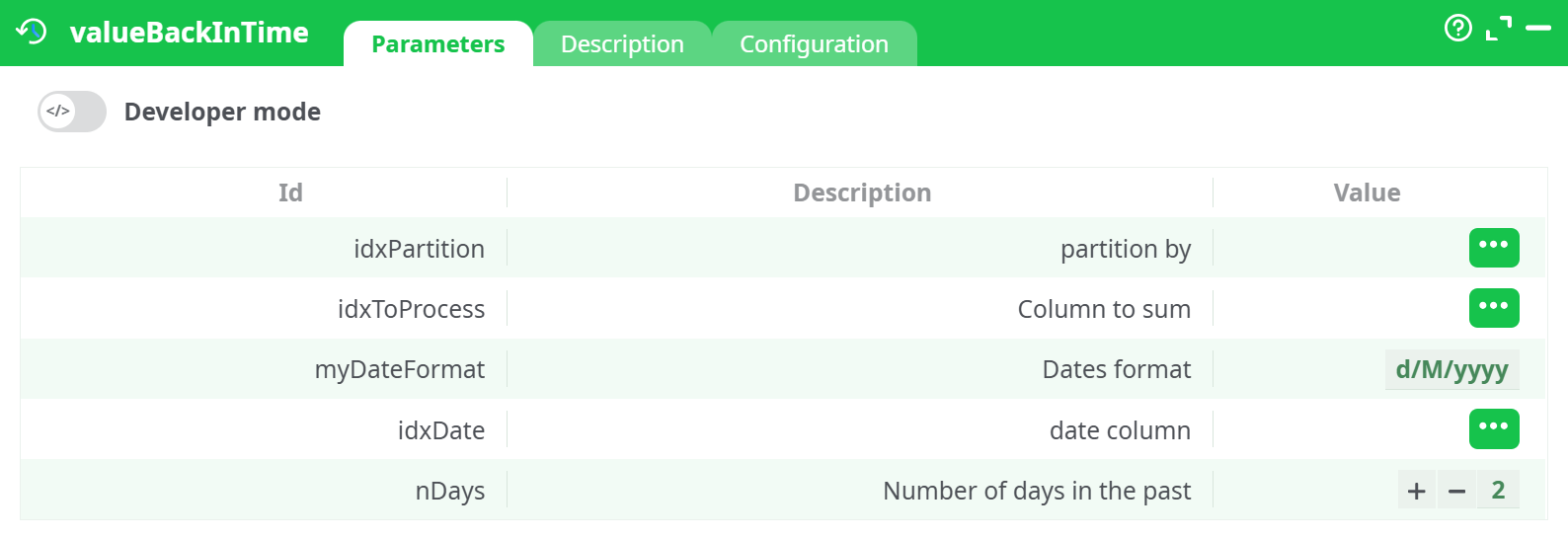
Parameters:
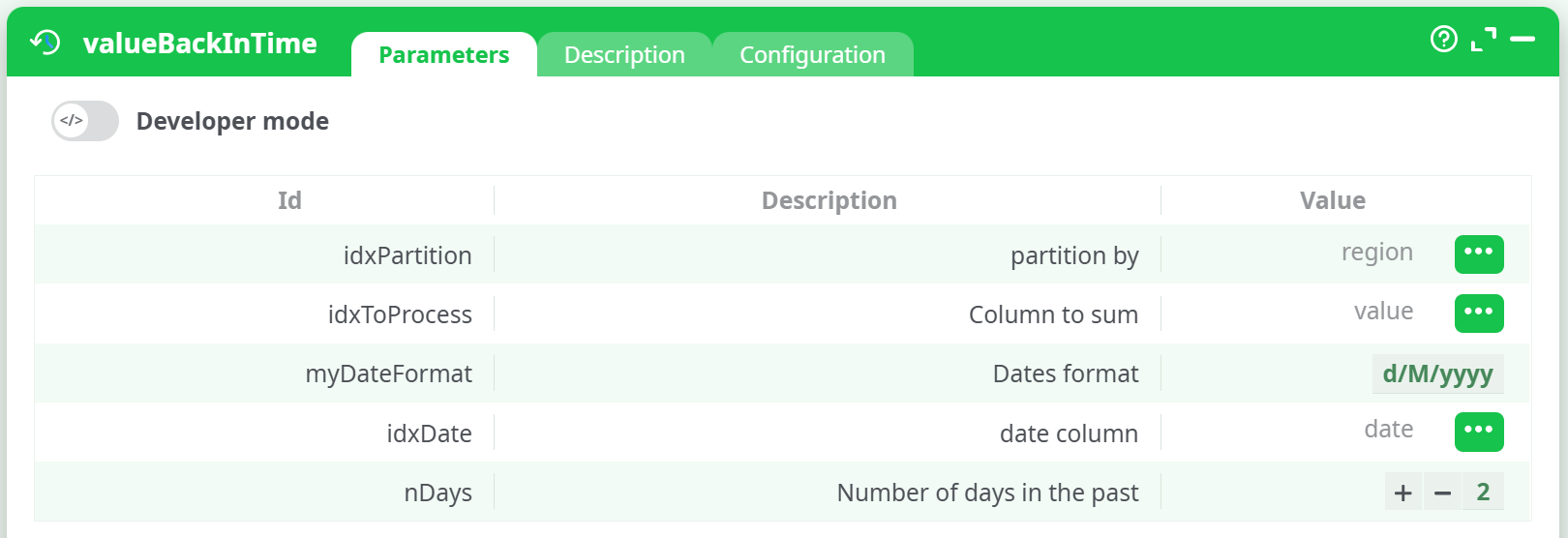
- Partition by
- Column to sum
- format des dates
- Date column
- Number of days in the past
¶ Description tab
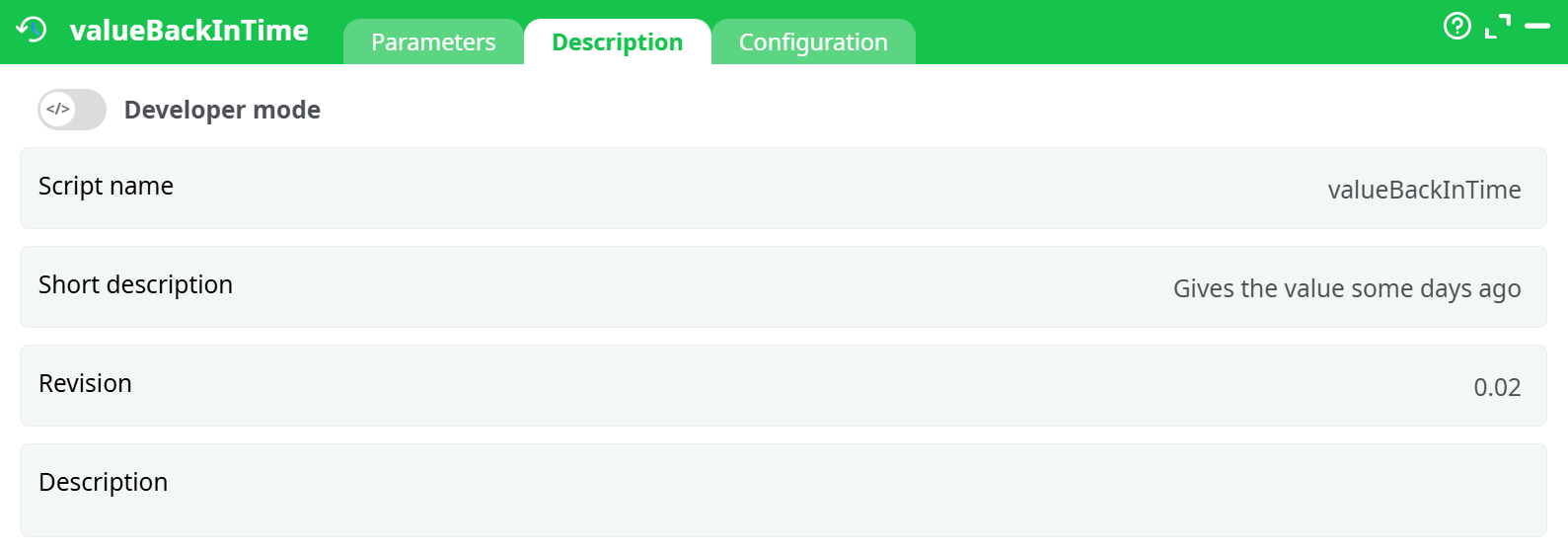
Parameters:
- Script name
- Short description
- Revision
- Description
¶ Configuration tab
See dedicated page for more information.
¶ About
The valueBackInTime action retrieves a historical value for a specified numeric column based on a date offset. It scans a time series dataset and, for each partition group, identifies and returns the value from N days prior to the current row’s date.
- This is often used in timeseries analysis, to get the sales level 7, 28, or 365 days before, and use this to predict future sales.
- This is particularly useful for time-based comparisons, trend tracking, and lag analysis.
¶ Input
-
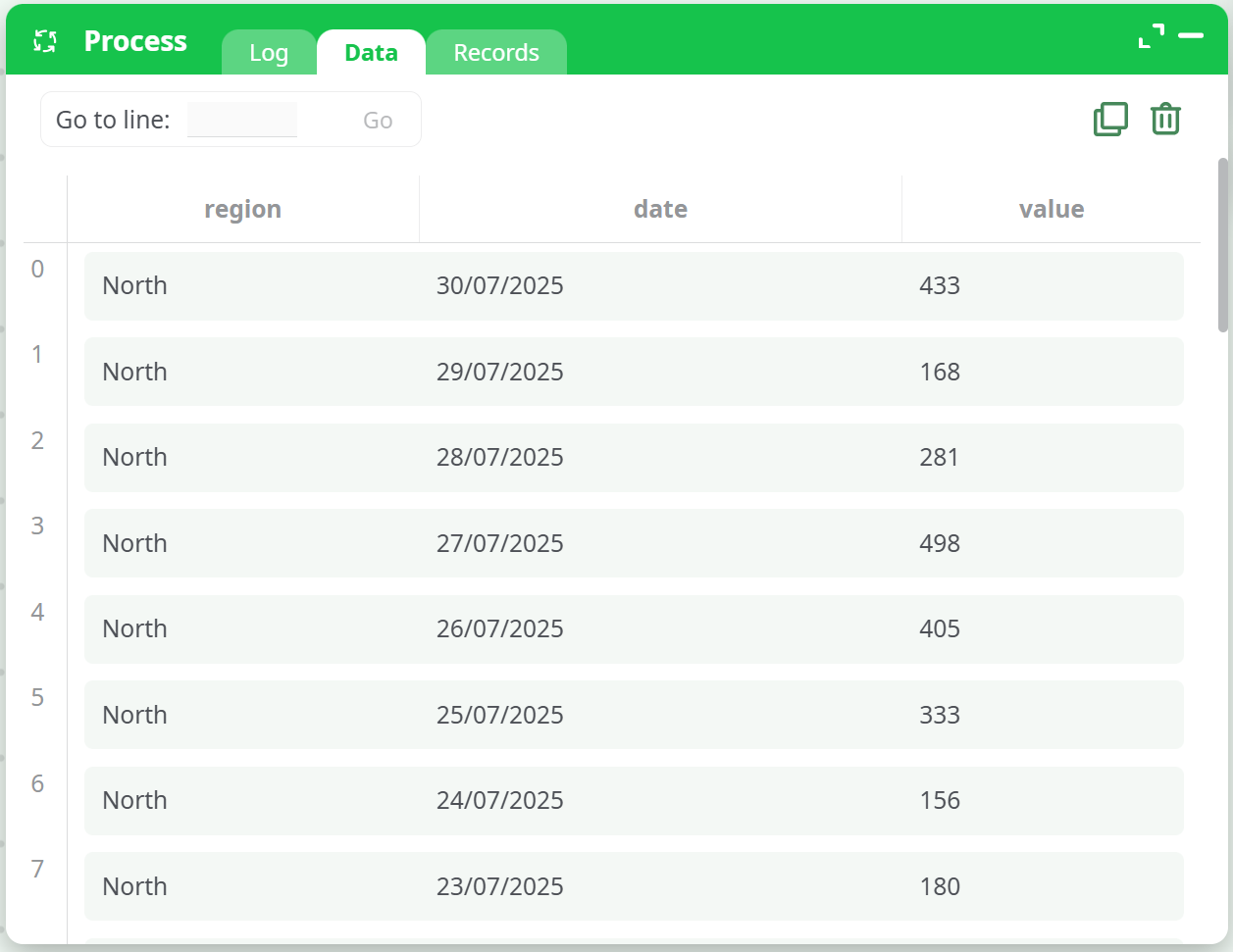
Input Table Requirements:
- Must contain:
- A partitioning column (e.g., region, ID)
- A date column in proper date format
- A value column (numeric) to extract historical values from
- Must be sorted first by the partition column and then by date (chronologically)
- Must contain:
-
Date Format:
- Must be specified exactly as it appears in the input (e.g.,
d/M/yyyy)
- Must be specified exactly as it appears in the input (e.g.,
📌 Input Table Example
¶ Output
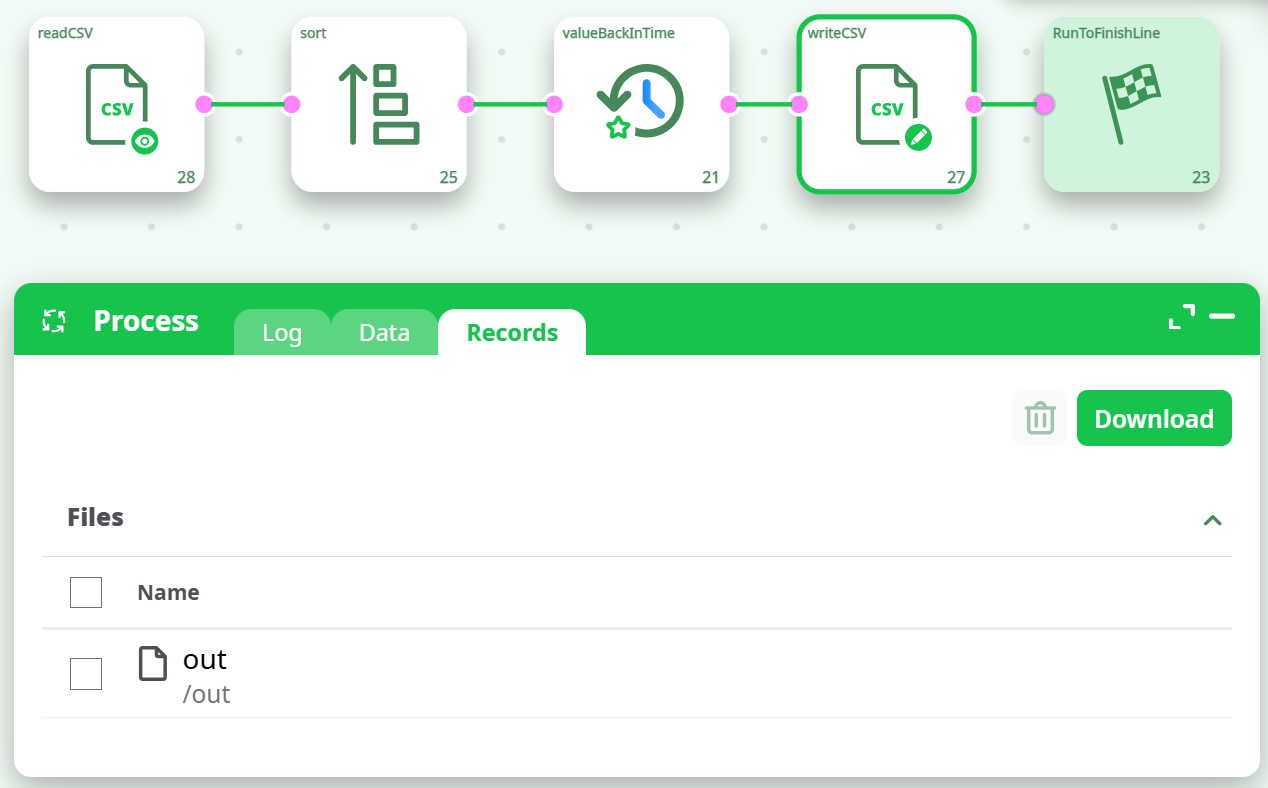
- A CSV file containing the original input with an additional column showing the value from
Ndays back for each row, within its partition group. - The output is saved using the
writeCSVaction (configured to save in therecords/outdirectory).
📌 Output Table Example
¶ How to Run
-
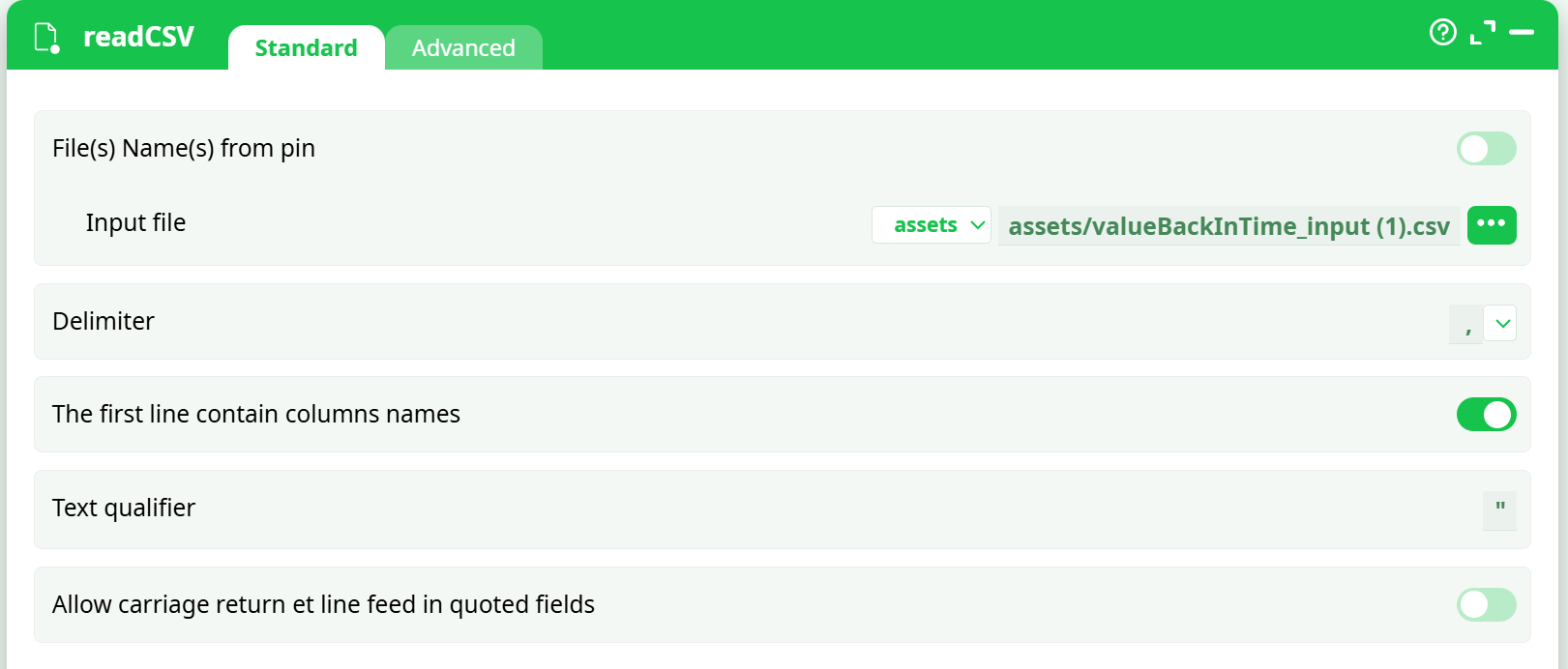
Load Input File
Use areadCSVnode to load your dataset containing the necessary columns.📌 readCSV Configuration
-
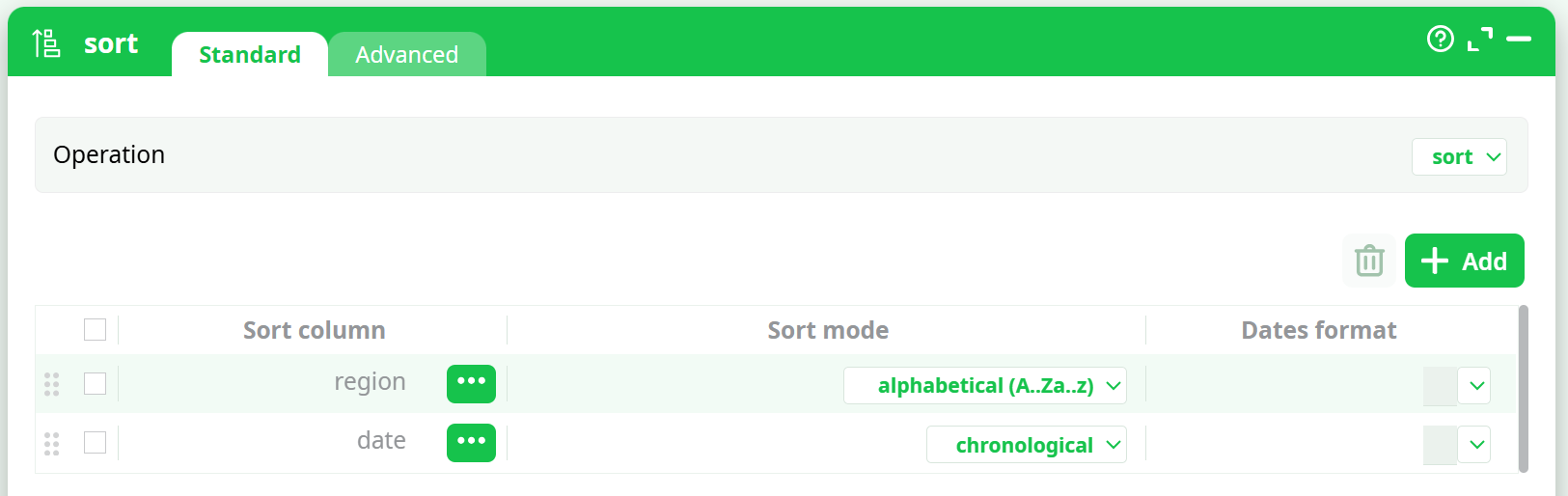
Sort the Data
Add asortaction and configure it to:- Sort by
region(alphabetically, Aa..Zz) - Then by
date(chronologically)
📌 Sort Configuration
- Sort by
-
Configure Parameters
Add thevalueBackInTimeaction and configure its parameters based on your column names and desired number of days to look back.📌 valueBackInTime Configuration
-
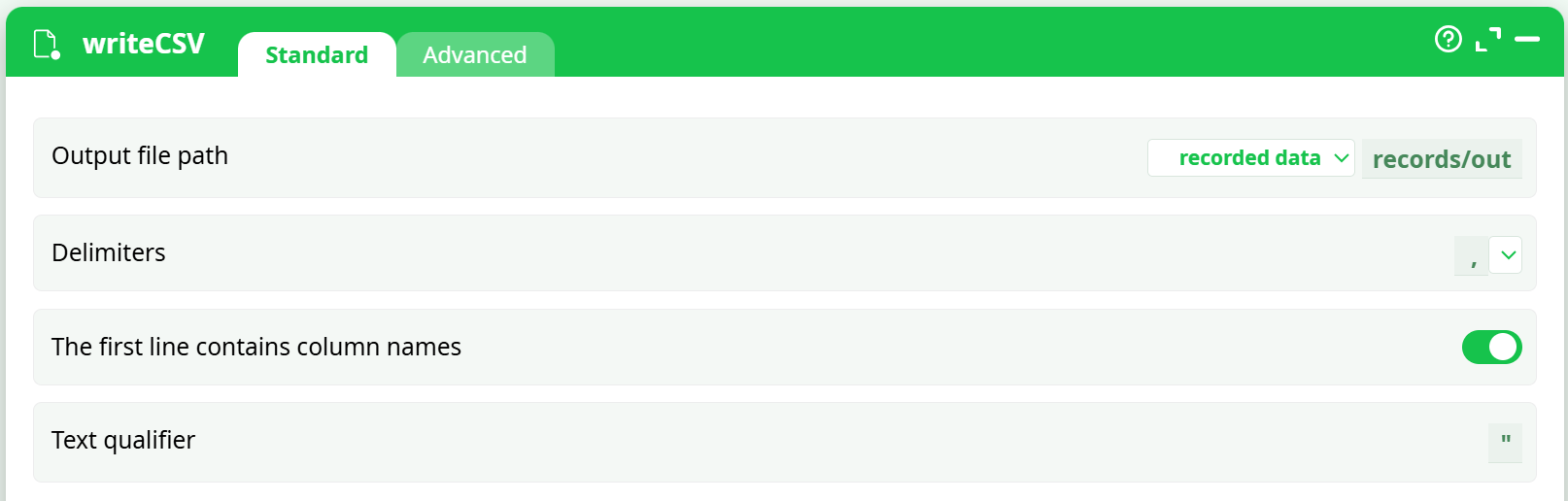
Write Output File
Add awriteCSVnode:- Output path:
records/out - Storage:
recorded data - Enable: “Create output directory if necessary” (in Advanced tab)
📌 writeCSV Configuration (Standard)
📌 writeCSV Configuration (Advanced)
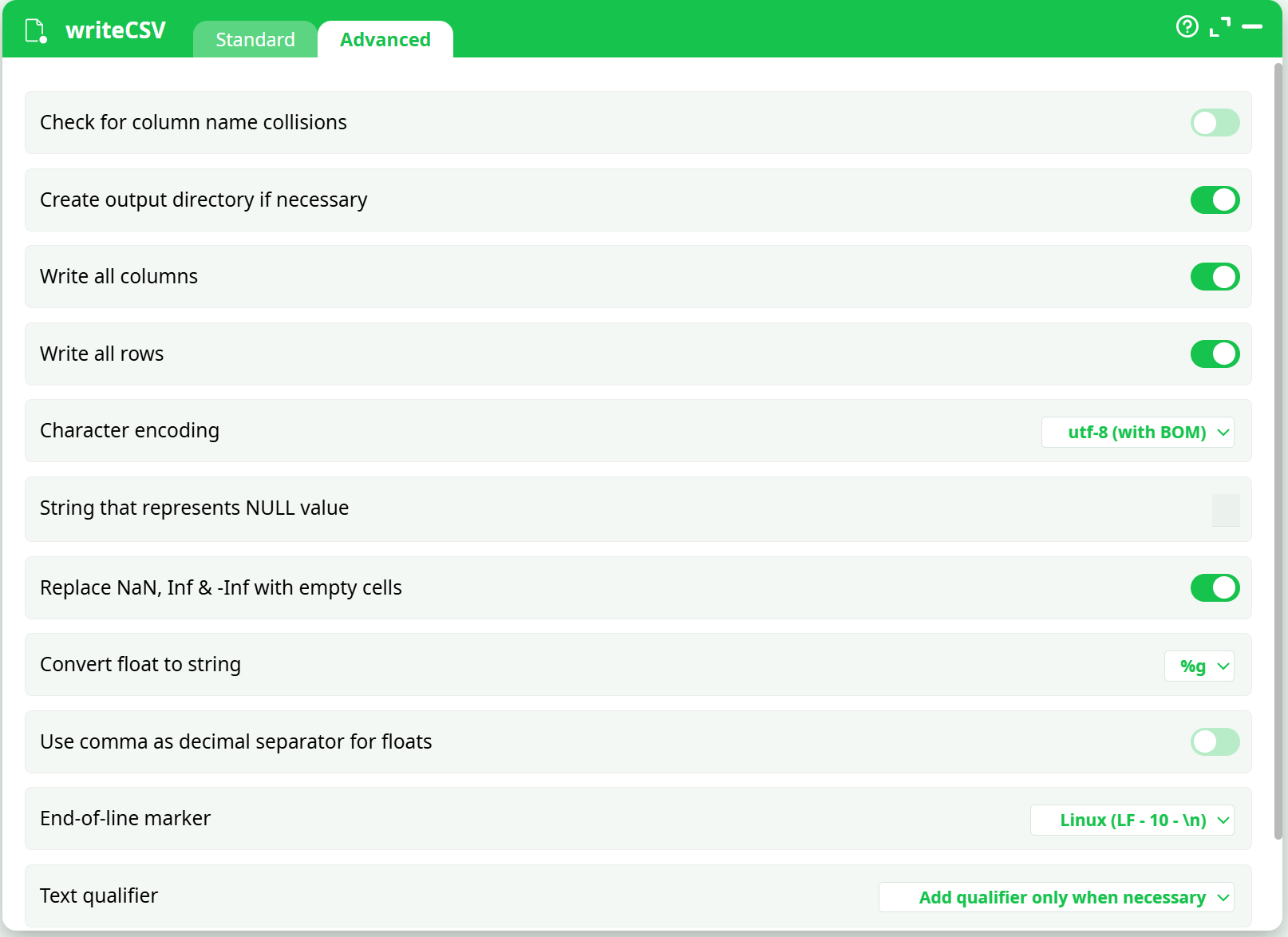
- Output path:
-
Run the Pipeline
Execute the pipeline and check theRecordstab for the generated output file.📌 Successful Run Log
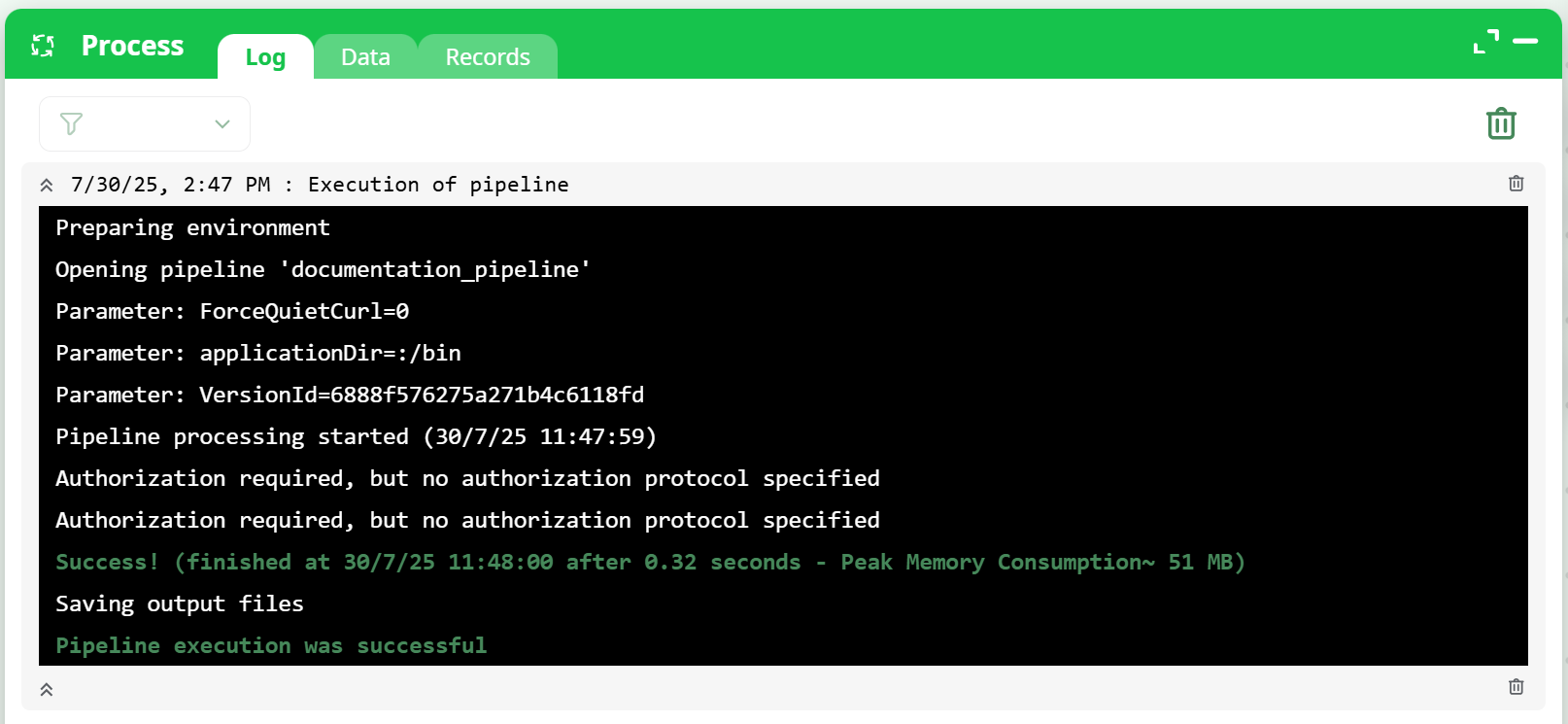
¶ Troubleshooting
-
Error: "Input must be sorted..."
Ensure that thesortaction has the partition column first and date column second. -
Error: "Cannot open CSV file 'records/' for write"
The output path must include a filename (e.g.,records/out.csv, not justrecords/). -
No output file appears
- Confirm input data is not empty
- Ensure
writeCSVis placed after thevalueBackInTimeaction - Validate the date format matches input