¶ Description
Insert rows into a database using R & ODBC.
¶ Parameters
¶ Parameters tab
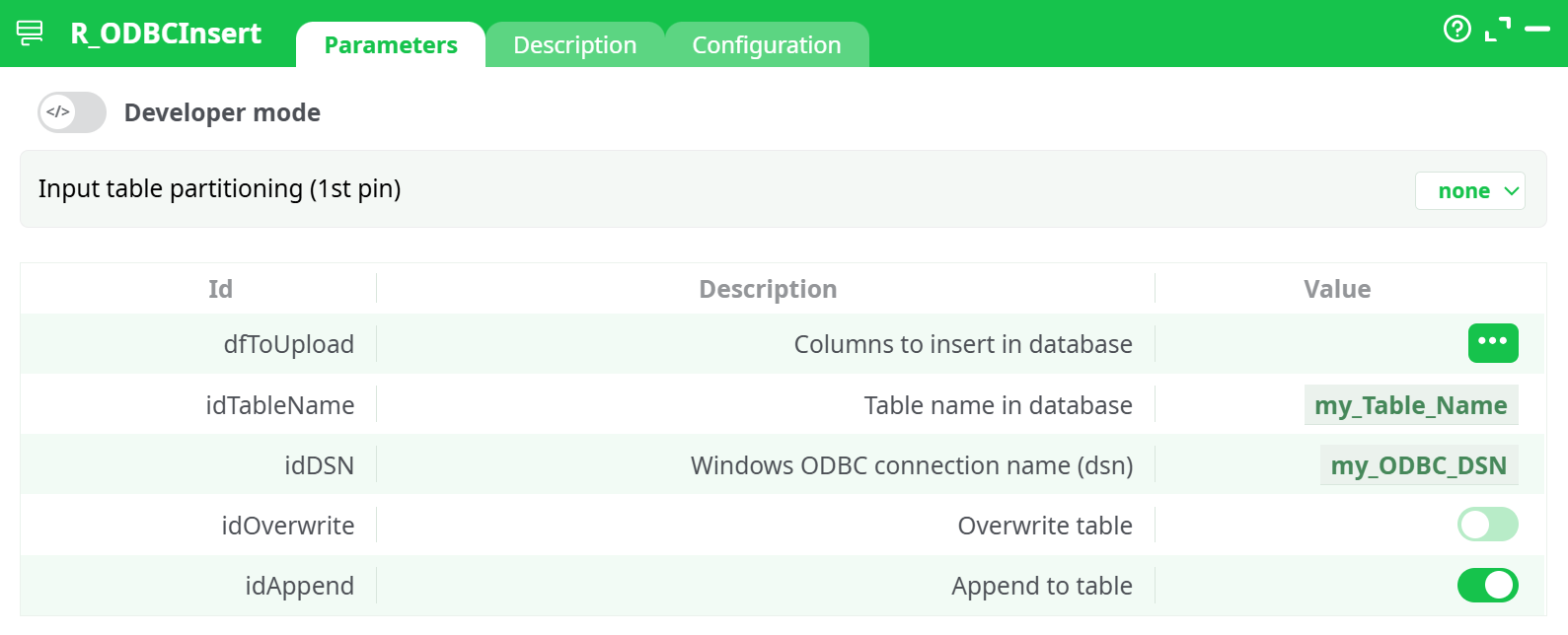
Parameters:
- Input table partitioning (1st pin)
- Columns to insert in database
- Table name in database
- Windows ODBC connection Name (dsn)
- Overwrite Table
- Append to Table
¶ Description tab
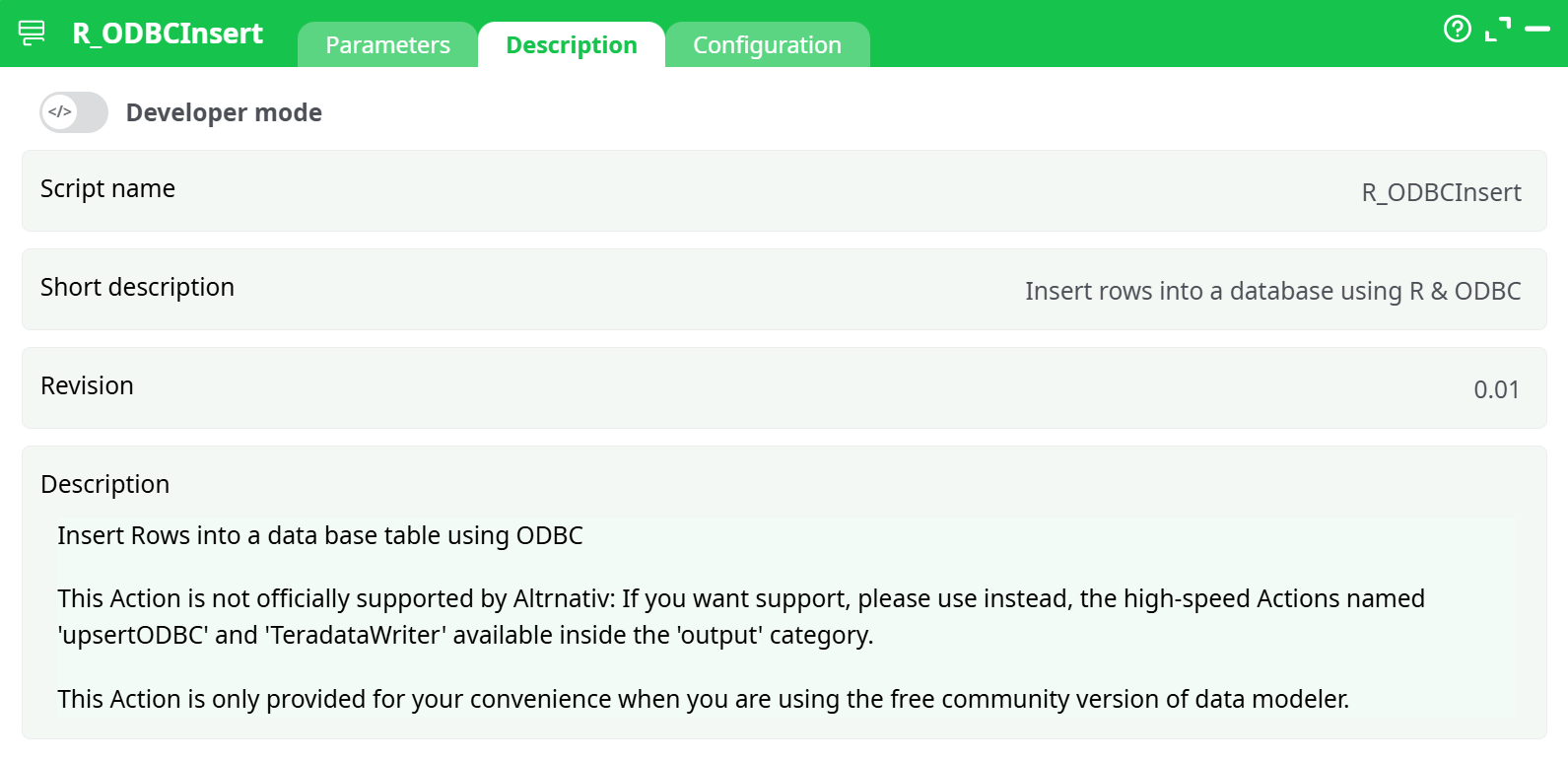
Parameters:
- Script name
- Short description
- Revision
- Decription
¶ Configuration tab
See dedicated page for more information.
¶ About
The R_ODBCInsert action is designed to insert rows into a database table via an ODBC connection using R. This component is useful when working in the free community version of the data modeler and you need a lightweight way to send data to an external database without relying on commercial connectors.
Important: This action is not officially supported by Altrnativ. For enterprise-grade performance and support, use
upsertODBCorTeradataWriterfrom theoutputcategory instead.
Use R_ODBCInsert when:
- You need to perform quick, low-volume database inserts during testing or development.
- You’re working on a free-tier environment without access to premium output components.
- You already have an ODBC Data Source Name (DSN) configured on your system.
¶ Key configuration fields:
dfToUpload: The data frame (table) you want to insert into the database.idTableName: The target table name in your database (e.g.,my_Table_Name).idDSN: The ODBC connection name configured on your system (e.g.,my_ODBC_DSN).idOverwrite: Enable this to overwrite the existing table (disabled by default).idAppend: Enable this to append rows to the existing table (enabled in the example).
You should define either Overwrite or Append depending on your update strategy — not both simultaneously.
¶ Example Use Case:
You’ve completed preprocessing a dataset in the ETL pipeline and now want to store the resulting table in a local or remote SQL database using ODBC. You configure the connection (idDSN), define the target table name, and decide whether to overwrite or append the data.