¶ Description
Create a .SHP file or a .html file with the geometries.
¶ Parameters
¶ Standard tab
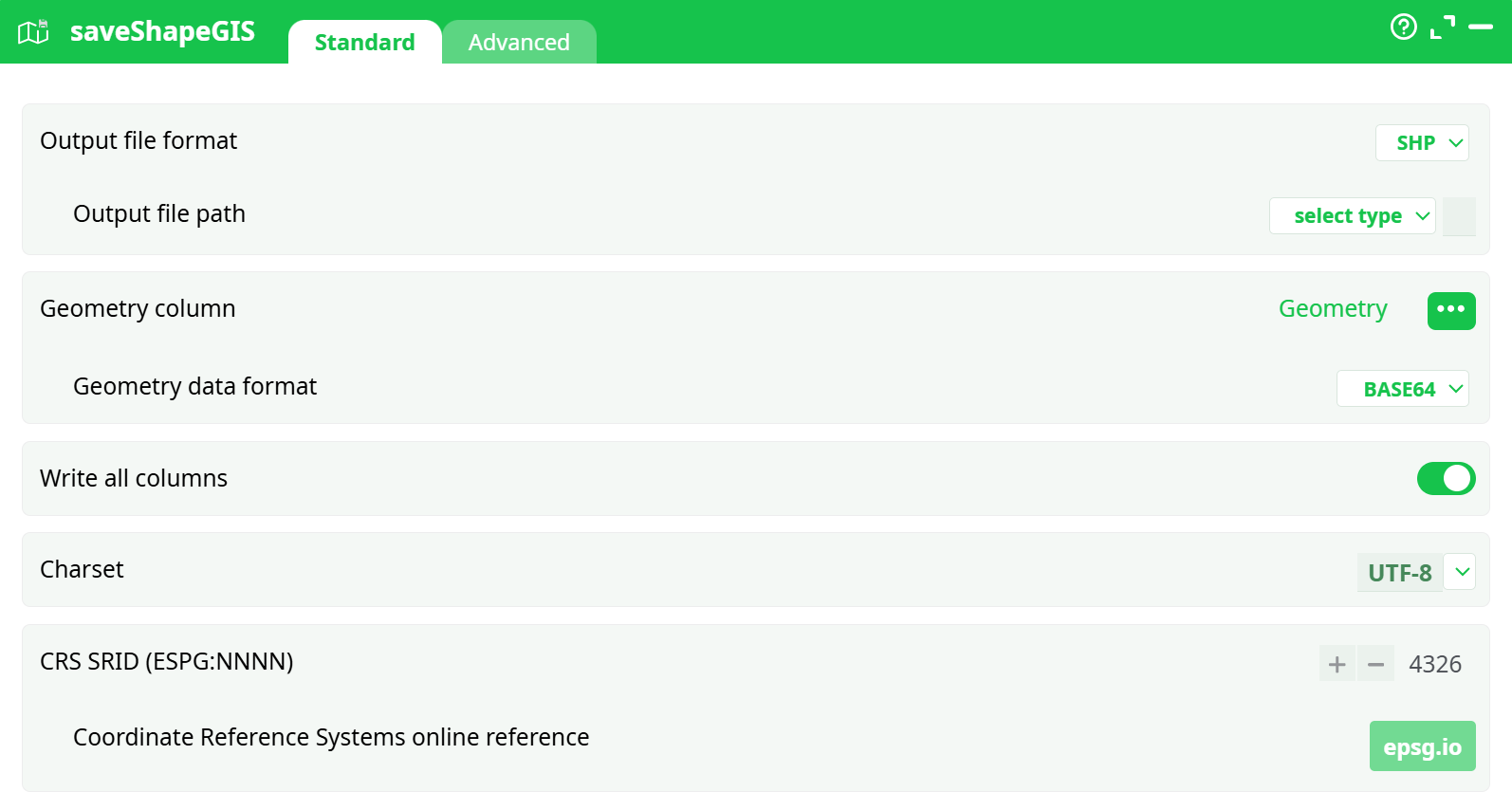
Parameters:
- Output file path: File format for the exported GIS
- Output file format: Relative output path under recorded data.
- Geometry column: Column name containing encoded geometries.
- Geometry data format: Format of geometry encoding.
- Write all columns: Ensures all input columns are included in the exported file.
- Charset: Character encoding used in the output.
- SRID: Coordinate system used for spatial projection.
¶ advanced tab
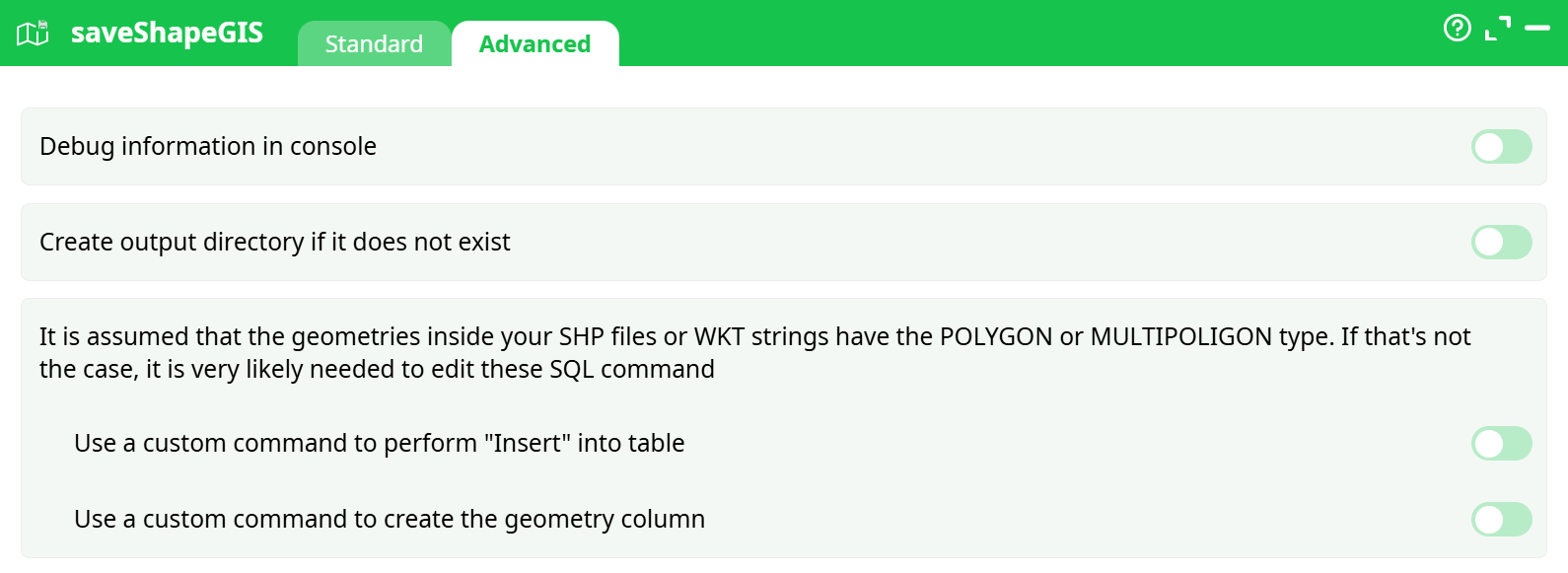
Parameters:
- Debug information in console:
- Create output directory if it does not exist:
- It is assumed that the geometries inside tour SHP files or WKT...:
- Use a custom command to perform "Insert" into table:
- Use a custom command to create the geometry column:
¶ About
The saveShapeGIS action button converts geographic data stored in geometry columns into various GIS-compatible output formats (e.g., HTML, SHP, GeoPackage). It is typically used at the end of a pipeline to export enriched spatial data for external usage or visualization.
¶ Use Cases
- Export pipeline output into
.htmlformat for easy browser-based visualization. - Save vector geometry for external GIS tools using formats like
.shpor.gpkg. - Create downloadable GIS-ready files directly from encoded geometry columns (e.g., BASE64, WKT).
¶ How to Run
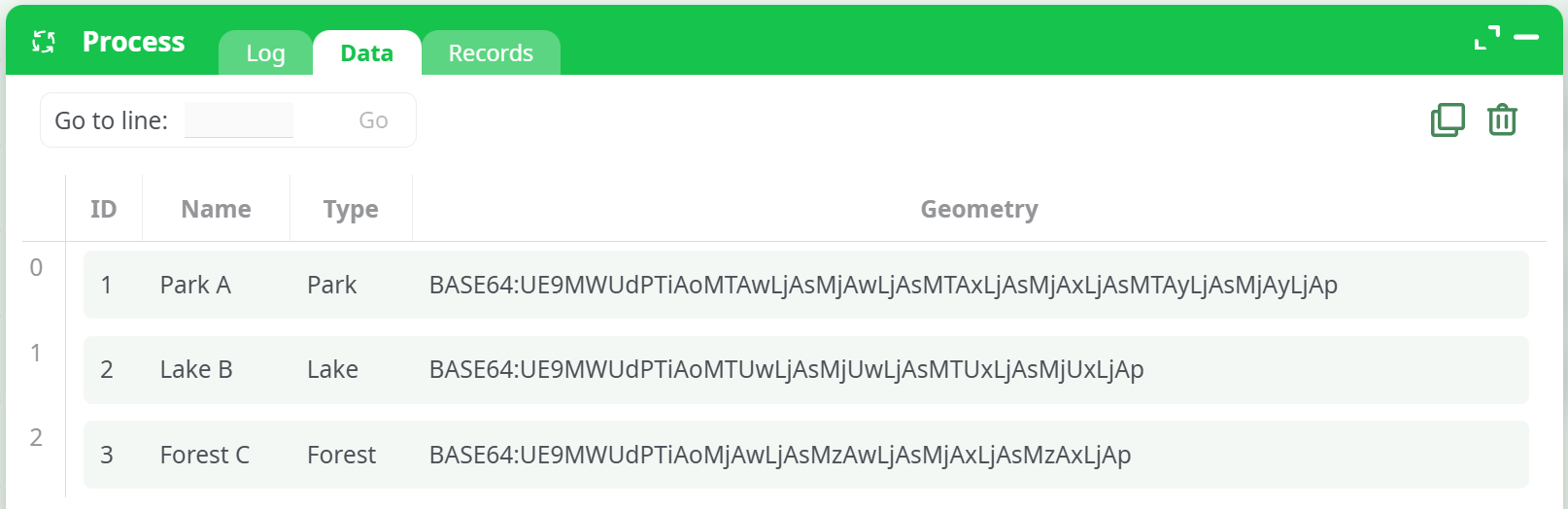
¶ Input Table
Your input table must include a geometry column containing encoded geographic features. Supported formats are BASE64, WKT, HEX, or simplified formats like:
point "Latitude Longitude"rectangle "Latitude1 Longitude1 Latitude2 Longitude2"
¶ Output
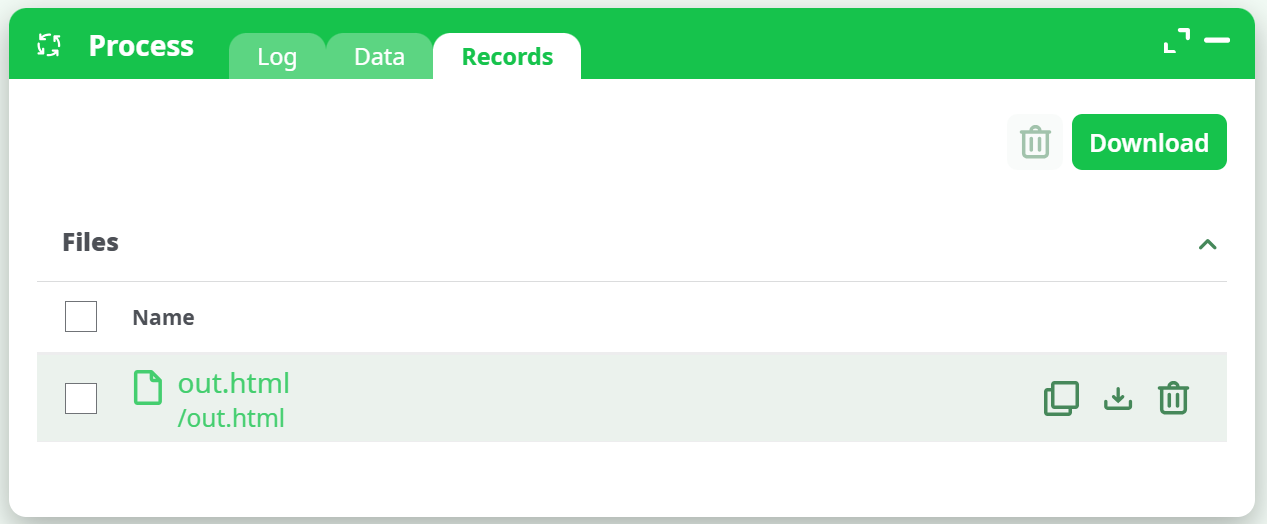
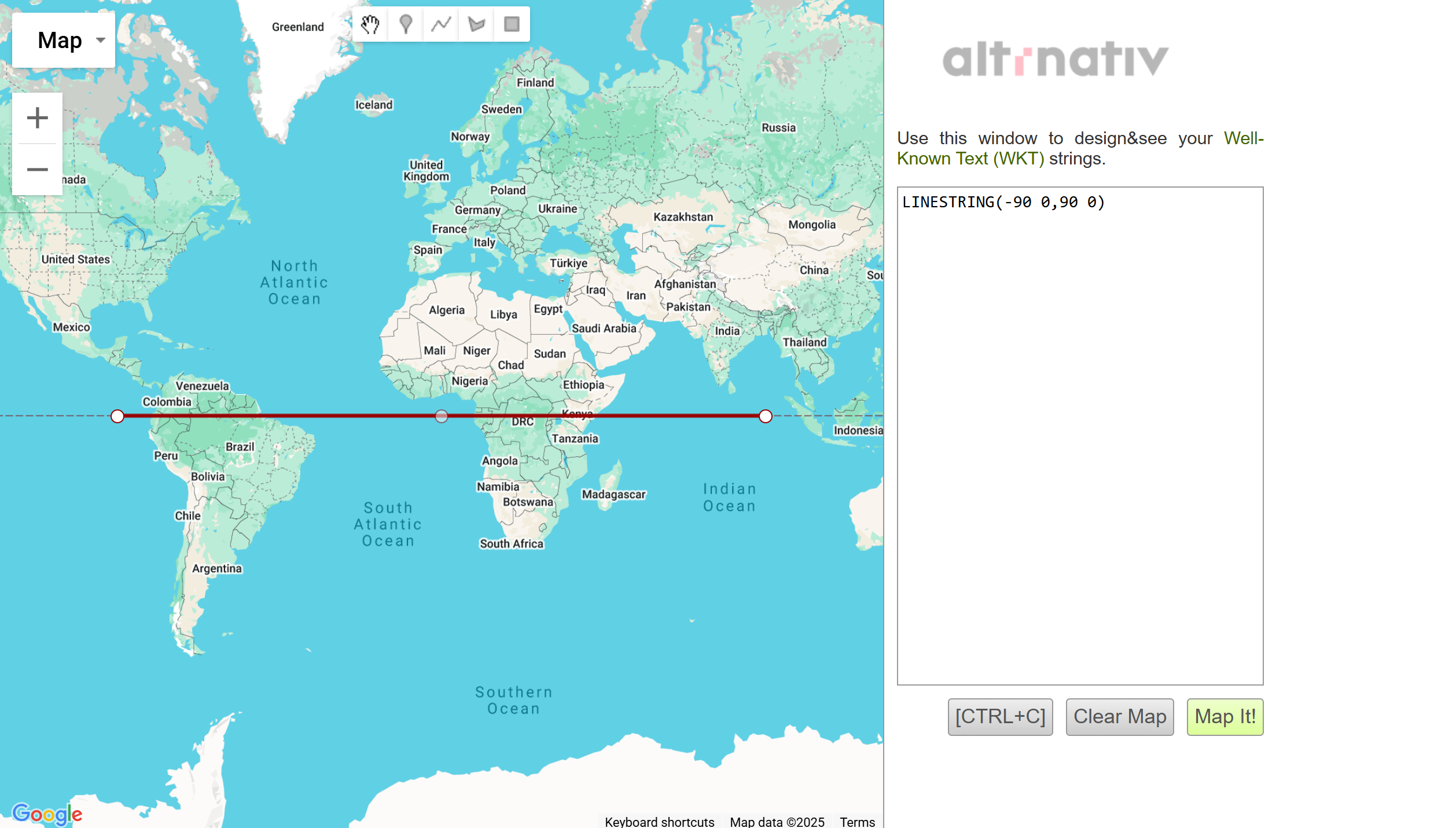
When successful, this action generates an output file in the specified format. In the case of .html, the file will be interactive and can be opened in any browser for visual map rendering.
¶ Notes
- When using
.html, make sure the file size is small and geometry is simplified. - EPSG:4326 refers to the WGS84 coordinate system commonly used in GPS and online maps.
- If you use
.shp, the action may also generate associated.shx,.dbf, and.prjfiles.