¶ Description
Wait for the completion of ETL Jobs running in Jenkins.
¶ Parameters
¶ Parameters tab
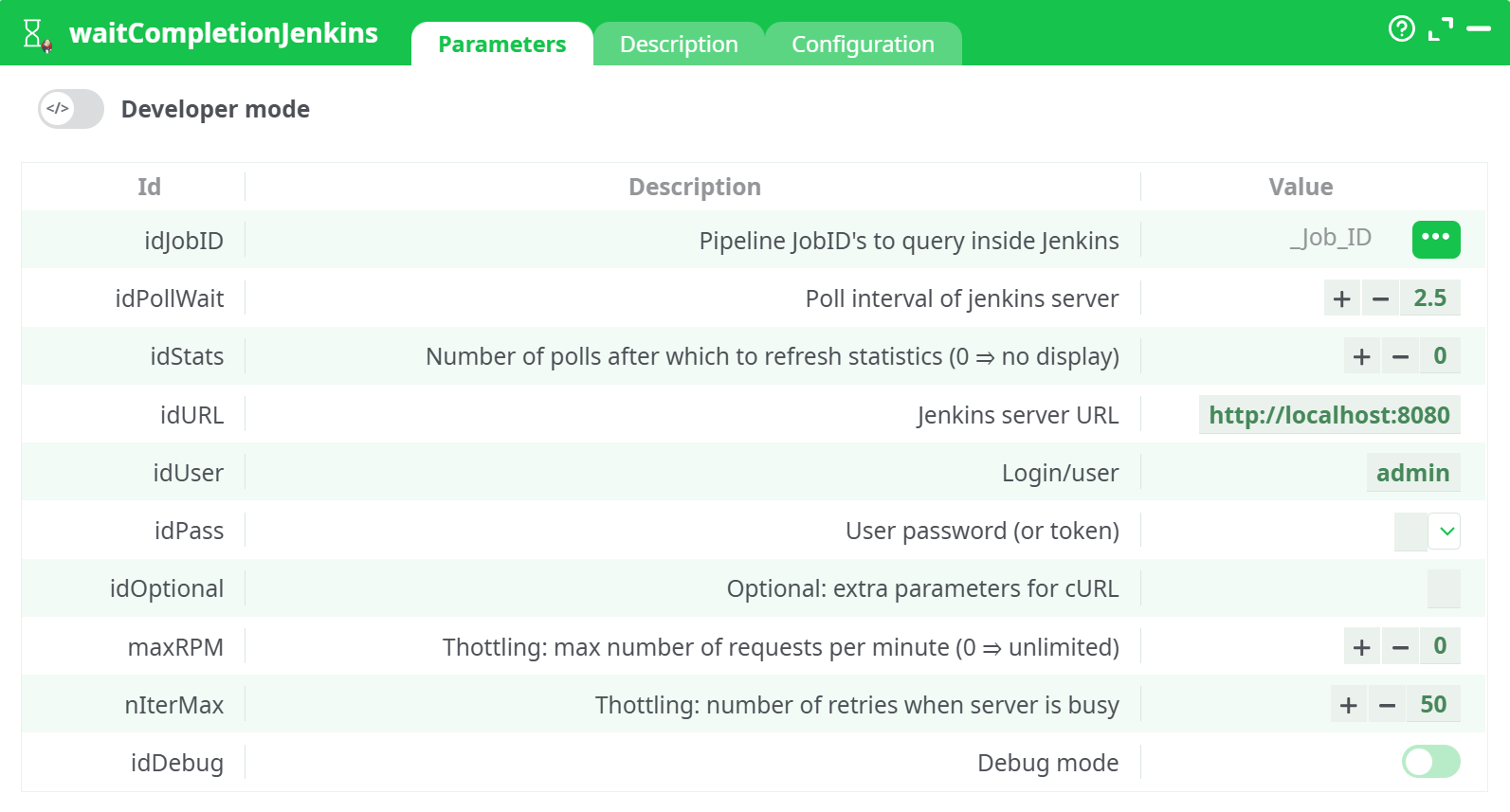
Parameters:
- Pipeline JobID's to query inside Jenkins
- Poll interval of jenkins server
- Number of polls after which to refresh statistics (0 = no display)
- Jenkins server URL
- Login/user
- User password (or token)
- Optional: extra parameters for cURL
- Thottling: max number of requests per minute (0 = unlimited)
- Thottling: number of retries when server is busy
- Debug mode
¶ Description tab
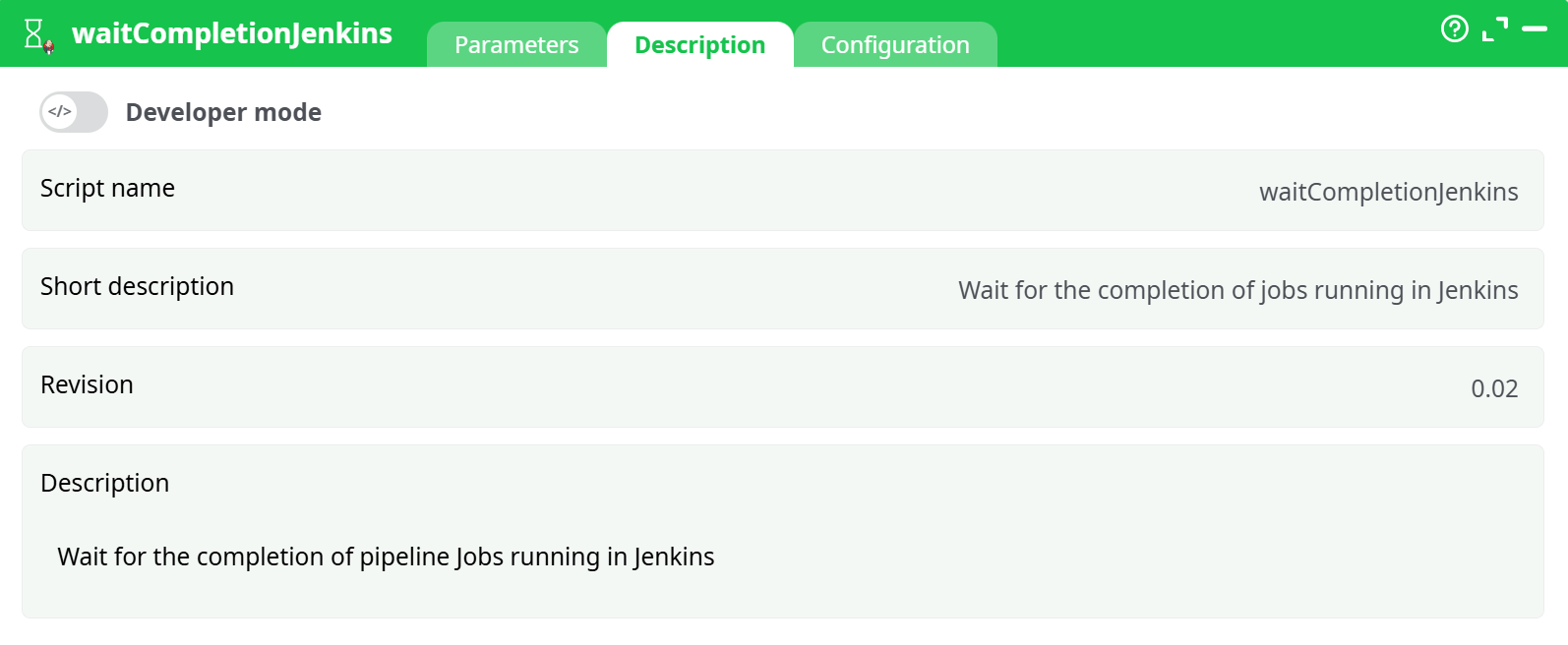
Parameters:
- Script name
- Short description
- Revision
- Decription
¶ Configuration tab
See dedicated page for more information.
¶ About
The LoopJenkins action does not wait for the completion of the execution of the ETL pipelines running inside Jenkins. You can use the waitJenkins action to wait for the completion of the pipelines running inside Jenkins.
The combination of the loopJenkins action and the waitJenkins action allows to obtain a behavior similar to the loopPipelines action, the loopPipeline action or the runPipelines action that are waiting for the executed (sub-) pipelines to terminate before proceeding any further.
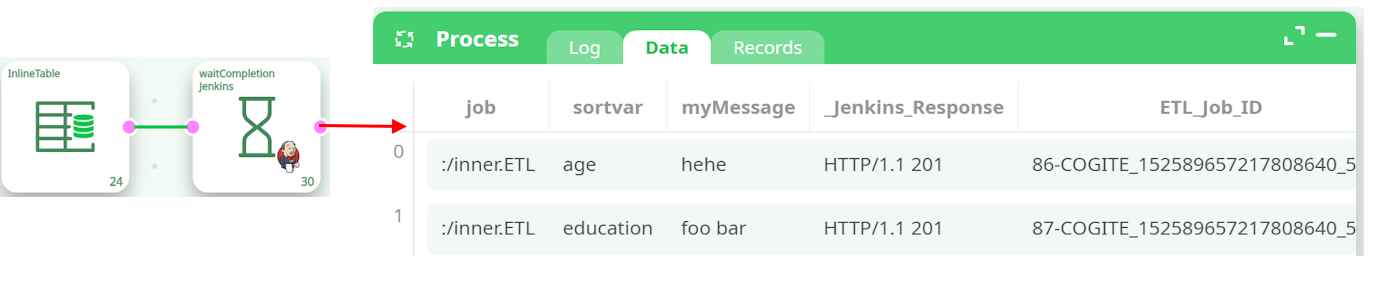
The waitJenkins action is waiting for the completion of all the jobs whose “_ETL_Job_ID” is given on the input pin (specified using the Parameter P1). If ETL sees an un-finished job X, it re-contacts Jenkins at regular intervals (this procedure is named “polling”), to know if the job X is finally finished. The delay between 2 “contacts” (i.e. the “polling interval”) is the Parameter P2 (in seconds). After Y “contacts” (i.e. after Y “polling” - Y is Parameter P3), ETL will display inside the low window some statistics: For example (when Parameter P3>0), you’ll see inside the Log Window:

As ouput of the waitJenkins action, you get a table that gives you the final status of the monitored jobs.