¶ Description
Convert the format used to store Geometries.
¶ Parameters
¶ Standard tab
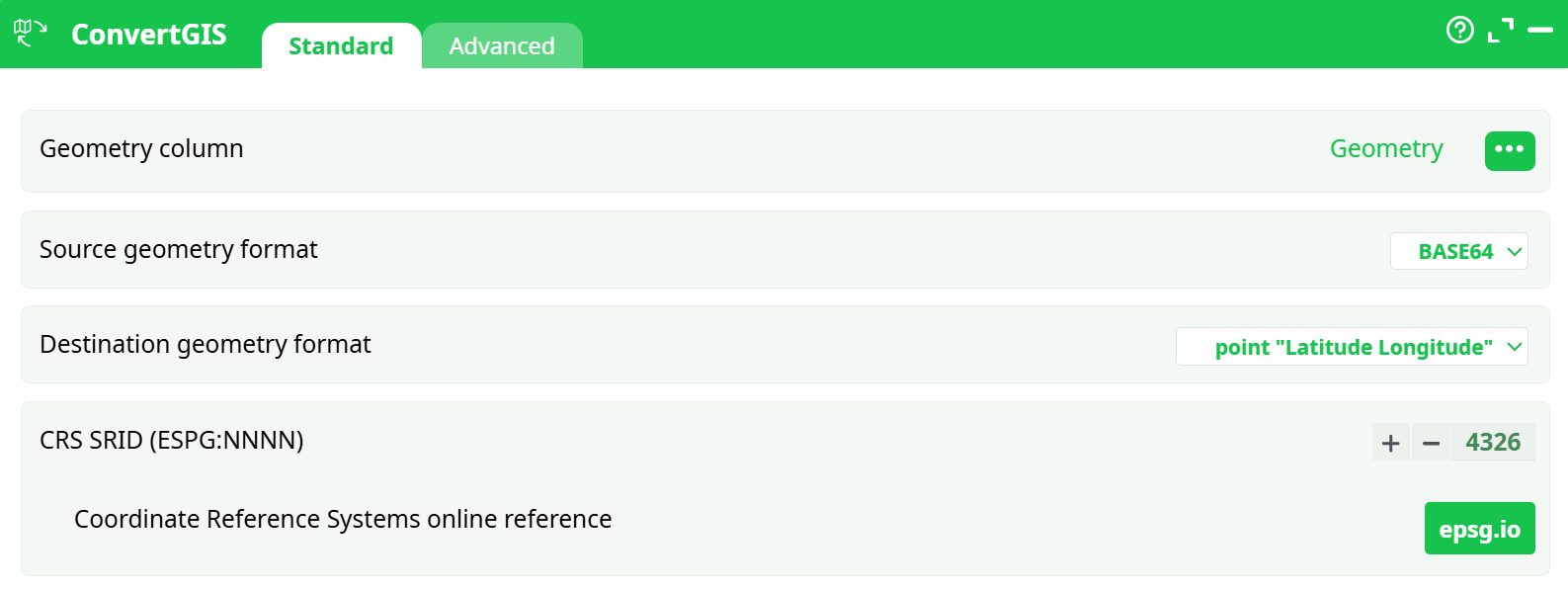
Parameters:
- Geometry column
- Source geometry format
- Destination geometry format
- SRID
¶ Advanced tab

Parameters:
- Display debug information in the log window
¶ About
Inside ETL, the geometries are stored/represented using 5 different formats:
- Point Coordinates "Latitude Longitude"
- Rectangle "Latitude1 Longitude1 Latitude2 Longitude2"
- Geometry data in WKT format
- Geometry data in HEX format
- Geometry data in BASE64 format
This action allows you to convert from one format to another.
When using the ConvertGIS action, most of the time, you have as many rows in output as in input. The only exception to this rule is when you convert towards the geometry format “Point Coordinates”. When this happens, ETL first dissolves all the input geometries into the POINTS that composes them. Then, it ouputs one different row for each different POINT. For example, this means that, if you have in input a table with 2 rows and, on each row, a POLYGON composed of 4 POINTs, then you’ll get as ouput a table with 8 rows/POINTS.