¶ Description
Dete Files on a Mailbox.org drive.
¶ Parameters
¶ Parameters Tab
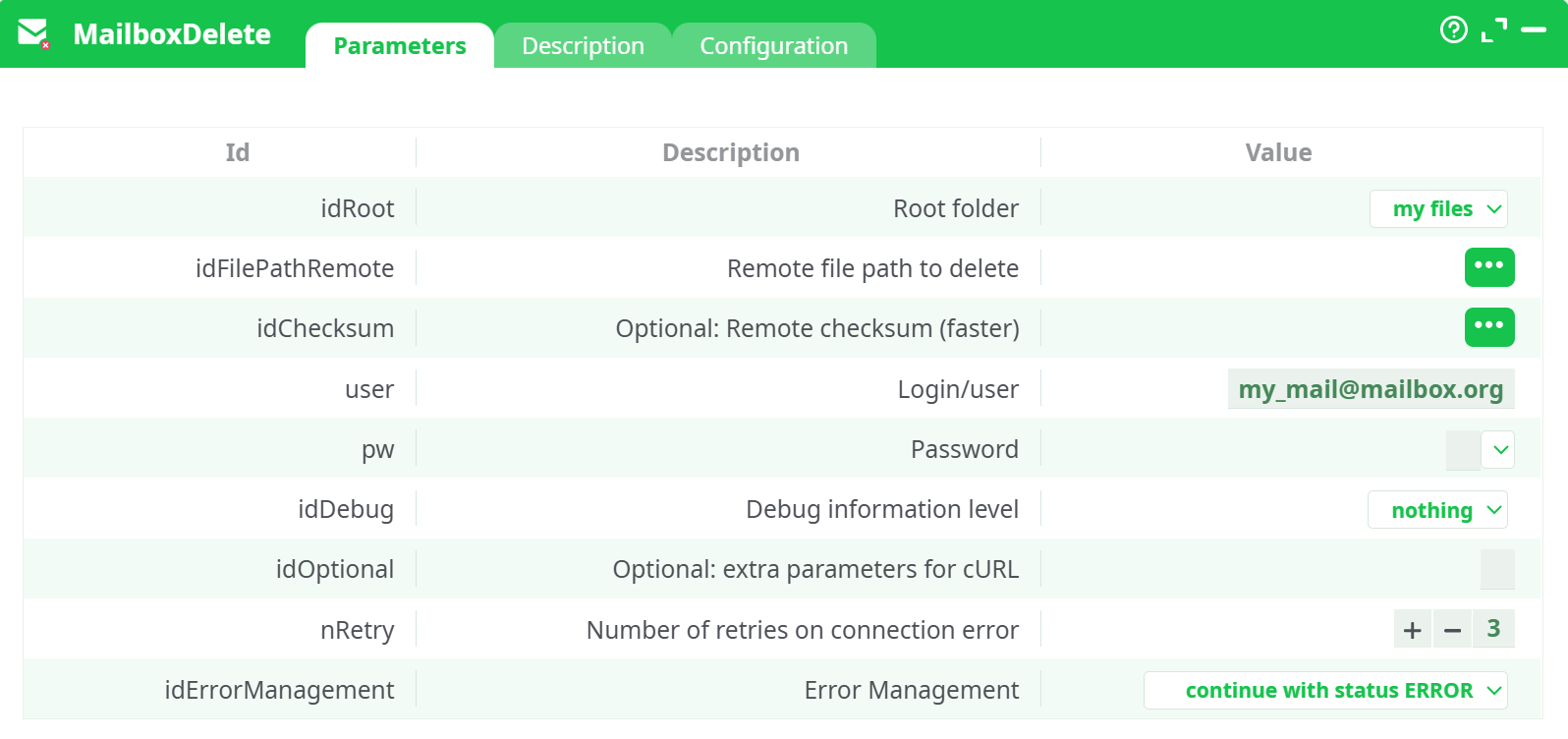
Parameters:
- Root folder
- Remote file path to delete
- Remote checksum (optional - faster)
- Login/user
- Password
- Debug information level
- Optional: extra parameters for cURL
- Retries on connection error
- Error Management
¶ Description Tab
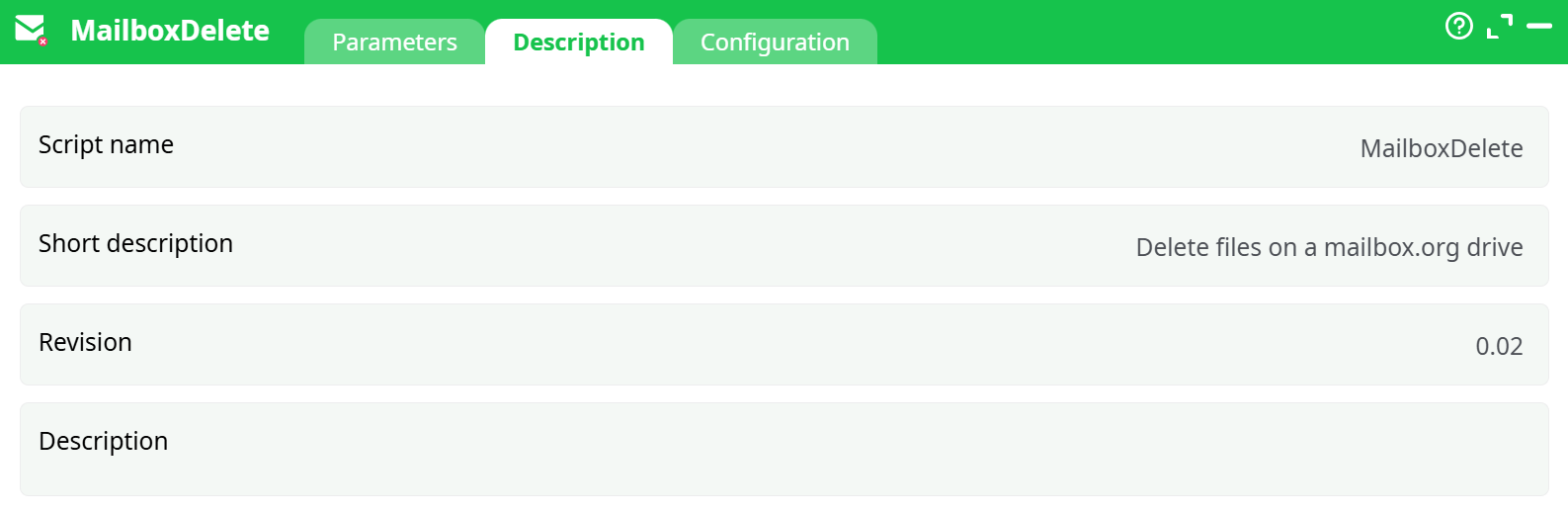
Parameters:
- Script name
- Short description
- Revision
- Decription
¶ Configuration Tab
See dedicated page for more information.
¶ About
Delete one or many files from your mailbox.org Drive straight from a Flow.
For account setup (creating an app password, where to find your login name, etc.), follow the step-by-step mailbox setup already described in the MailboxUpload documentation.
¶ What this action does
- Accepts a list of remote file paths (relative to a chosen Root folder).
- Deletes each file it receives.
- Optional: verify a supplied checksum (faster when you already know it).
- Retries on connection errors and can be told how to behave on failures.
¶ Expected input (from previous node)
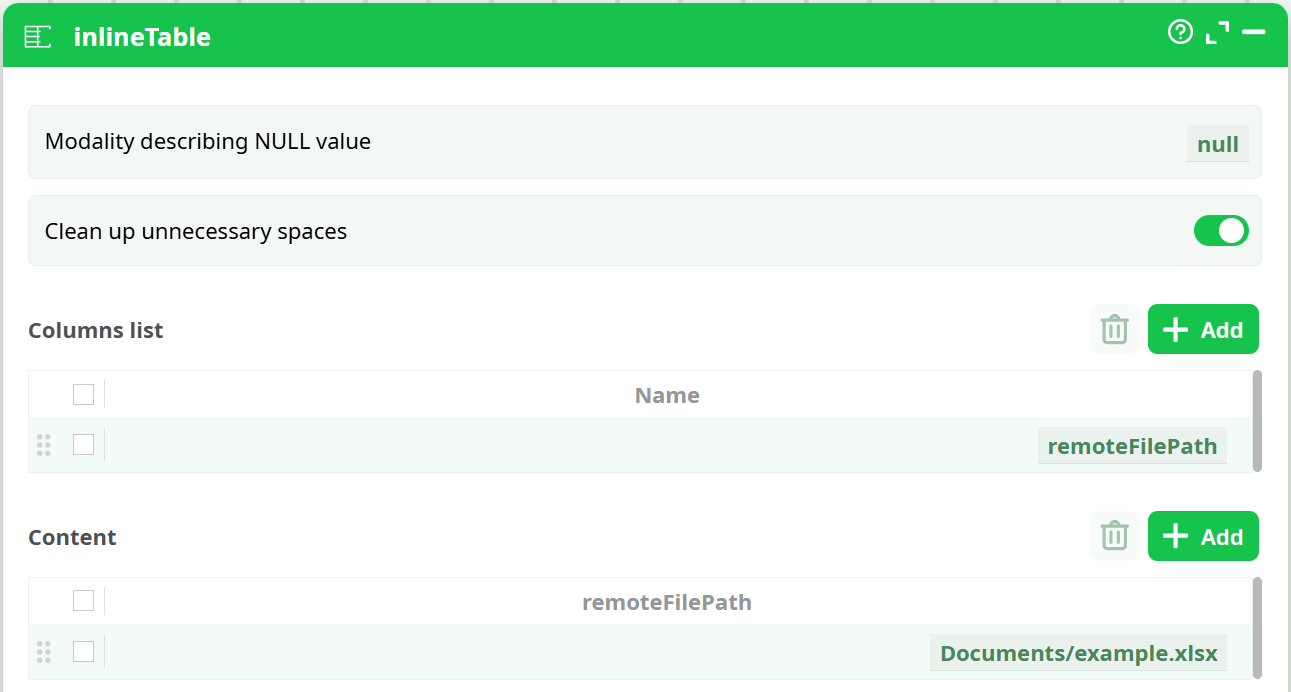
Provide a single column named remoteFilePath with the path to each file to delete.
Example InlineTable
- Column:
remoteFilePath - Row(s):
Documents/example.xlsx
Path rules
- Paths are relative to the selected Root folder (no leading
/).- Use exact folder & file names as shown in Drive.
- You are deleting files (not folders).
¶ Parameters
| Parameter | What to set |
|---|---|
| Root folder | One of: my files, other files, public files, shared files. Pick the top-level space that contains your targets. |
| Remote file path to delete | Map from your input column remoteFilePath. |
| Optional: Remote checksum (faster) | (Optional) Provide a known remote checksum to speed up/validate the request. Leave empty if unknown. |
| Login/user | Your mailbox.org login name (e.g., 6966985@6966985 as in the examples). See MailboxUpload docs for where to find this. |
| Password | Your mailbox.org app password created in Settings → Application Passwords. |
| Debug information level | nothing, basic, or higher when diagnosing. basic is a good default. |
| Optional: extra parameters for cURL | Advanced flag passthrough; usually leave empty. |
| Number of retries on connection error | Default 3. Increase for flaky networks. |
| Error Management | Choose whether the flow stops on error or continues with status ERROR (recommended during development). |
¶ Step-by-step: build the mini-flow
-
InlineTable
Create a one-column table namedremoteFilePathwith entries likeDocuments/example.xlsx. -
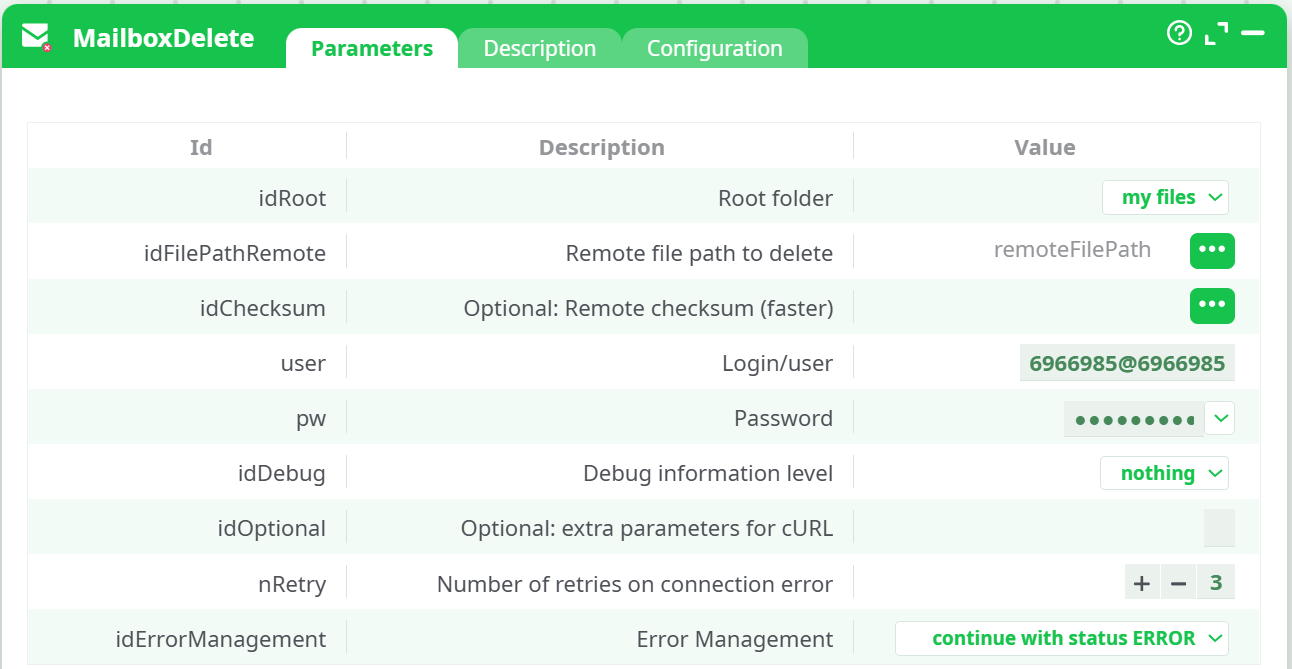
MailboxDelete
- Root folder:
my files(or the space that contains your files). - Remote file path to delete: map to
remoteFilePath. - Login/user and Password: use the same credentials you set up for MailboxUpload.
- Set Debug to
basicwhile testing.
- Root folder:
-
Run the flow.
- Data tab echoes the incoming paths.
- Records/Log show the delete results for each path.
¶ Tips & troubleshooting
- File not found: Double-check the Root folder selection and the exact path text (no leading
/). - Trying to delete a folder: Provide a file path; folder removal isn’t supported by this action.
- Locked/in-use files: If a file is currently locked by the web editor, close it and retry.
- Dry-run idea: Before deleting, use MailboxListFiles to list candidates, then feed only the files you intend to remove.