¶ Description
Create grid of points or rectangles.
¶ Parameters
¶ Parameters tab
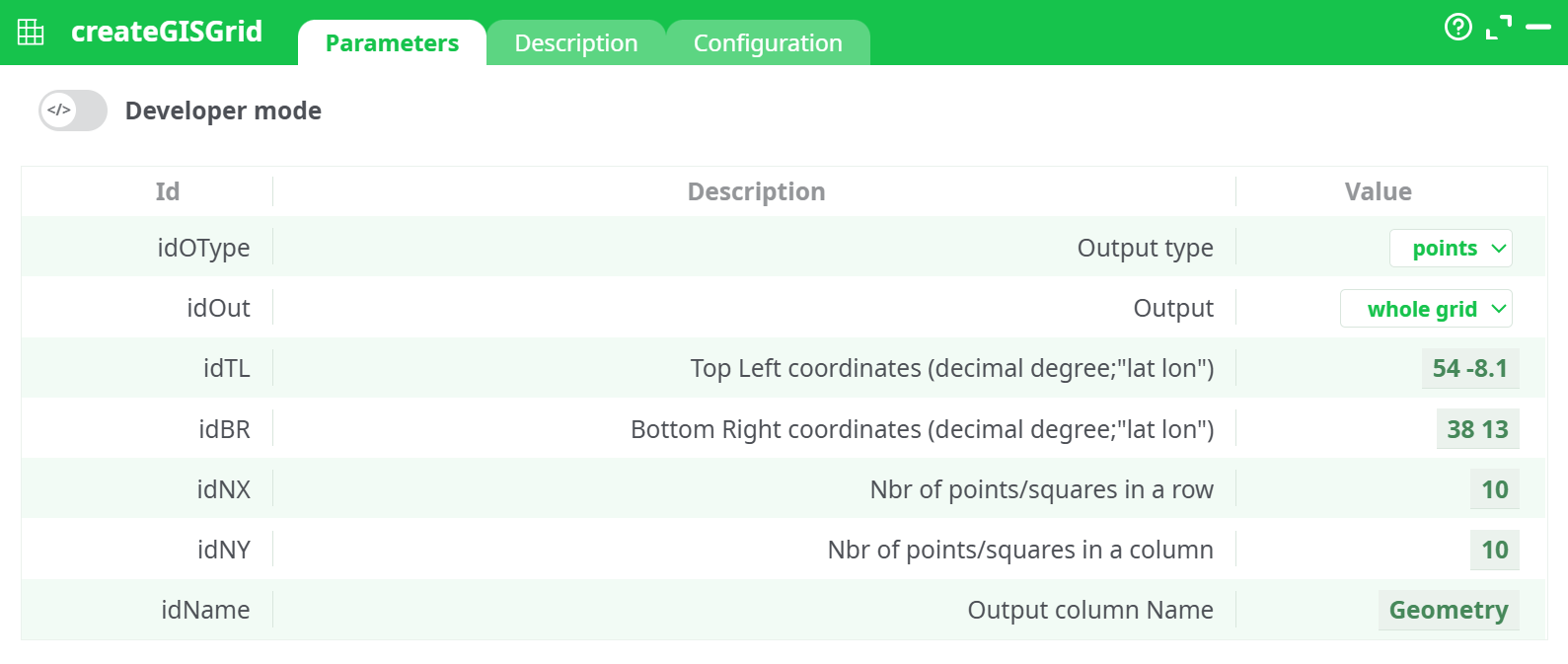
Parameters:
- Output type
- Output
- Top Left coordinates (decimal degree;"lat lon")
- Bottom Right coordinates (decimal degree;"lat lon")
- Nbr of points/squares in a row
- Nbr of points/squares in a column
- Output column Name
¶ Description tab
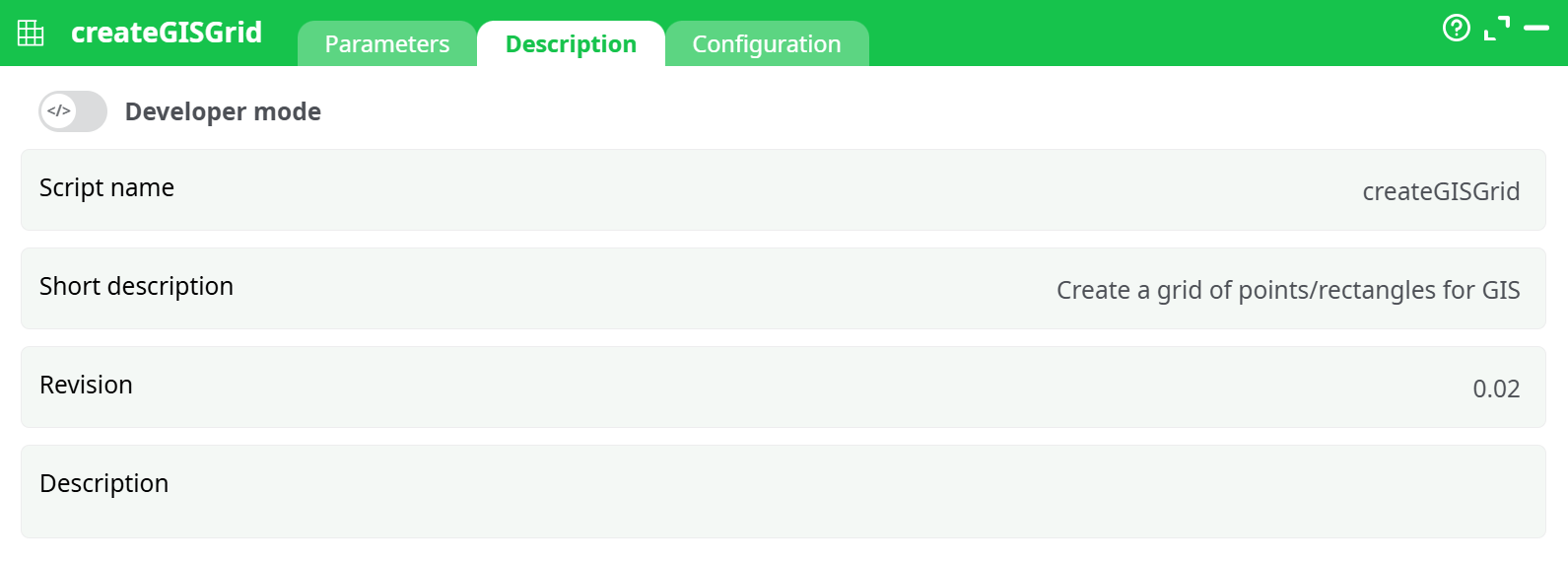
Parameters:
- Script name
- Short description
- Revision
- Description
¶ Configuration tab
See dedicated page for more information.
¶ About
The createGISGrid action generates a grid structure of geometries (either points or rectangles) within a specified bounding box. This action is useful for spatial data preparation, modeling, and simulation within GIS workflows.
The grid is defined by:
- The top-left and bottom-right geographic coordinates (latitude, longitude)
- The number of rows and columns into which the area is divided
- The geometry output format and structure (points or rectangles)
- The type of grid extraction (full grid or perimeter)
⚠️ Coordinate System Notice:
This action assumes that the geometries are defined in a standard PLANAR coordinate system. It is not recommended to use SRID 4326 directly. For best results, reproject your data using thereprojectGISaction before grid creation and revert it back if needed after processing. SeereprojectGISfor an example of use.
¶ Output
Depending on the configuration, this action produces either:
- Points: intersection locations or perimeter points
- Rectangles: bounding box cells as polygon geometries
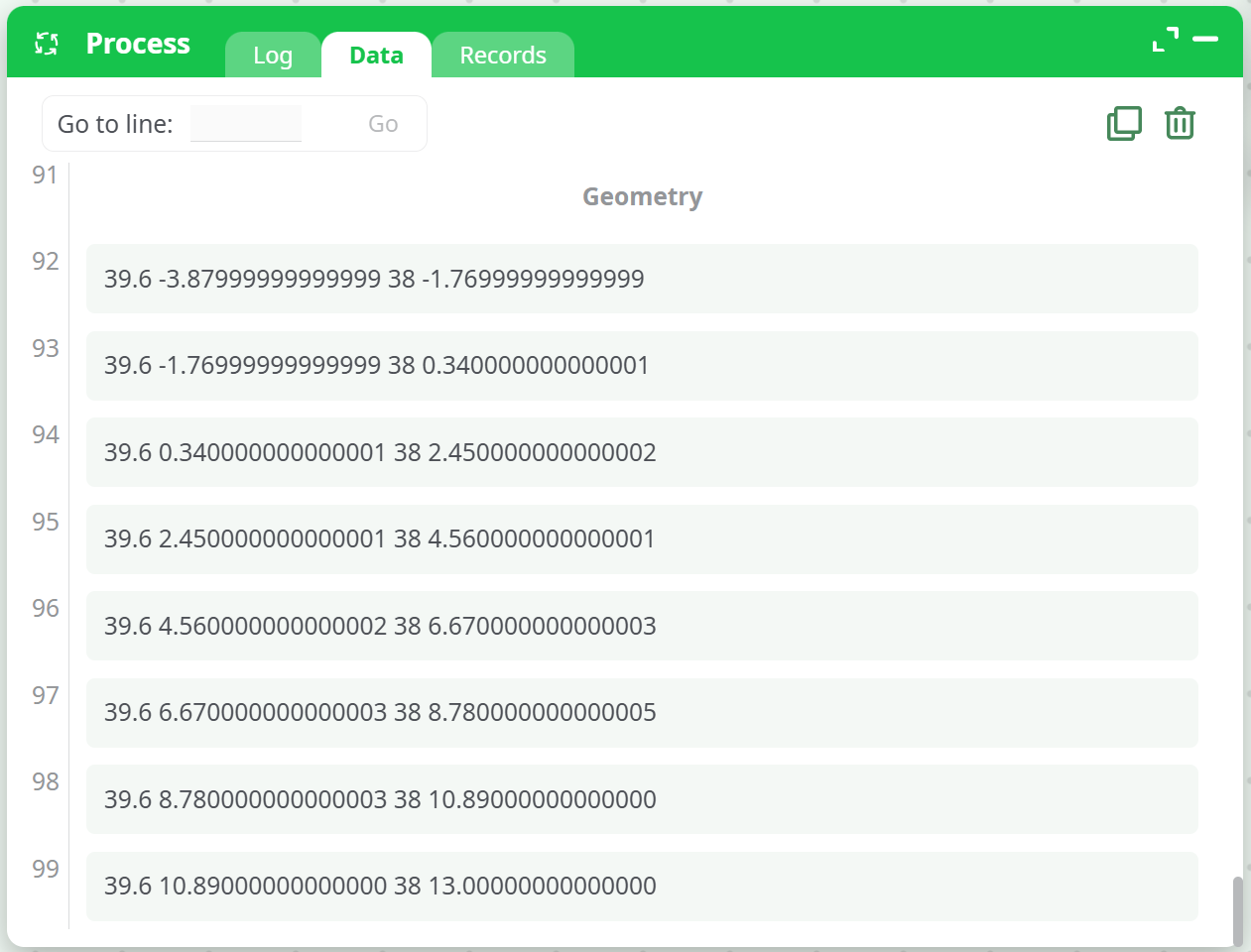
The result is written into a column (default name: Geometry), typically used as input for downstream GIS processing or visualization.
¶ Example Configuration
¶ Case 1: Points at Grid Perimeter
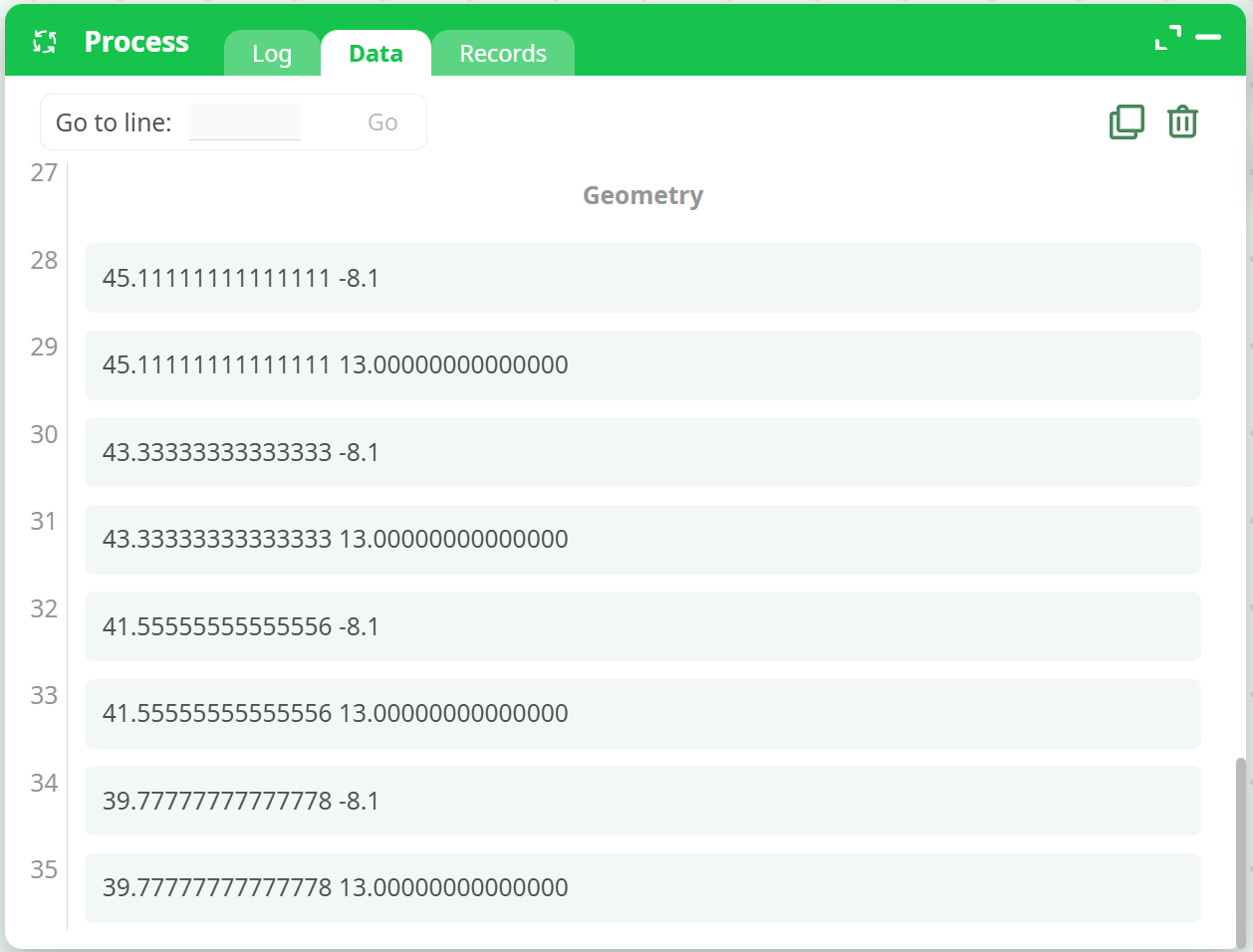
- Output type:
points - Output:
grid perimeter - Coordinates:
Top Left: 54 -8.1,Bottom Right: 38 13 - Grid Size:
10 x 10
Sample Output:
¶ Case 2: Rectangles in Whole Grid
- Output type:
rectangles - Output:
whole grid - Coordinates:
Top Left: 54 -8.1,Bottom Right: 38 13 - Grid Size:
10 x 10
Sample Output:
¶ Use Cases
- Preparing spatial simulation grids
- Sampling or interpolation across geographic regions
- Defining analysis zones for raster/vector overlay
- Creating visual reference grids for cartographic outputs
¶ Best Practices
- Always reproject your geometries to a metric-based SRID (e.g., EPSG:3857) before applying this action for meaningful division and alignment.
- Choose
pointsfor grid intersections, orrectanglesfor area-based spatial operations. - Use
grid perimeterto only generate edge points/cells when focusing on boundary conditions.
¶ Notes
- The output column name is customizable. Avoid overwriting existing geometry columns unless intentional.
- For irregular or non-rectangular boundaries, use
intersectGISafter grid creation to mask only relevant areas.