¶ Description
Upgrade Excel 97 format (.xls) to Excel 2003+ format (.xlsx).
¶ Parameters
¶ Parameters tab
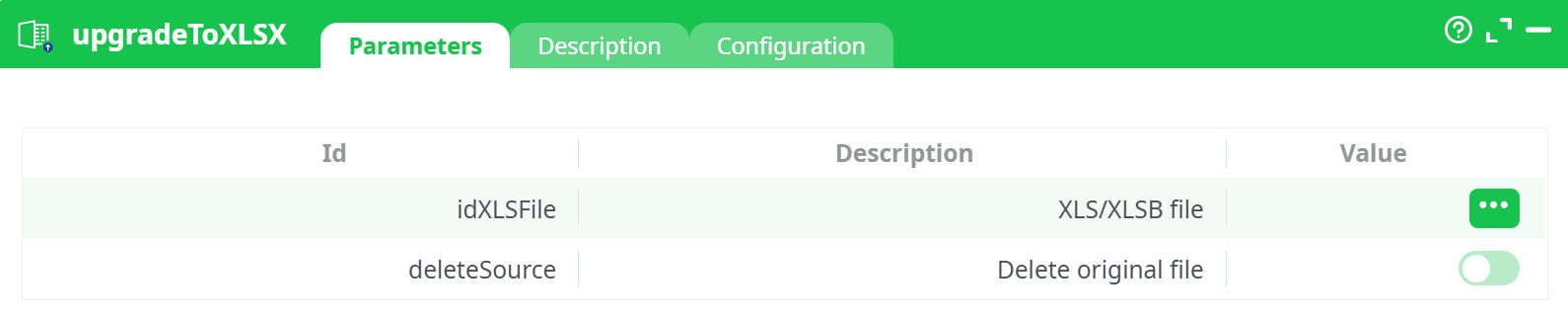
Parameters:
- XLS/XLSB filename to convert to XLSX Required. Column name (e.g., C1) referencing the path to .xls or .xlsb files. Each row in the table represents one file to convert.
- Delete original file Optional. If enabled, the original .xls or .xlsb file will be deleted after successful conversion. This helps maintain a clean file structure and avoids duplication.
¶ Description tab
See dedicated page for more information.
¶ Configuration tab
See dedicated page for more information.
¶ About
The upgradeToXLSX action is designed to convert legacy Excel files in the Excel 97-2003 format (.xls) or Excel Binary Workbook format (.xlsb) to the modern Excel Open XML format (.xlsx). This ensures better compatibility with modern tools, improved file security, and the ability to utilize advanced features available in .xlsx.
This action is especially useful in ETL pipelines where old spreadsheet formats need to be standardized before further transformation or analysis steps.
Once executed, the action processes each specified file path, performs the conversion, and optionally deletes the original source file to prevent duplication or unnecessary storage consumption.
¶ Input Table (InlineTable)
| C1 |
|---|
assets/file_example_XLS_10.xls |
- This table contains file paths of .xls files to be converted.
- Connect this table to the input pin of the upgradeToXLSX action.
¶ Pipeline Setup
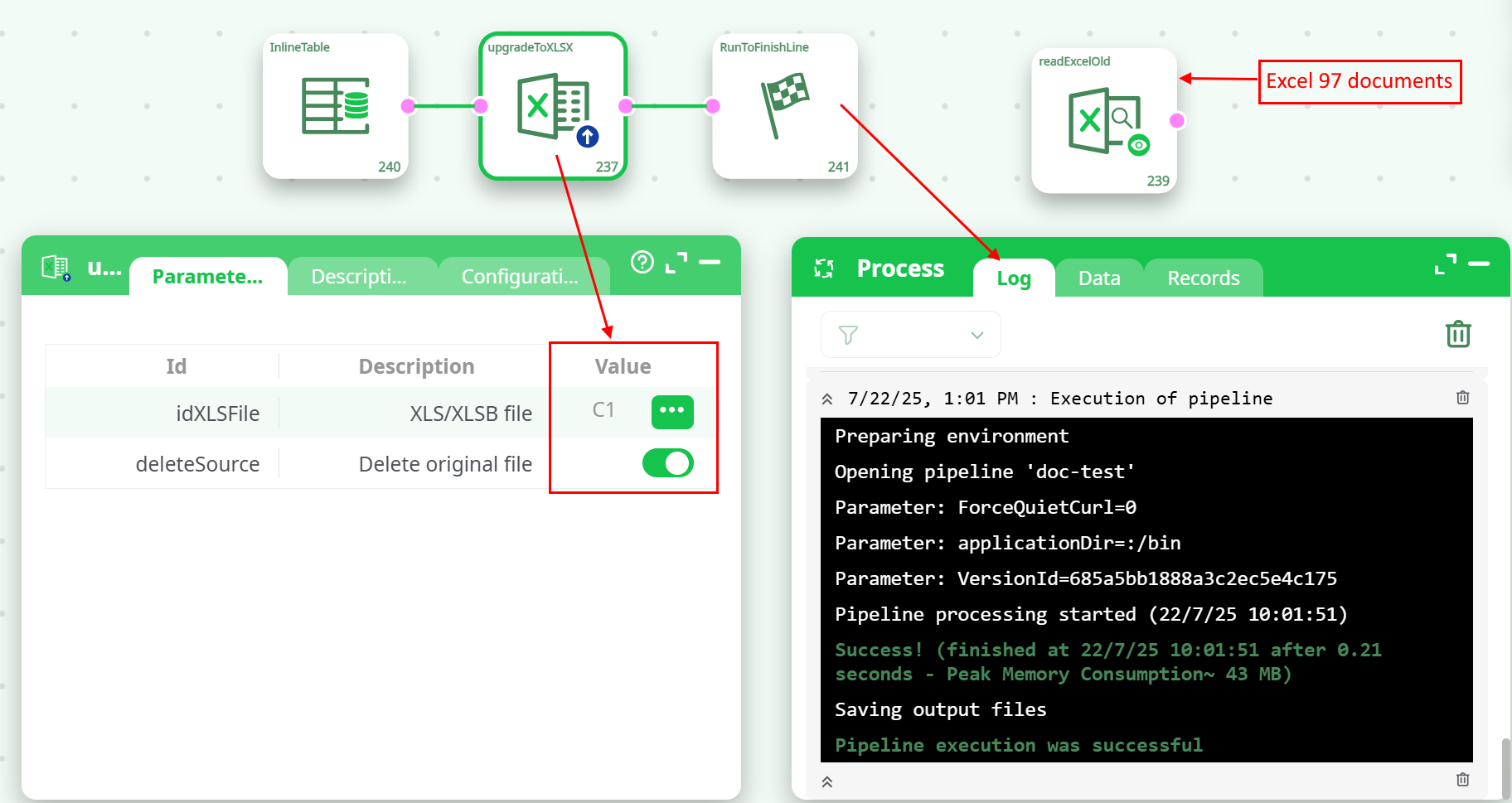
- Create an InlineTable with a column C1 listing the paths of .xls or .xlsb files.
- Connect this table to the input of upgradeToXLSX.
- Optionally add a RunToFinishLine or validation step after conversion.
- Set deleteSource toggle depending on whether you want to delete the original file.
- Run the pipeline.
¶ Output
- Each .xls file is replaced (or complemented) by a .xlsx version in the same directory.
- The pipeline log confirms the conversion and deletion (if enabled).
¶ Sample Pipeline