¶ Description
List files in a container in an Azure Blob Storage
¶ Parameters
¶ Parameters tab
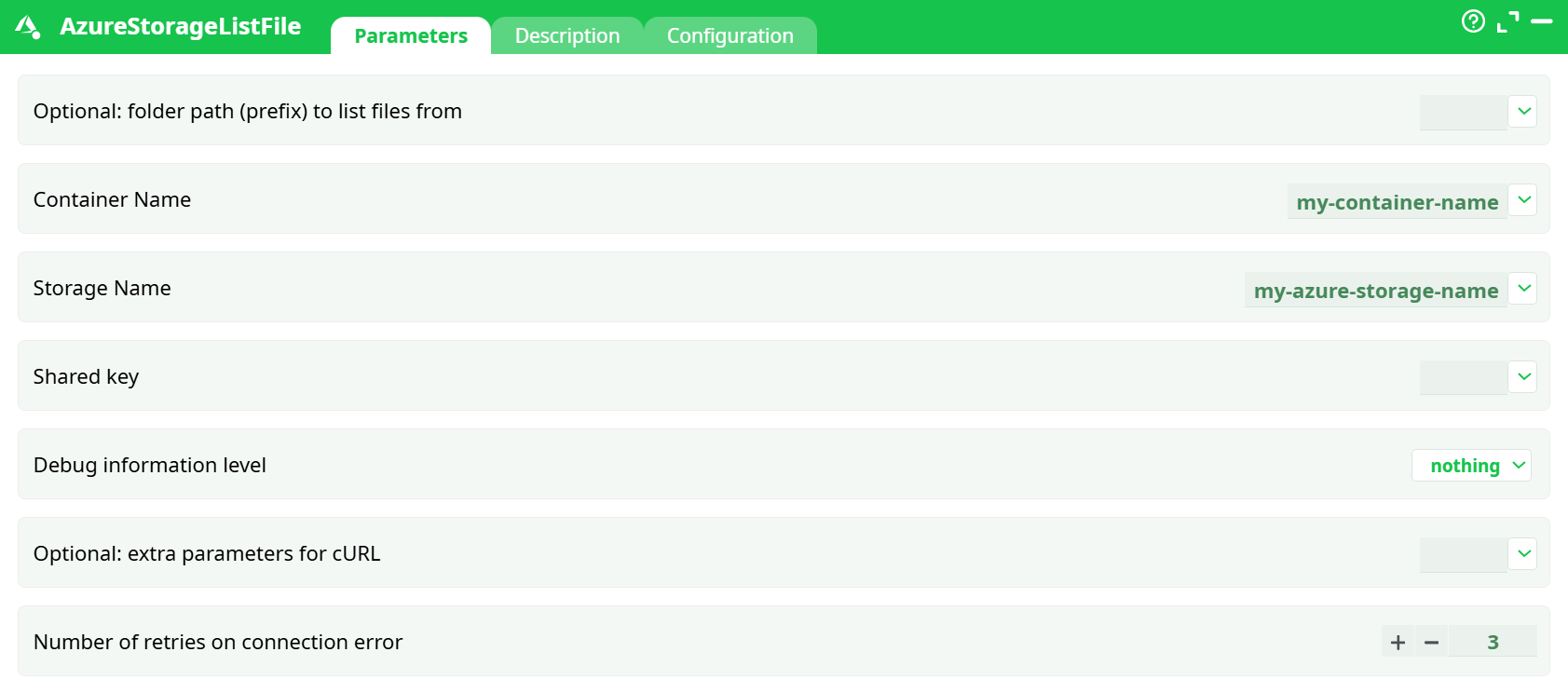
Parameters:
- Optional: folder path (prefix) to list files from (optional) — Folder-like prefix to restrict results (e.g.,
inbox/). - Container Name — Target container name (lowercase).
- Storage Name — Storage account name.
- Shared key — Access key (Key1/Key2).
- Debug information level — Log verbosity (use verbose while testing).
- Optional: extra parameters for cURL — Extra cURL options (rarely needed).
- Retries on connection error — Retries on connection errors.
¶ Description tab
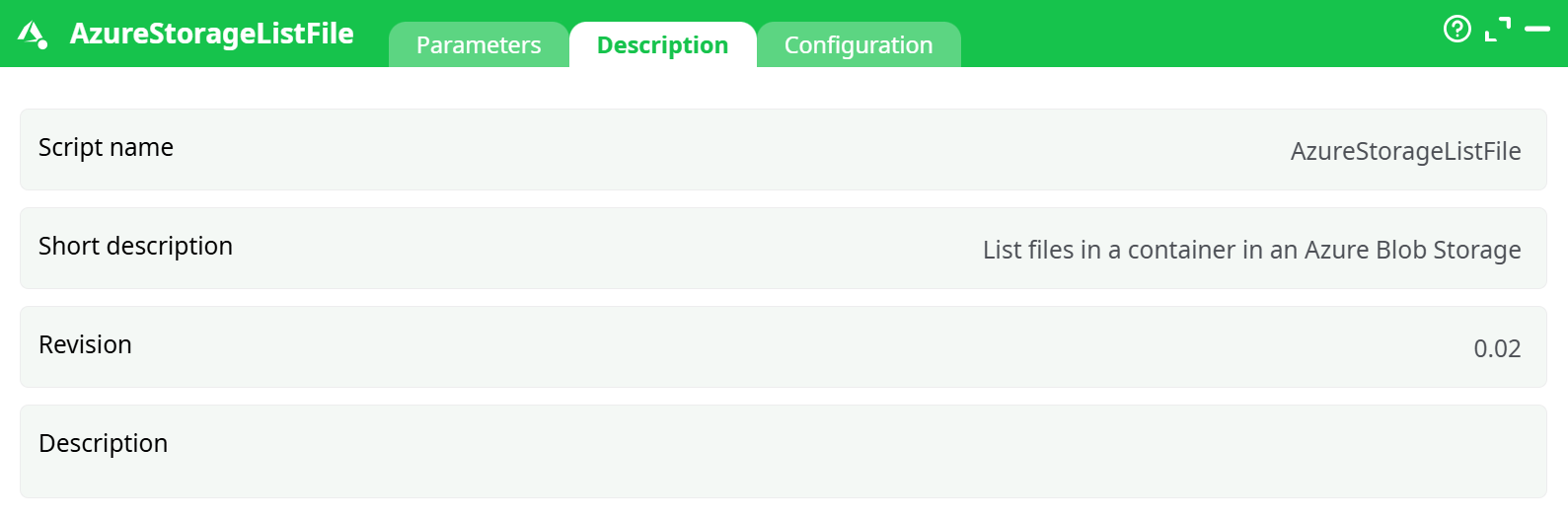
Parameters:
- Script name
- Short description
- Revision
- Decription
¶ Configuration tab
See dedicated page for more information.
¶ About
This action also works when accessing the web through a PROXY server.
To use this action, you’ll need to get several parameters from the Microsoft Website.
Once you have completed the “setup process”, you can use the parameters to list the files in your Azure storage system.
Lists blobs in a single Azure Blob container, optionally filtered by a folder-like prefix.
Authentication uses the Storage account access key (Shared Key).
- For detailed instructions on how to configure the Azure service, see: AzureServiceConfiguration
¶ Prerequisites
You already have the Azure setup documented (storage account, container, and access key).
From that guide you will bring:
- storageName → the Storage account name (e.g.,
myetlazstorage) - containerName → your container (e.g.,
my-container-etl) - key → the Access key (Key1/Key2) value
- prefixFolder (optional)
¶ Quick start — Run a listing
-
Drag AzureStorageListFile into your pipeline.
-
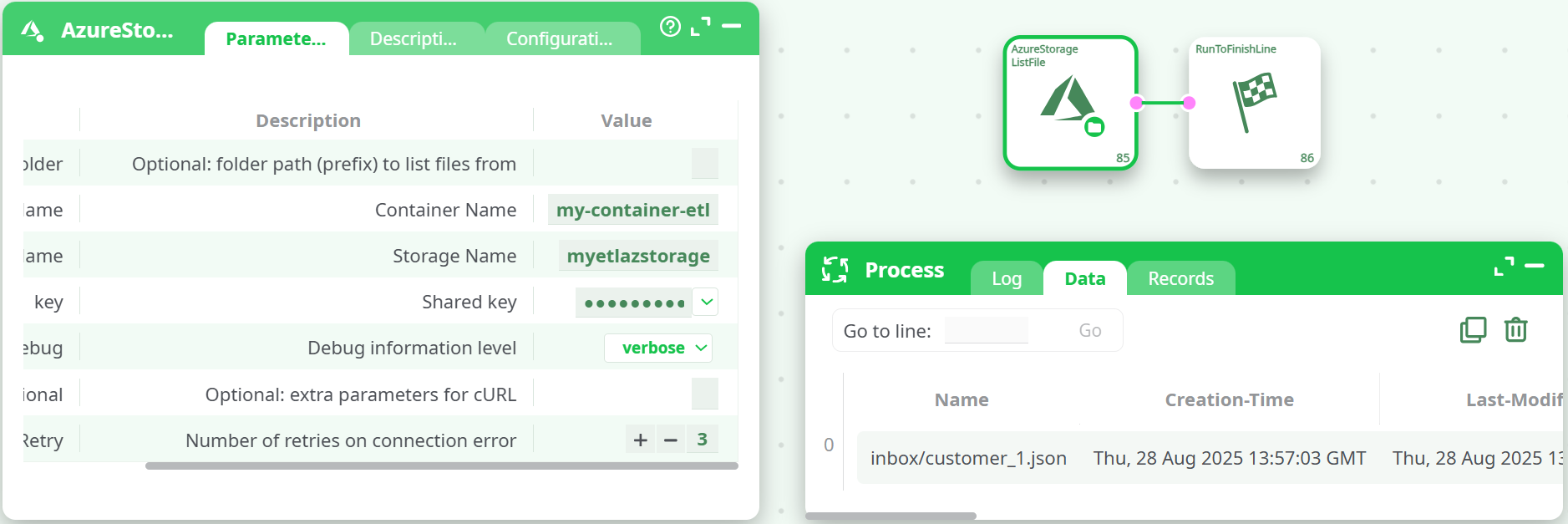
Open Parameters and paste:
- storageName = your storage account (e.g.,
myetlazstorage) - containerName = your container (e.g.,
my-container-etl) - key = the Access key (Key1/Key2 string)
- prefixFolder =
inbox/(optional) - Set idDebug =
verbosefor the first run.
- storageName = your storage account (e.g.,
-
Run the pipeline.
Expected result
- In Log, you’ll see an HTTP 200 OK call to
https://<storage>.blob.core.windows.net/<container>?comp=list&restype=container... - In Data, you’ll see one row per blob. Example from your run:
| Name | Creation-Time | Last-Modified | Etag | Content-Length | Content-Type |
|---|---|---|---|---|---|
inbox/customer_1.json |
Thu, 28 Aug 2025 13:57:03 GMT | Thu, 28 Aug 2025 13:57:03 GMT | 0x8DDE63AC4511753 |
168 | application/json |
¶ Output schema
Columns returned may include:
- Name — Full blob path (prefix + file name), e.g.,
inbox/customer_1.json - Creation-Time, Last-Modified — Timestamps (GMT)
- Etag — Blob ETag
- Content-Length — Size in bytes
- Content-Type — MIME type (e.g.,
application/json) - Content-MD5 — Base64 MD5 (if available)
- BlobType —
BlockBlob/AppendBlob/PageBlob - AccessTier, AccessTierInferred — Tier and whether inferred
- LeaseStatus / LeaseState — Lease info
- ServerEncrypted —
true/false
Fields present depend on the account settings and API response.
¶ Tips & good practices
-
Prefix matching
TheprefixFolderbehaves like a path filter. Useinbox/to return only blobs that begin withinbox/. You can add deeper prefixes (e.g.,inbox/2025/). -
Lowercase container names
Azure requires container names to be lowercase, alphanumeric plus-. -
Access keys vs SAS
This action uses Access keys (Shared Key). You don’t need a SAS for listing. If you rotate keys, update key here. -
Network restrictions
If your storage account blocks public traffic, allow the ETL egress IP or use an approved private route. -
ADLS Gen2 (Hierarchical namespace)
Works fine. “Folders” are treated as prefixes unless you explicitly create directories in the portal.
¶ Common errors & fixes
| Symptom (Log) | Likely cause | How to fix |
|---|---|---|
HTTP/1.1 403 AuthenticationFailed |
Wrong storageName/key pair, or extra spaces | Copy the Access key again from Storage account → Access keys. Ensure storageName matches the storage account name exactly. |
| No rows in Data | Wrong containerName or prefixFolder | Verify container exists and is lowercase. Clear prefixFolder to test. |
Public network access is disabled |
Network policy blocks ETL | Temporarily allow public access or add the ETL egress IP to the allowlist. |
Blob not found (when combining with other steps) |
Path mismatch | Use the exact Name value returned by this action when passing to downstream steps. |