¶ Description
List the files in your OneDrive.
¶ Parameters
¶ Parameters tab
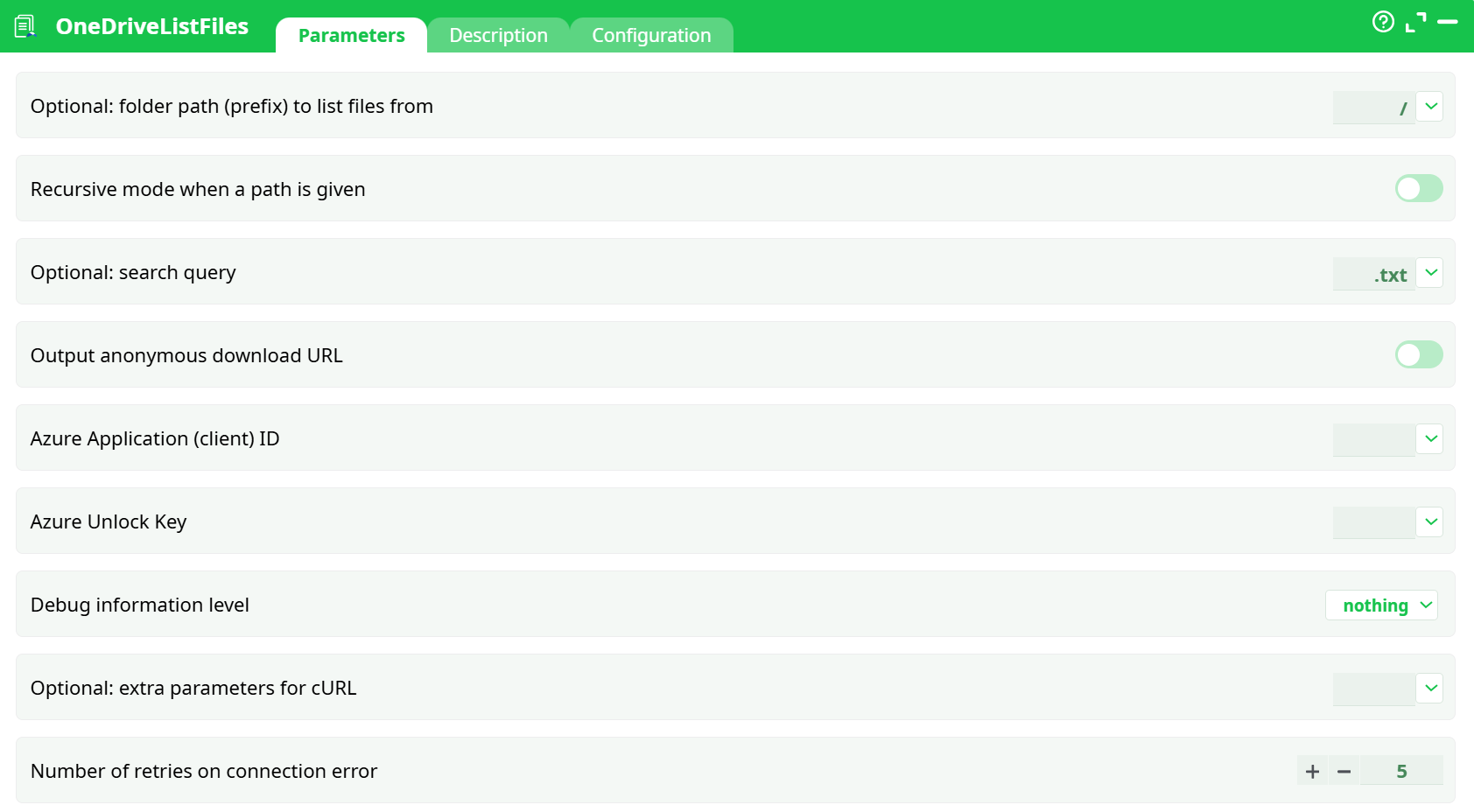
Parameters:
- Optional: folder path (prefix) to list files from
- Recurse through subfolders if a path is given
- Optional: Search query
- Ouput Anonymmous Download URL
- Azure Application (client) ID
- Azure Unlock Key
- Debug information level
- Optional: extra parameters for cURL
- Number of retries on connection error
¶ Description tab
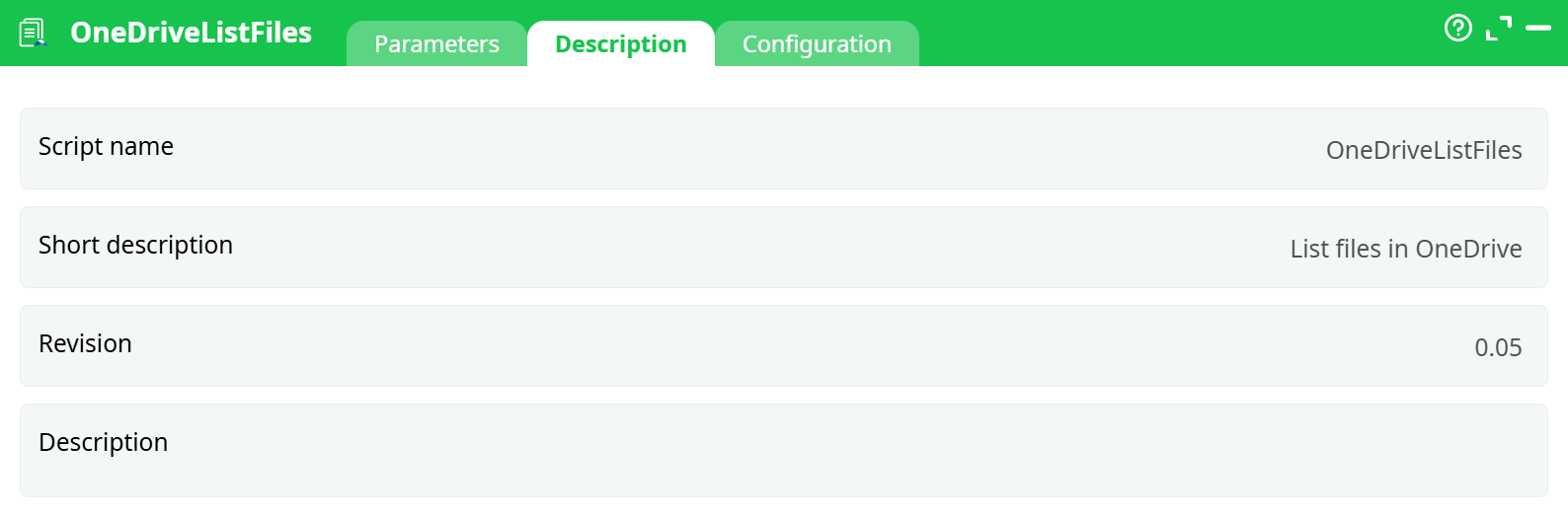
Parameters:
- Script name
- Short description
- Revision
- Decription
¶ Configuration tab
See dedicated page for more information.
¶ About
OneDriveListFiles reads a folder from a user’s OneDrive or from a SharePoint document library and returns rich metadata for every item it finds. It’s designed for automated, non-interactive jobs: the block authenticates with Microsoft Graph using an Azure Unlock Key, so there’s no popup login and you can schedule it safely.
Typical uses include:
- Inventorying a drive or a specific subtree for audits and housekeeping
- Building feeds for downstream jobs (e.g., only the latest
*.csvto process) - Generating direct download links for hand-off to external systems or emails
- Checking that a file landed (by name pattern and/or modified time)
You control where to look (Optional: folder path (prefix) to list files from), whether to recurse into subfolders, and an optional search filter that matches file names (e.g., .csv, 2025_). The block is read-only; it never changes content. If you enable Output anonymous download URL, it will create anonymous share links so you can download without authentication (your tenant policy must allow “Anyone” links).
¶ Prerequisites
-
Application (client) ID from your Azure app registration.
-
Azure Unlock Key created once with the AzureUnlock block (paste this key into
Azure Unlock Key).
If you need the step-by-step app registration and Unlock flow, see the OneDriveUploadFiles documentation — the setup is identical. -
Microsoft Graph Application permissions with admin consent:
Files.ReadWrite.AllSites.ReadWrite.All(required when the storage is a SharePoint library)
-
If you plan to enable Output anonymous download URL, your tenant must allow “Anyone” sharing links.
- For detailed instructions on how to configure the Azure service, see: AzureServiceConfiguration
¶ Parameters
¶ Required
-
Azure Application (client) ID — Azure Application (client) ID
Paste the GUID from your Azure app (e.g.,e4e7…def40). -
Azure Unlock Key — Azure Unlock Key
Paste the long token produced by AzureUnlock.Do not paste your Azure client secret here. This block only accepts the Unlock Key.
¶ Location & filtering
-
Optional: folder path (prefix) to list files from — Optional: folder path (prefix) to list files from
- Root:
/ - Subfolder:
/Reports,/Shared Documents/Invoices - Uses the exact names you see in OneDrive/SharePoint.
- Root:
-
Recursive mode when a path is given — Recursive mode when a path is given
- ON: walk all subfolders
- OFF: only the specified folder
-
Optional: search query — Optional: search query
Case-insensitive “contains” on names. Examples:.csv,.txt,Report_,2025_.
Combine with Recursive mode when a path is given to scan large trees efficiently.
¶ Output options
- Output anonymous download URL — Output anonymous download URL
ON adds a per-item direct download link. Requires tenant policy that allows “Anyone” links. Leave OFF if you only need metadata—this is faster and avoids creating share links.
¶ Output schema (typical)
| Column | Description |
|---|---|
name |
Item name (file/folder) |
path |
Full path relative to the drive |
isFolder |
true/false |
size |
Bytes (0 for folders) |
modifiedTime |
Last modified timestamp |
createdTime |
Creation timestamp |
itemId |
Graph item ID |
driveId |
Drive / library ID |
webUrl |
Browser link |
downloadUrl |
Present only if Output anonymous download URL=ON (anonymous link) |
(Exact column names may vary slightly by version.)
¶ Best practices
- Use
verboseonly during setup; switch tobasic/nothingfor routine runs. - Keep
Output anonymous download URLOFF unless you truly need anonymous links. - Filter early with
Optional: search queryto reduce API calls. - Store the Unlock Key securely (use your platform’s secret vault when available).
¶ Common errors & fixes
| Symptom (Log) | Likely cause | Fix |
|---|---|---|
HTTP/2 400 then Don't be evil - Regexp 1 |
Azure Unlock Key is not an Unlock Key (you pasted the Azure client secret). |
Run AzureUnlock and paste the resulting Unlock Key into Azure Unlock Key. |
Authorization required, but no authorization protocol specified |
Preview run or missing key. | Run a full pipeline and ensure Azure Unlock Key is set. |
SSL certificate verify result: unable to get local issuer certificate (20) |
TLS inspection / custom CA. | Provide CA with --cacert (preferred) or route via corporate proxy; use --insecure only to diagnose. |
401 / 403 from Graph |
Missing Graph Application permissions or no admin consent. | Add Files.ReadWrite.All + Sites.ReadWrite.All, Grant admin consent, re-run. |
downloadUrl empty |
Tenant disallows “Anyone” links. | Ask the tenant admin to enable anonymous links, or keep Output anonymous download URL=OFF and use webUrl. |
¶ Security & rotation
If you rotate the Azure client secret or change app permissions, re-run AzureUnlock to obtain a new Unlock Key, then update Azure Unlock Key. Never expose the key in logs or screenshots.