¶ Description
Reads a (compressed) XML/HTML file.
¶ Standard Tab
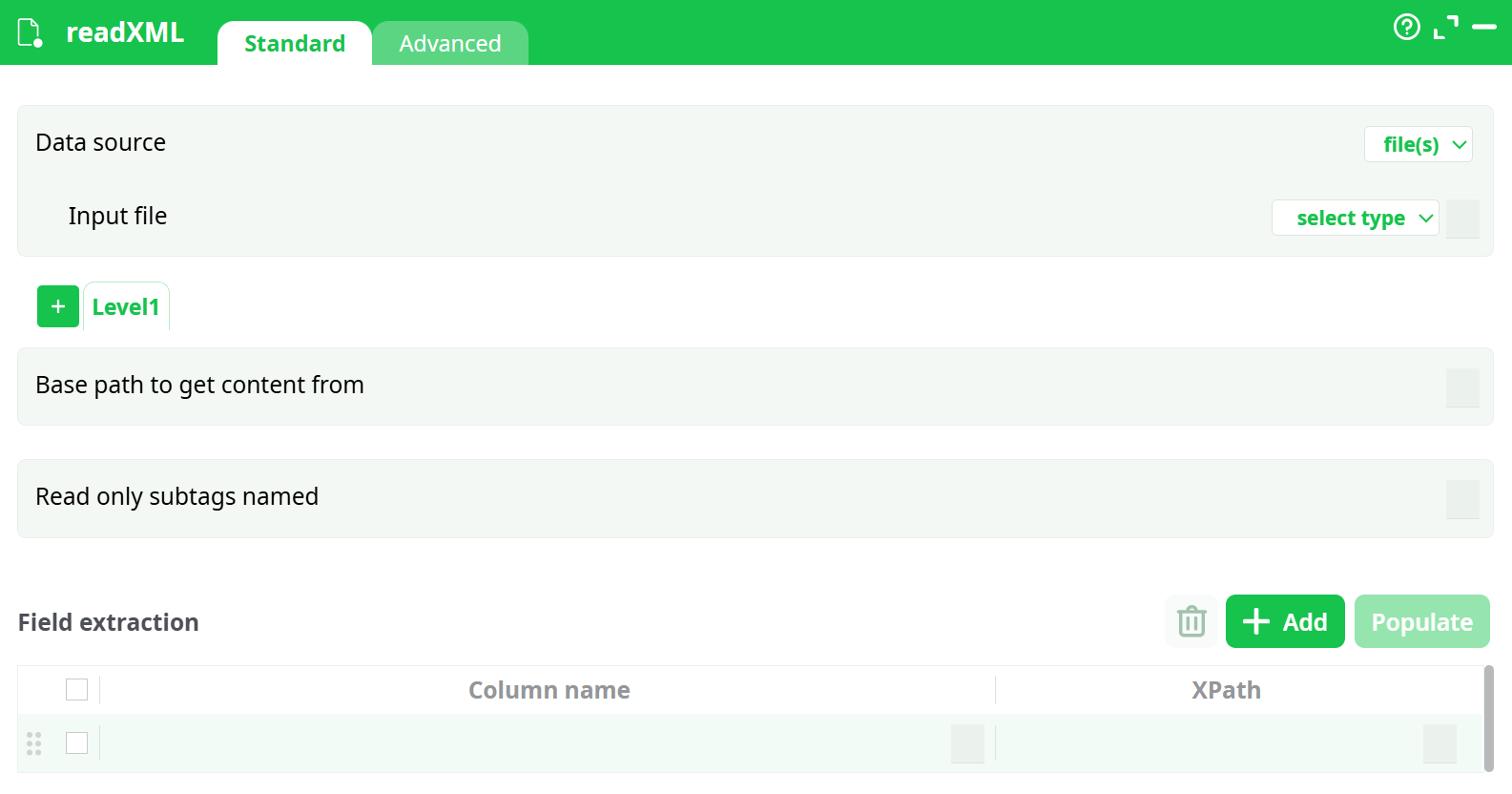
Parameters:
- Data source
- Input file
- Base path to get content from
- Read only subtags named
- Field extraction
¶ Advanced Tab
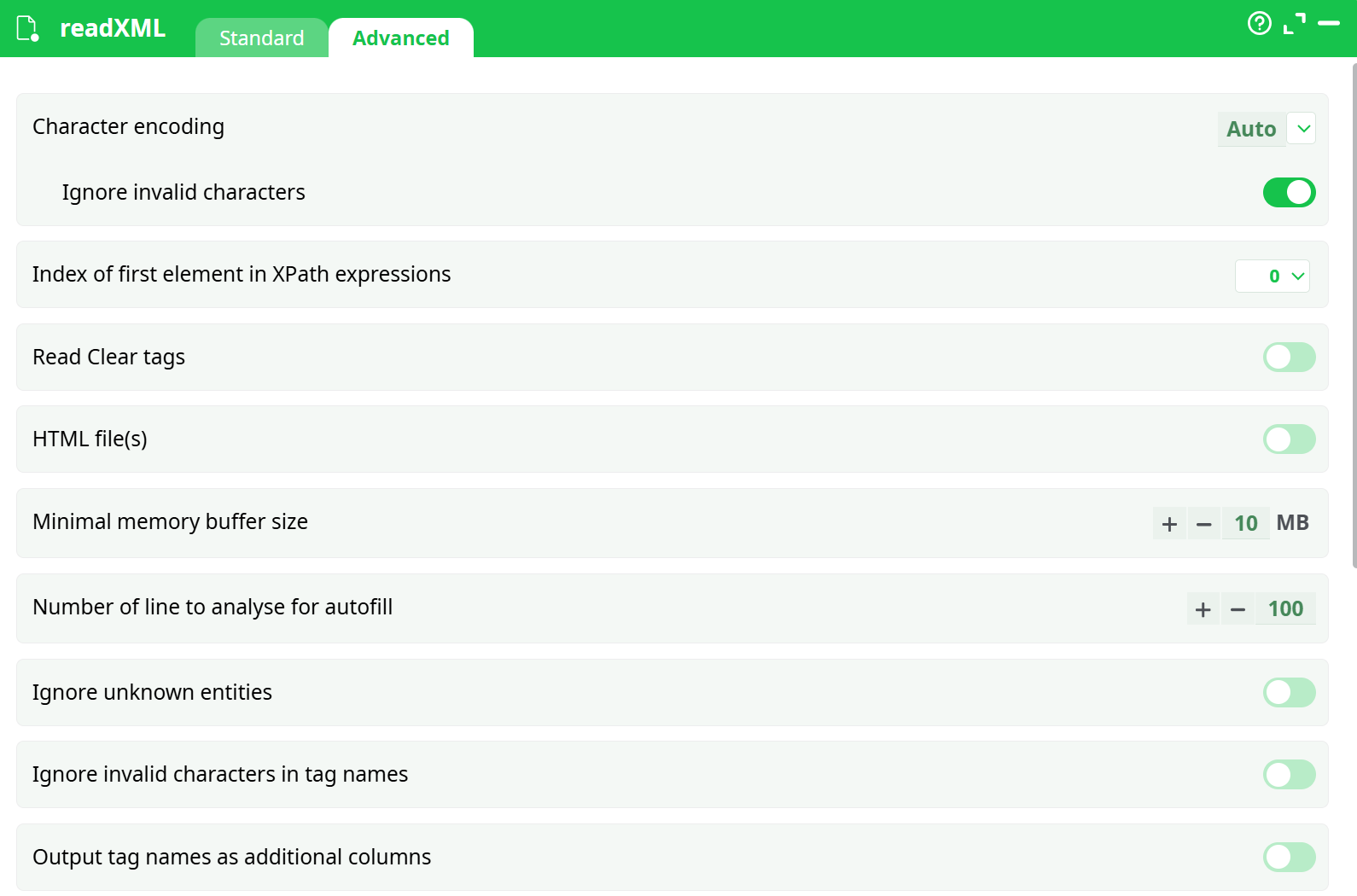
Parameters:
- Character encoding
- Ignore invalid characters
- Index of first element in XPath expressions
- Read Clear tags
- HTML file(s)
- Minimal memory buffer size
- Number of line to analyse for autofill
- Ignore unknown entities
- Ignore invalid characters in tag names
- Output tag names as additional columns
- Output filenames in additional column
- Ignore tag attributes when auto-fill is used
- Retrieve tag presence info when auto-fill is used
- Ignore empty or corrupted XML files
- Advanced interface for tag names
- Output only summary of tag names
- Attempt to ignore empty or invalid tags
- When reading error, retry for
¶ About
NOTE :
You can drag&drop a .XML file, a .HTML file or a .HTM file from your local machine into an ETL-Pipeline-Window: This will directly create the corresponding ReadXML action inside the ETL Pipeline.
The XML/HTML reader included in ETL is stream-oriented. This means that ETL reads the XML/HTML file chunk by chunk—once all data from one chunk has been extracted, ETL loads the next chunk.
This is in contrast to most other XML/HTML extraction engines, which typically require loading the entire XML file into RAM before starting data extraction. This means that, in opposition to other XML/HTML extraction engine:
- There are no limits to the size of the XML/HTML file that ETL can read and parse.
- ETL extracts data from XML/HTML files using only a small, fixed amount of RAM, regardless of the file size.
- With ETL, data extraction from XML/HTML is very fast.
If the XML file has a .RAR, .ZIP, .GZ, or .LZO extension, ETL will transparently decompress it in RAM. The appropriate (de)compression technique is selected automatically based on the file extension.
When working with compressed file formats, ETL does not decompress the files on the hard drive. Instead, it decompresses the data on the fly in RAM, which reduces:
- Load on the hard drive.
- Disk space usage required for the analysis.
For detailed information about XPath syntax, functions, and best practices, see: XPath