¶ Description
Bulk upload a table to Snowflake using an Azure storage.
¶ Parameters
¶ Parameters tab
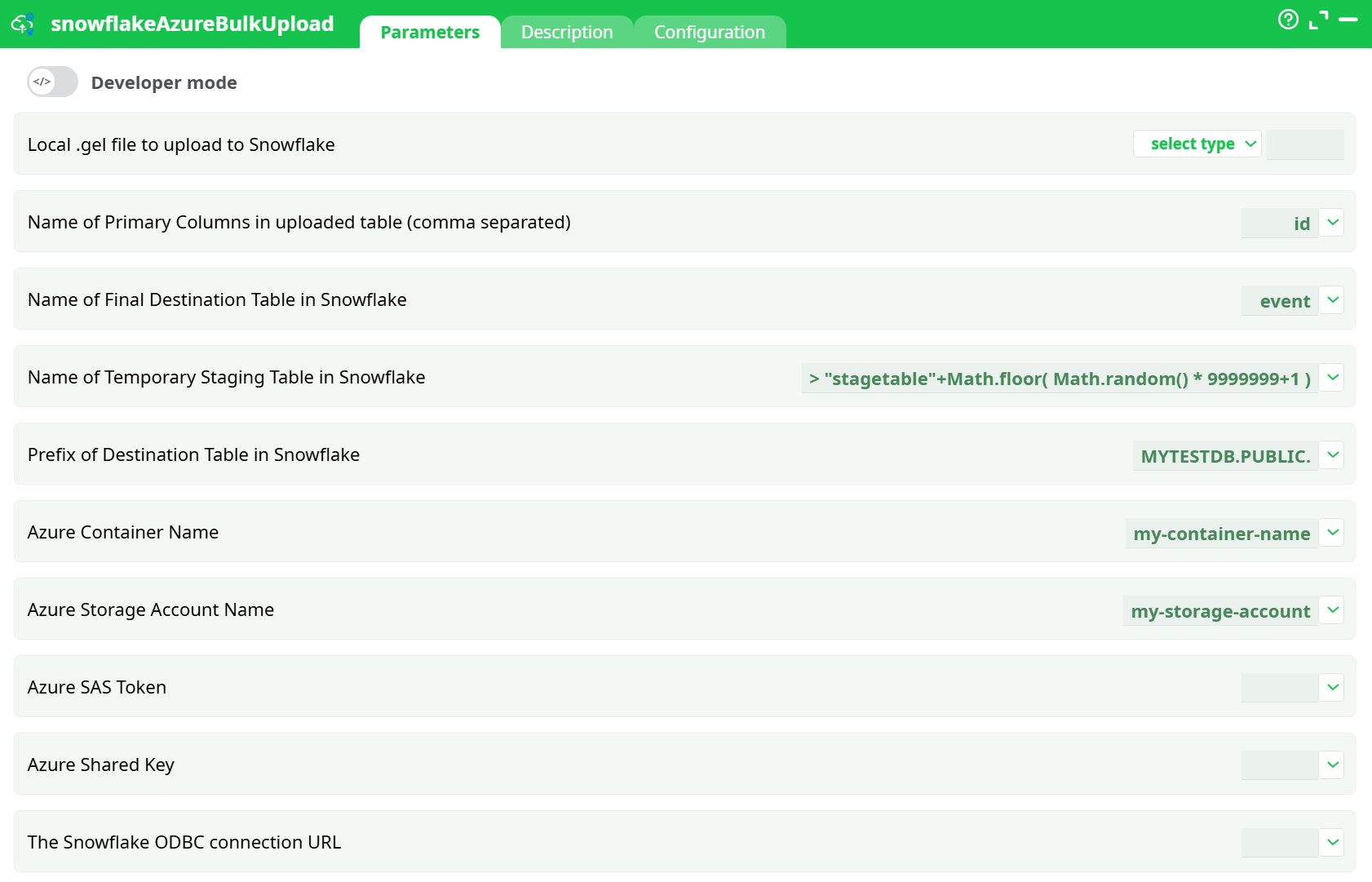
Parameters:
- Local .gel file to upload to Snowflake
- Name of Primary Columns in uploaded table (comma separated)
- Name of Final Destination Table in Snowflake
- Name of Temporary Staging Table in Snowflake
- Prefix of Destination Table in Snowflake
- Azure Container Name
- Azure Storage Account Name
- Azure SAS Token
- Azure Shared Key
- The Snowflake ODBC connection URL
¶ Description tab
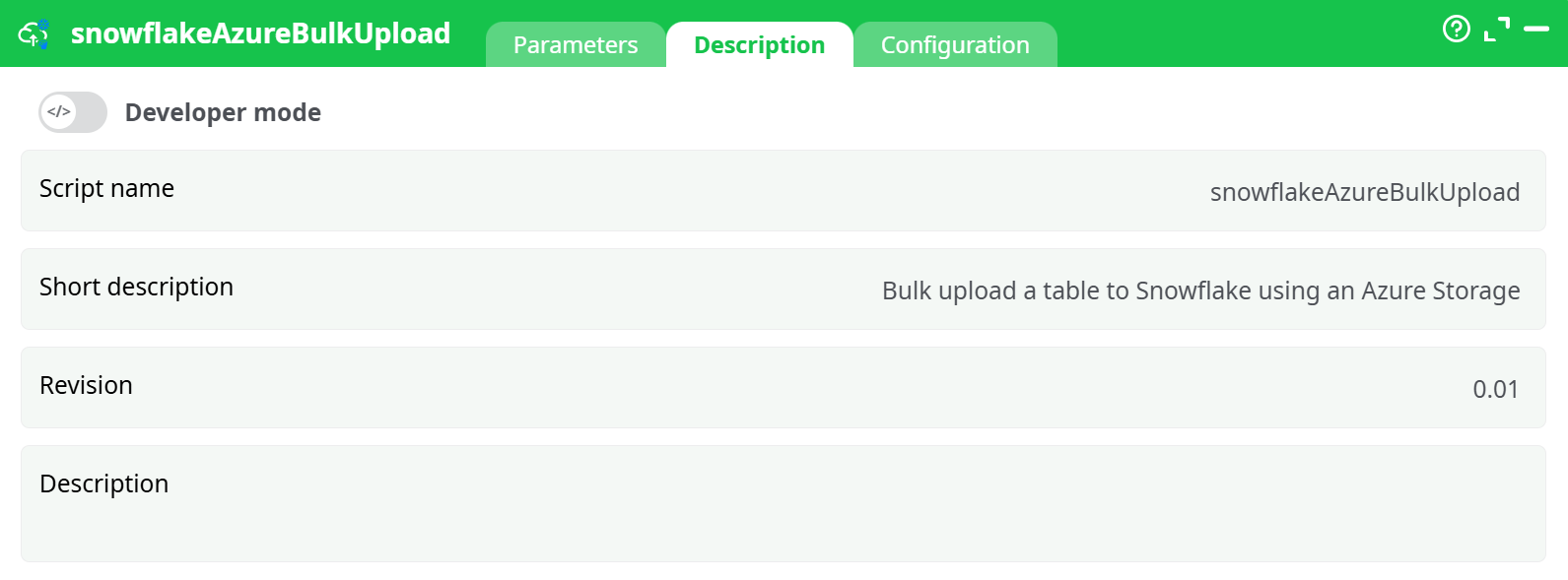
Parameters:
- Script name
- Short description
- Revision
- Description
¶ Configuration tab
See dedicated page for more information.
¶ About
Inserting rows into Snowflake using the standard ODBC connector is horribly slow. To get more speed, you can use the current Action. This action proceeds in 5 steps:
- Using the user-provided .gel file (parameter P1), it creates on the local hard drive a temporary csv file with all the data to copy into SnowFlake.
- It copies the temporary csv file from the local hard drive into an Azure Storage.
- It copies the temporary csv file from the Azure Storage to a Staging Table (parameter P4) into SnowFlake.
- It copies the content of the Staging Table to the Final Table (parameter P3) into SnowFlake. Before the copy starts, to avoid to get any Primary Keys “in double” inside the Final Table, it removes from the Final table all the rows that have the same Primary Keys as the Primary Keys inside the Staging table. The name(s) of the Primary key column(s) is(are) given in parameter P2.
- Cleaning: It deletes the staging table, the csv file inside the Azure Storage and inside the local hard drive.
To be able to connect to your Azure storage, you need to get from Azure these 4 parameters:
- Parameter P6: your “Azure Container Name”
- Parameter P7: your “Azure Storage Account NAme”
- Parameter P8: your “Azure SAS Token”
- Parameter P9: your “Secret Sahred Key”
Prerequisite: For detailed instructions on how to configure the Azure service, see: AzureServiceConfiguration
To be able to connect to your SnowFlake database (to run the SQL command to import the data fromthe S3 bucket), you need to:
- Download & install the ODBC drivers for RedShift. You can download these drivers from us here: http://download.timi.eu/ODBC/ODBC_drivers_SnowFlake/
- Get the ODBC connection URL to connect to your Snowflake database: Enter this URL as the ETL parameter P10. The instructions to get this ODBC connection URL is given here: https://docs.snowflake.com/en/user-guide/odbc-parameters.html#configuration-
parameters
Typically, this ODBC connection URL looks like this:
Driver={SnowflakeDSIIDriver}; Server=dy47396.eu-west-1.snowflakecomputing.com; Database=MYTESTDB; UID=<my_user>; PWD=<my_password>